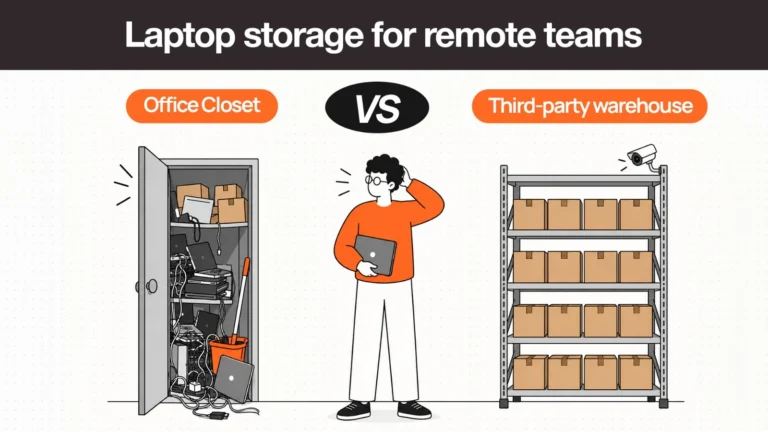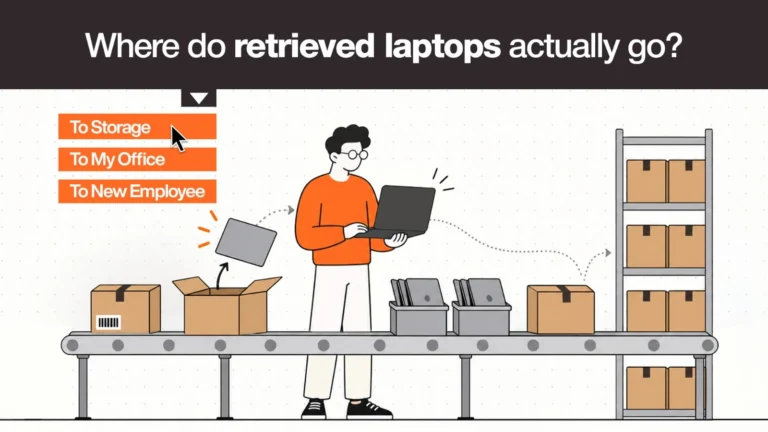
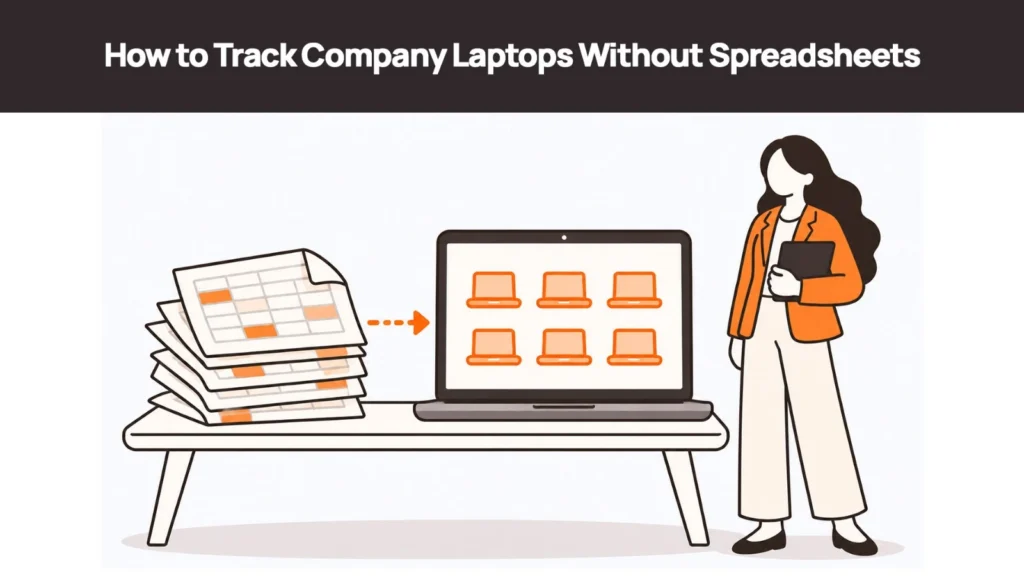
A spreadsheet is usually where company laptop tracking begins.
Someone creates a Google Sheet when the team has 15 or 20 employees. It has all the right columns: employee name, laptop model, serial number, date assigned, and device status.
For a while, it works.
Then the company starts hiring across locations. Employees move between teams. Laptops go in for repairs, get reassigned, or need to be returned when someone leaves. The person who maintained the sheet moves on, and updates start getting missed.
Eventually, the spreadsheet still exists, but nobody is entirely sure how accurate it is.
This is a common point where IT teams start looking for how to track company laptops without spreadsheets.
The issue is not that spreadsheets are bad tools. It is that laptop inventory changes every time something happens to a device. A spreadsheet only changes when someone remembers to update it.
The right replacement depends on your team’s size and how you manage devices. Some companies need a structured asset register. Others need a system that connects device records with procurement, delivery, repairs, and retrieval.
Here is how to decide what makes sense for your business.
1. Why Spreadsheets Break Specifically for Laptop Tracking
A spreadsheet can store device information. What it cannot reliably do on its own is keep that information current as devices move through the business.
There are four reasons this becomes a problem.
Device inventory is event-driven
A laptop record changes whenever something happens in the real world.
- A new laptop is delivered to an employee.
- An employee hands their device to a colleague.
- A laptop is sent for repair.
- An employee leaves the company.
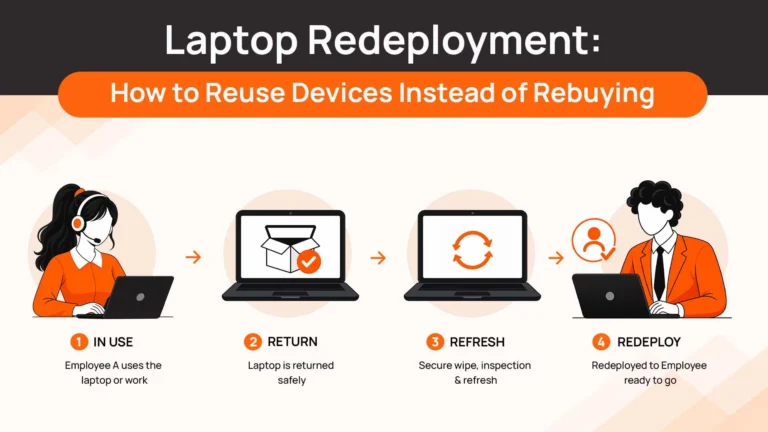
- A returned device is wiped and prepared for reuse.
Each event should change the device’s record.
A spreadsheet does not know that a delivery happened or that an employee has left. Someone has to receive the information, open the sheet, find the right row, and update it.
If any step gets missed, the record becomes outdated.
Multiple teams are involved
Laptop tracking rarely sits with one person.
HR knows when someone joins or leaves. IT manages device assignments and technical requirements. Procurement handles purchases. Finance may need the purchase and depreciation details.
If these teams work from different systems, the spreadsheet owner depends on everyone else sharing updates.
A device can be returned without the inventory being updated. An employee can leave without IT knowing which laptop they were assigned. A replacement can be shipped while the original device is still marked as active.
These gaps usually appear during handoffs.
Incorrect records have real consequences
A stale row in a contact list might be inconvenient. A stale row in a laptop inventory can create a much bigger problem.
For example:
- A laptop is still assigned to an employee who left six months ago.
- A device is marked as active but was disposed of without a proper record.
- A laptop is sitting with a former employee, but no retrieval process has started.
- A replacement has been issued, but the original device is still listed as being in use.
These issues affect cost control, security processes, and audit preparation.
The scale eventually becomes difficult to manage
A team with 20 laptops in one office can probably verify its inventory by physically checking the devices.
That becomes much harder with 150 laptops across six countries.
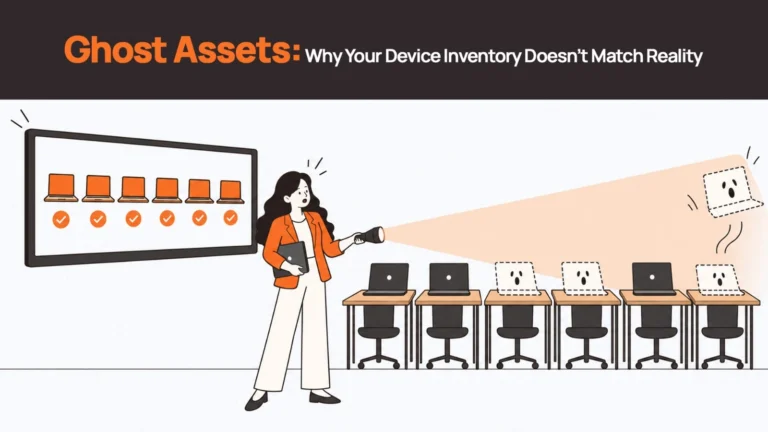
You cannot easily walk around and confirm who has each device. You have to rely on records, employee confirmations, delivery updates, and other sources of information. At that point, a manually maintained spreadsheet is working on trust — and trust in a manually updated record is what creates ghost assets and missed retrievals.
At that point, a manually maintained spreadsheet becomes difficult to trust.
2. What Does Tracking Company Laptops Actually Need to Cover?
Before choosing software, define what you expect your tracking system to do.
Knowing where a laptop is right now is useful, but it is only one part of the picture.
A reliable company laptop tracking process should cover six areas:
| What to track | Information you should have |
|---|---|
| Device identity | Serial number, model, operating system, specifications and asset ID |
| Assignment | Employee name, department, assignment date and ownership history |
| Location | Country, office, storage facility or employee location |
| Status | In use, in transit, under repair, in storage, returned or retired |
| History | Purchases, assignments, repairs, returns and disposal records |
| Retrieval | Whether the device needs to be returned, the return process and its completion status |
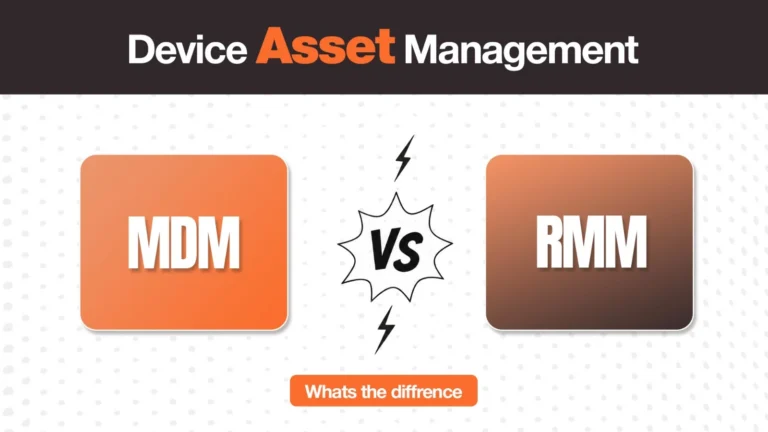
There is another distinction worth understanding before evaluating tools: MDM and laptop asset tracking are not the same thing.
Mobile Device Management (MDM software) helps IT teams manage what happens on a device. Depending on the platform and configuration, it can show whether a laptop is enrolled, when it last checked in, whether it meets security policies, and whether remote actions are available.
Asset tracking answers different questions: Who has the laptop? Where is it? When was it assigned? Is it being repaired? Has it been returned?
Both are important. A company can have good MDM coverage and still have an inaccurate inventory of who physically holds its laptops.
And even if your inventory shows that a laptop needs to be returned, that does not mean the device will automatically make its way back to your office or storage facility — getting devices back requires a retrieval process, not just a record.
That brings us to the available options.
3. The Alternatives: A Maturity Spectrum, Not a Ranking
There is no single best laptop tracking software for every company.
A small business with one office and 40 laptops has different requirements from a remote-first company with employees in 10 countries.
Think of the options as three levels of maturity.
| Level 1: Basic tracking tools | Level 2: ITSM platforms | Level 3: Device lifecycle platforms | |
|---|---|---|---|
| Typical team | Small IT team, limited locations | Growing IT team with established service processes | Distributed or global workforce |
| Illustrative scale | Often under 100 devices, one or two locations | Hundreds of devices across a few locations | Larger or geographically dispersed fleets |
| What it covers | Device records, assignments, check-in/check-out and basic history | Asset records connected to service requests, tickets and workflows | Procurement, delivery, tracking, retrieval and other physical lifecycle activities |
| Example tools | Snipe-IT | Freshservice, Jira Service Management | Remoasset; dedicated inventory platforms such as Setyl |
| Key limitation | Requires people to maintain accurate records and capture events | Workflows depend on configuration and the systems they connect to; physical logistics may still need separate coordination | More capability than a small, single-location team may need |
These are indicative categories, not fixed device-count rules or product rankings. Features vary by plan, configuration and integrations.
Level 1: Basic asset tracking tools
If your main problem is that your spreadsheet has become disorganised, a structured asset register may be enough.
Tools such as Snipe-IT provide a more organised way to record devices, assign them to users, track check-in and check-out activity, and manage asset information. It also supports importing existing records from CSV files.
The advantage is straightforward: instead of maintaining rows and columns yourself, you have defined asset fields and a dedicated place for device records.
However, moving to an asset register does not automatically solve every tracking problem. Your team still needs to make sure that device events are captured and records are updated.
Best suited to: Smaller companies with a limited number of devices, one or two locations, and someone responsible for maintaining the inventory.
Level 2: ITSM platforms with asset management
As IT operations become more structured, companies may want device records connected to their service desk.
Platforms such as Freshservice and Jira Service Management offer asset management capabilities alongside service management workflows.
For example, a laptop repair request can be connected to the relevant asset record. A device request can follow an approval process. IT teams can manage assets alongside incidents, changes and other service activities.
This is useful when a company already uses an IT service management platform and wants fewer disconnected processes.
The limitation is that a workflow inside an IT platform does not necessarily take care of the physical work. Arranging an international pickup, coordinating a local supplier, or getting a laptop back from a former employee may still require separate processes and partners.
Best suited to: Growing IT teams that already use an ITSM platform and want asset tracking connected to their service desk.
Level 3: Dedicated device lifecycle platforms
For distributed companies, the challenge often extends beyond knowing which employee has which laptop.
The company needs to source devices in different countries, deliver them to employees, manage replacements and repairs, and retrieve them when people leave.
This is where dedicated device lifecycle platforms become relevant.
For example, Remoasset focuses on global laptop procurement and retrieval across 80+ countries. Its offering covers local procurement, delivery, device lifecycle management coordination, retrieval, storage and disposal. Its published retrieval process includes HRIS-triggered workflows, return kits or local pickups, and tracking through the return process.
Platforms such as Setyl provide dedicated hardware inventory and lifecycle management capabilities, including employee assignment and recovery workflows. The exact capabilities and integrations differ, so evaluate each platform against the physical and operational requirements you have.
The important distinction is to look beyond the inventory dashboard. Ask whether the provider can help execute the device-related work that happens outside the software.
Best suited to: Remote-first, distributed or global companies where procurement, delivery and retrieval across locations are regular operational requirements.
| Related Reads |
| → Laptop Asset Management Software: A Practical Buying Guide A practical buying guide for teams evaluating asset management tools at every level. |
| → How Many Spare Laptops Should You Keep? Buffer Stock for Remote Teams How to size your device buffer so you are not waiting on procurement at every hire. |
| → Secure Data Wiping and Device Disposal What happens to a device’s data after retrieval — and what a certified wipe actually proves. |
| → Where Do Retrieved Laptops Go? The post-retrieval path: storage, redeployment or responsible disposal. |
| → Corporate Laptop Disposal: What Happens at End of Life End-of-life handling for devices that have been wiped and are ready to leave the fleet. |
4. What to Look for When Evaluating Laptop Tracking Software
Once you know which level you need, use these questions to compare your options.
1. Do device records stay updated when events happen?
Ask what happens when a laptop is delivered, reassigned, repaired or returned.
Does the system receive an update through an integration or workflow? Does someone need to manually change the record?
A better-looking dashboard will not solve the original problem if your team still has to remember every update. Tools that integrate zero-touch deployment and delivery confirmation into the record are a step ahead of those that require manual input at every step.
2. Can it connect with your HR system?
Your HR system already knows when employees join and leave.
If your laptop tracking process can connect with those events, it becomes easier to start the right device workflow at the right time.
For example:
- New hire: initiate the device procurement or assignment process.
- Employee exit: start the laptop retrieval process automatically.
- Employee relocation: review whether the device needs to be moved or replaced.
Check which HRIS platforms are supported and whether the integration triggers actions automatically or simply syncs information.
3. Does it help you retrieve devices?
This is one of the most important questions for remote teams.
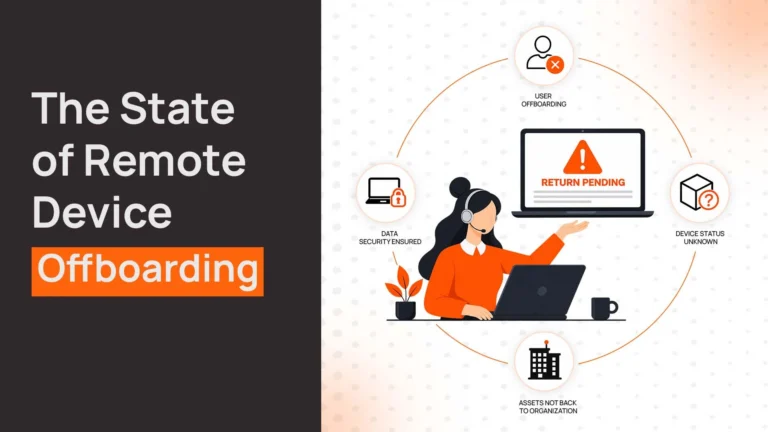
A system that marks a laptop as “retrieval pending” gives you visibility. But someone still needs to arrange the return.
Ask whether the provider can coordinate return kits, shipping labels, local pickups, employee follow-ups and receipt confirmation.
The more countries your employees work from, the more important local retrieval support becomes.
4. Does it work across your locations?
A tool may be perfectly suitable for a company with one office but less useful when employees are spread across different countries.
Check whether the provider can support local procurement, delivery and retrieval in the countries where your employees work.
Do not confuse a system that can store a country name with a service that can actually coordinate operations there.
5. Can you produce a reliable device history?
You should be able to answer basic questions about every laptop:
- Who was assigned the device?
- When was it delivered?
- Has it been repaired or replaced?
- Was it returned after an employee left?
- What happened to it after retrieval?
Check what history the platform records, which updates are automated, and what supporting documents can be attached or exported.
This becomes particularly useful when preparing for internal reviews and compliance assessments.
5. How to Move Away From a Spreadsheet Without Carrying the Same Problems Forward
One mistake companies make is importing their entire spreadsheet into a new system and assuming the problem is solved.
It is not.
If your spreadsheet has incorrect assignments, missing serial numbers and devices that nobody can locate, those inaccuracies will move into the new platform too.
Start with a reconciliation.
Step 1: Check what actually exists
Compare your spreadsheet against available information from MDM, HR records, purchase records, delivery confirmations and employee responses.
Identify which devices are physically accounted for, who currently has them, and which records need investigation. This is also the step where ghost assets surface — devices marked active that nobody can locate.
Step 2: Separate verified records from unknowns
Do not mark every device in the spreadsheet as active simply because it appears in the file.
Move verified records into the new system. Keep unverified devices on a separate investigation list until you can establish their status.
A smaller, accurate inventory is a better starting point than a complete-looking but unreliable one.
Step 3: Decide who owns each update
Before going live, define who is responsible for capturing each event.
For example:
- Procurement confirms the purchase and delivery details.
- IT records assignment and reassignment.
- The repair team updates repair status.
- HR or People Ops triggers the offboarding process.
- IT or the retrieval provider confirms receipt and the next device status.
The exact ownership will depend on your organisation. What matters is that every event has a clear owner.
Step 4: Plan for the backlog
Your first reconciliation will probably uncover devices that need attention.
There may be former employees with outstanding laptops, devices with mismatched serial numbers, or records that nobody can verify.
Give your team time to investigate these before treating the new platform as the single source of truth.
6. When Is It Time to Move Beyond Basic Laptop Tracking?
A useful way to decide is to look at how much of the device process your team still manages manually.
If you have a small fleet in one office, a structured asset register may be all you need.
If your IT team already uses a service desk and wants device records connected to tickets and requests, an ITSM platform may be the right next step.
But if employees are spread across countries and your team regularly coordinates procurement, deliveries, repairs and returns, the problem is no longer just maintaining an inventory.
You need a way to manage the full device lifecycle — not just a record of where things are.
Remoasset helps companies manage global laptop procurement and retrieval across 80+ countries, with local sourcing, delivery coordination, retrieval workflows and post-return handling under one process.
Instead of relying on separate spreadsheets and local vendor conversations, teams can manage device-related operations through a central platform.
If your spreadsheet has become the place where device problems are recorded rather than prevented, it may be time to change the process behind it.
| Key Signal: When Basic Tracking Is No Longer Enough If you have employees in more than three countries and device events (hires, departures, repairs, relocations) happen every month, Level 1 and Level 2 tools will keep better records than a spreadsheet. But they will not close the operational gaps — getting devices shipped locally, managing retrievals across borders, keeping inventory current without manual entry — that are costing you devices and creating compliance exposure. That is the signal to move to a dedicated lifecycle platform. |
Frequently Asked Questions
How do you track company laptops?
Start by defining what you need to track: device identity (serial number, model, specs), assignment (who has it and since when), location (country, site or home office), status (active, in repair, in storage), history (every event from deployment to retrieval), and retrieval status. The right tool depends on your scale. Teams with a small, single-site fleet can use a structured asset register such as Snipe-IT. Teams with employees across multiple countries need a platform that updates records from events automatically — delivery, reassignment, retrieval — rather than relying on someone to update a row.
What is the best software to track company laptops?
There is no single best tool — it depends on your fleet size and geographic footprint. For teams under 100 devices in one or two locations, a basic asset tracking tool such as Snipe-IT provides structure without complexity. For mid-market IT teams with an existing service desk, Freshservice or Jira Service Management add asset tracking alongside ticket workflows. For distributed or global teams where procurement, delivery and retrieval are ongoing operational requirements, a dedicated device lifecycle platform such as Remoasset covers the full arc from local sourcing to certified disposal across 80+ countries.
How do small companies track their IT equipment?
Most small companies start with a spreadsheet and graduate to a structured asset register when the spreadsheet breaks down — usually when the fleet grows past 30–50 devices or starts spanning more than one location. A tool such as Snipe-IT is free, well-documented, and replaces the spreadsheet without introducing enterprise complexity. The discipline that matters more than the tool is event capture: defining who updates the record when a device is delivered, reassigned, repaired or returned. No tool stays accurate if that definition does not exist.
Can MDM software track laptops?
MDM software tracks what is on the device: enrolled in policy, security compliant, last check-in time, remote wipe capability. It does not track what is known about the device: who physically has it, where it is located, what its assignment history is, or whether it needs to be retrieved. A team can have excellent MDM coverage and a completely wrong asset record — and vice versa. MDM and laptop asset tracking address different questions and are not substitutes for each other. For complete visibility, you need both.
What is laptop asset tracking?
Laptop asset tracking is the practice of maintaining an accurate, up-to-date record of every device in your fleet — what it is, who has it, where it is, and what has happened to it. At its most basic, that is a structured database with defined fields and an audit log. At its most capable, it is a system that updates the record automatically when events happen: a delivery is confirmed, a device is reassigned, an employee exits and retrieval is triggered. The difference between basic tracking and lifecycle management is whether the system just records the state of a device or whether it drives the operations that keep that state accurate.
How do you track devices for remote employees?
The core challenge with remote teams is that you cannot physically verify inventory. You have to rely entirely on records, and those records need to stay current without anyone physically checking. That means event-driven updates: when a device is delivered, the delivery confirmation updates the record. When an employee exits, the exit event triggers a retrieval workflow. For teams spread across countries, local infrastructure matters: a tracking system that records a device as being in Brazil but cannot help you get it back is tracking in the narrow sense and not in the useful one. Platforms that combine record-keeping with operational logistics — local procurement, local retrieval, global visibility — are built for exactly this problem.
What is the difference between MDM and asset tracking?
MDM (Mobile Device Management) manages the software layer of a device: security policy enforcement, application configuration, remote lock and remote wipe. It answers “is this device compliant and manageable?” Asset tracking manages the physical and administrative layer: who has the device, where it is, what its assignment history is, what its current status is. It answers “where is this device and what is happening to it?” Both are necessary. MDM without asset tracking means you can lock a device but you do not know who has it or whether it was ever returned. Asset tracking without MDM means you know the device exists but cannot enforce security or act remotely if it is lost. The two are complementary, not competing.