On paper, onboarding and offboarding look simple. In reality, they rarely are.
You hire 10 remote employees across three countries in one week. IT scrambles to order laptops. HR sends paperwork. Some devices arrive late. Two employees wait three days to start working because their laptops aren’t configured.
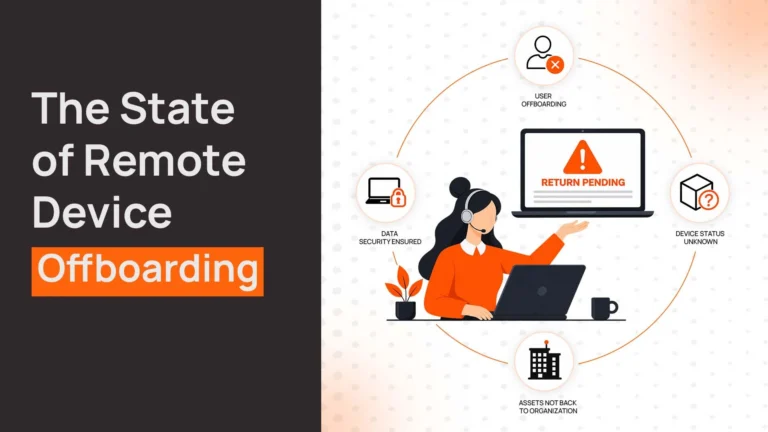
At the same time, three people leave. IT emails them requesting device returns. One ignores it. Another says they shipped it but provides no tracking number. The third is traveling and can’t return it for a month. IT has no visibility. HR doesn’t know if accounts were disabled. Finance can’t confirm final pay until devices are accounted for.
This is where automation is supposed to help. But most teams still struggle.
What Onboarding and Offboarding Automation Actually Means
Understanding what automation actually does matters more than chasing features.
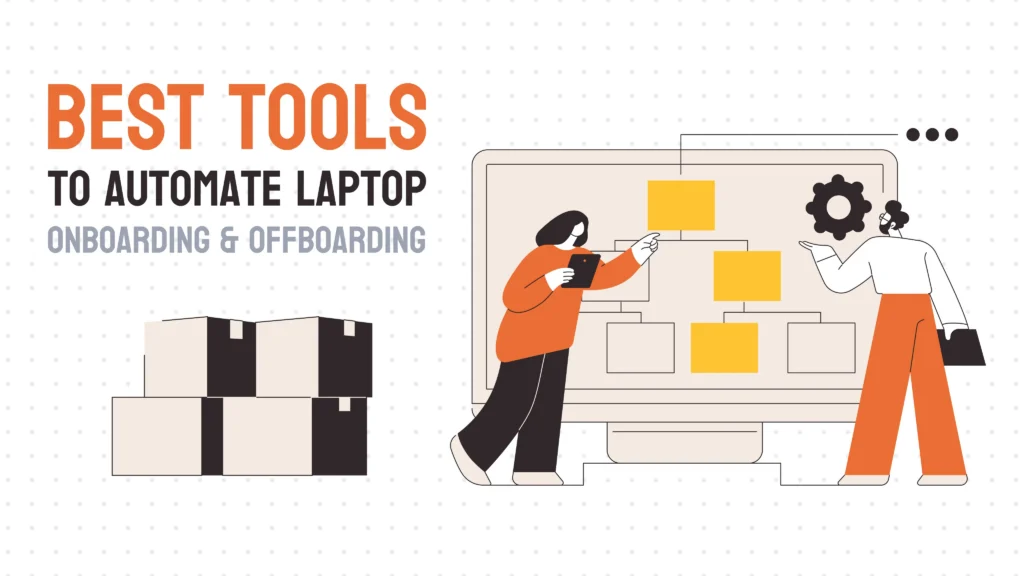
Onboarding and offboarding automation means reducing manual coordination across teams. It’s not just workflows in HR software. It’s not just access control in IT systems. It’s eliminating the gaps where things fall through—the laptop that doesn’t get ordered, the account that doesn’t get disabled, the device that never gets returned.
True automation connects HR triggers to IT actions to device logistics without someone manually coordinating each step.
How Laptop Onboarding and Offboarding Actually Work Step by Step
To understand where automation helps, you first need to see how the process actually works.
Onboarding
- HR initiates – Someone accepts an offer. HR enters the start date and role into the HRIS.
- IT provisions access – IT creates email, Slack, and system accounts. Permissions get assigned based on role.
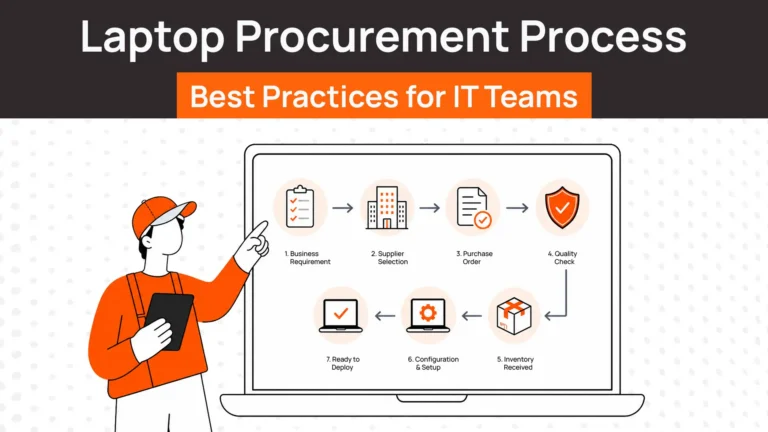
- Device procurement – Someone orders a laptop. Could be IT. Could be a vendor. Lead times vary by supplier.
- Device configuration – Laptop arrives. IT installs software, security certificates, VPN, MDM enrollment. Takes hours per device.
- Device shipping – Configured laptop ships to employee’s address. Could be next day or two weeks depending on location.
- Employee setup – Employee receives device, logs in, and starts work.
Offboarding
- Exit triggered – Employee resigns or is terminated. HR updates status in HRIS.
- Access revoked – IT disables email, Slack, VPN, system accounts. Ideally immediately.
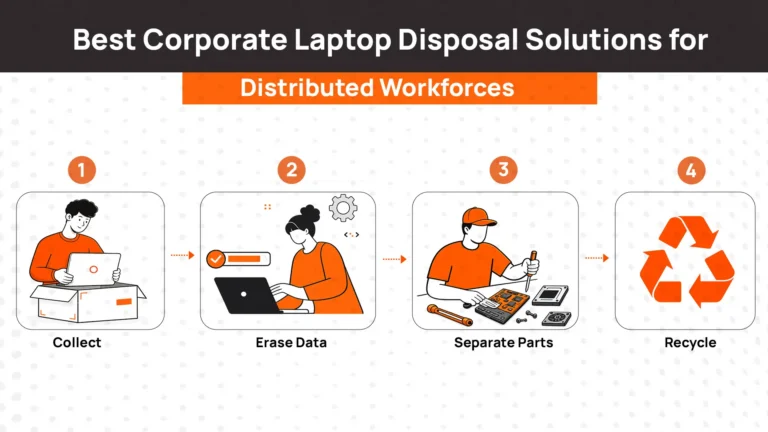
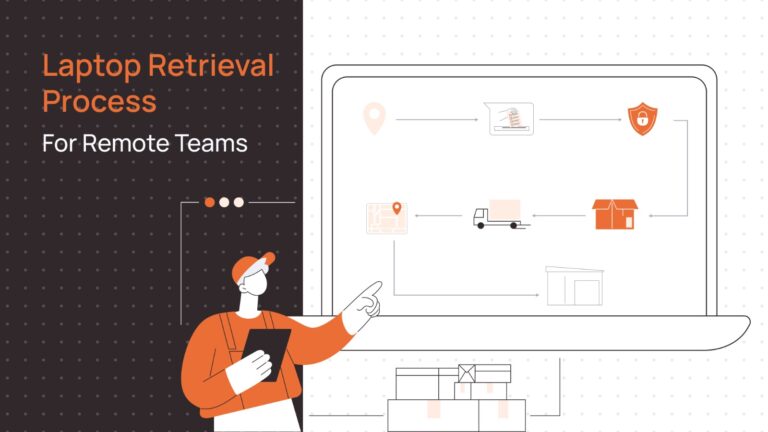
- Device recovery – Employee receives instructions to return laptop. Prepaid shipping label provided. Tracking initiated.
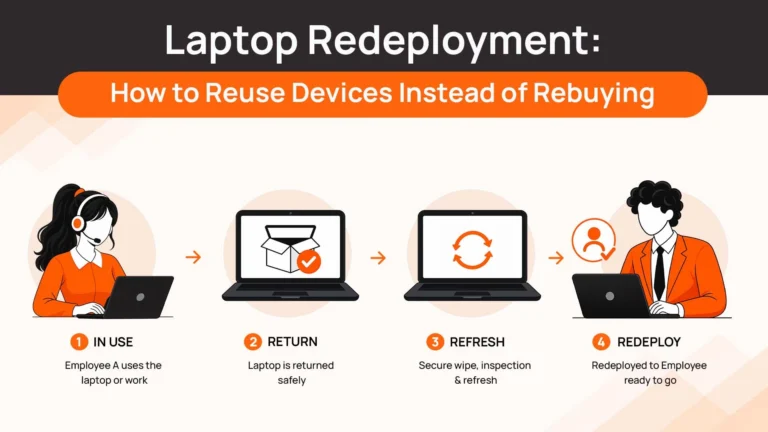
- Data handling – Device arrives. IT wipes data, evaluates condition, stores or redeploys.
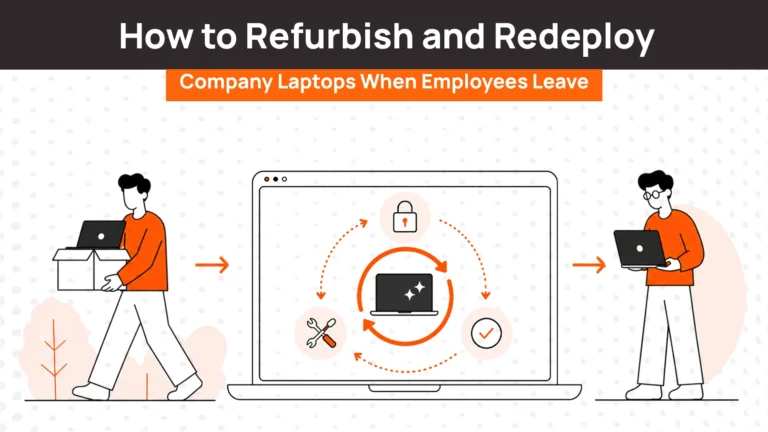
When one step breaks, the whole thing breaks. Automation is supposed to connect these steps so they happen without manual intervention.
Related Read:
Why Most Automation Tools Still Leave Gaps
Once you try to scale IT onboarding and offboarding, the real problems show up on the IT side.
HR tools don’t handle devices
Platforms like BambooHR and Deel automate paperwork, benefits enrollment, and compliance tasks. They trigger IT to provision accounts. But they don’t order laptops, configure them, or coordinate shipping. That’s still manual.
Identity tools don’t handle logistics
Okta and JumpCloud provision and deprovision accounts beautifully. Employees gain access to systems automatically. When they leave, credentials get disabled. But these tools don’t touch the physical laptop sitting at the employee’s home.
IT tools don’t handle full lifecycle
Traditional ITSM platforms track devices in inventory. They don’t procure them, ship them internationally, or retrieve them when employees leave. Logistics and device management still happen outside the system.
The gap between these categories is where onboarding and offboarding actually break.
Types of Tools Used in Onboarding and Offboarding Automation
Most people think onboarding software solves all of this. It doesn’t. Understanding what different tools actually do helps you choose the right one.
HR Onboarding and Offboarding Tools
HR platforms handle employee records, paperwork, benefits, and compliance workflows. They’re essential for the HR side but rarely touch devices.
1. Rippling
Rippling combines HR and IT workflows in one platform. When you hire someone, Rippling can provision accounts across 500+ apps AND order a laptop. When they leave, it disables access and triggers device retrieval. Rippling is strong when you want one system managing both HR and IT automation.
What it does: HR workflows, payroll, benefits, account provisioning, device ordering, access revocation
What it doesn’t do: International device logistics, refurbishment, redeployment workflows
Best for: Tech companies wanting unified HR + IT automation
2. BambooHR
BambooHR handles employee records, onboarding checklists, benefits, and time off. IT tasks appear as checklist items. Someone still needs to execute them manually. BambooHR doesn’t provision accounts or handle devices directly.
What it does: HR onboarding workflows, document management, task lists
What it doesn’t do: Account provisioning, device procurement, access automation
Best for: SMBs needing HR software with basic onboarding checklists
3. Deel
Deel specializes in global hiring and contractor management. It handles contracts, payroll, and compliance across 150+ countries. Onboarding includes document collection and compliance workflows. Offboarding triggers final payments and contract termination. Deel doesn’t manage IT accounts or devices.
What it does: Global contracts, compliance, payroll, contractor onboarding/offboarding
What it doesn’t do: IT account provisioning, device management
Best for: Companies hiring international contractors
Access and Identity Management Tools
Identity platforms provision and deprovision user accounts automatically. They excel at access control but don’t touch physical devices.
1. Okta
Okta is an identity platform that automates account provisioning and deprovisioning across SaaS applications. When someone joins, Okta creates their accounts. When they leave, Okta disables access everywhere simultaneously. Security-focused. No device handling.
What it does: SSO, account provisioning/deprovisioning, access policies, MFA
What it doesn’t do: Device procurement, shipping, retrieval, hardware management
Best for: Organizations prioritizing identity and access management
2. Microsoft Entra ID (Azure AD)
Microsoft Entra ID (formerly Azure AD) manages identity and access for Microsoft-centric environments. Onboarding provisions accounts across Microsoft 365, Azure, and connected apps. Offboarding removes access. Works best when most systems are Microsoft.
What it does: Identity management, Microsoft ecosystem access, conditional access policies
What it doesn’t do: Non-Microsoft device logistics, procurement, retrieval
Best for: Microsoft-first organizations
3. JumpCloud
JumpCloud provides cloud directory and device management for distributed teams. It provisions accounts and manages device-based access controls. Onboarding connects users to systems. Offboarding revokes access. Device enrollment is managed but physical logistics aren’t.
What it does: Cloud directory, SSO, MFA, device-based access control
What it doesn’t do: Device procurement, international shipping, retrieval workflows
Best for: Distributed teams needing centralized directory services
Device and Lifecycle Automation Platforms
Device lifecycle platforms handle procurement, deployment, retrieval, and redeployment. They connect onboarding and offboarding to the actual hardware employees use.
1. RemoAsset
RemoAsset manages the complete device lifecycle from procurement through disposal across 80 countries. Onboarding triggers automated device ordering and deployment. Offboarding triggers retrieval workflows globally. Devices are tracked in real-time, refurbished, and redeployed to new employees.
What it doesn’t do: HR workflows, payroll, benefits
Best for: Companies managing 100+ devices internationally needing lifecycle control
2. Workwize
Workwize provides IT asset lifecycle management including onboarding, maintenance, and offboarding. Subscription model covers unlimited device deployments across 100+ countries. Strong HRIS integrations trigger automated workflows.
What it does: Device procurement, deployment, retrieval, redeployment, asset tracking
What it doesn’t do: HR compliance, payroll, identity provisioning
Best for: Mid-size teams wanting subscription-based asset management
Related Read: Best Workwize Alternatives & Competitors
3. Allwhere
Allwhere emphasizes employee experience during device provisioning and retrieval. Global logistics with focus on clear communication and smooth processes. Onboarding is employee-friendly. Offboarding respects departing workers.
What it does: Device provisioning, global logistics, employee-focused communication
What it doesn’t do: Full lifecycle redeployment, HR workflows
Best for: Companies prioritizing employer brand through onboarding/offboarding
Related Read: Best Allwhere Alternatives
What to Look for in Tools to Automate Laptop Onboarding and Offboarding
Evaluating tools means checking whether they solve configuration AND logistics.
End-to-end workflow support
Does the tool handle onboarding from HR trigger through device delivery? Does offboarding include retrieval and data wiping? Partial solutions create manual gaps.
Device handling capability
Can it procure, configure, ship, and retrieve laptops? Or does it just create tasks for someone else to execute?
Global logistics
Does it ship devices internationally with customs handling? Domestic-only doesn’t work for distributed teams.
Automation depth
Do workflows trigger automatically based on HR system events? Or do they require manual initiation?
Visibility and tracking
Can you see real-time status for every device and employee? Spreadsheets hide problems until it’s too late.
Comparison Table of Onboarding and Offboarding Tools
Understanding what each tool actually handles helps you match capabilities to your needs.
| Tool | HR Automation | Access Automation | Device Automation | Lifecycle Support | Best For |
| Rippling | Full | Full (500+ apps) | Ships devices | Limited redeployment | All-in-one HR + IT + devices |
| BambooHR | Full | Task lists only | No | No | HR platform with IT checklists |
| Okta | No | Full | No | No | Identity-driven access control |
| RemoAsset | HRIS integration | HRIS integration | Full lifecycle | Procurement through reuse | Complete device lifecycle |
| JumpCloud | No | Full | Device access only | No | Cloud directory for distributed teams |
| Workwize | HRIS integration | HRIS integration | Full lifecycle | Procurement through resale | Subscription asset management |
How to Choose the Right Tools Based on Your Team
Matching your situation to the right platform saves time and money.
Small teams (under 20 employees, mostly US-based)
Use BambooHR for HR and handle IT manually. At this scale, devices can be managed without dedicated platforms.
Startups (20-50 employees, some international)
Use Rippling if you want everything in one place. Use Workwize or RemoAsset if device logistics are your main pain point.
Enterprises (50+ employees, multiple countries)
Use RemoAsset if you need full lifecycle control including device reuse. Use Rippling if you want unified HR and IT automation. Combine Okta for identity with a device platform if you prefer specialized tools.
Fast growth
Prioritize automation. Manual processes break when hiring 10-20 people monthly. HRIS integration and automatic device ordering become essential.
Security-focused
Use Okta or Rippling for access control. Combine with RemoAsset or Workwize for device security and certified data wiping.
Making Onboarding and Offboarding Actually Work End to End
Most tools solve parts of onboarding and offboarding. HR platforms handle paperwork. Identity tools manage access. Asset trackers log inventory. But the real problem is connecting everything so employee transitions happen smoothly without manual coordination.
RemoAsset bridges these gaps by handling the complete device lifecycle that other platforms miss. When someone’s hired, RemoAsset procures devices, coordinates global deployment, and ensures laptops arrive configured. When they leave, it triggers retrieval workflows, tracks devices internationally, wipes data securely, and refurbishes devices for redeployment.
The difference is procurement, deployment, recovery, and lifecycle management happen in one connected system instead of across spreadsheets, emails, and disconnected tools. For teams managing 50+ devices across distributed locations, this eliminates the coordination overhead that causes most onboarding and offboarding failures.
FAQs
What is onboarding and offboarding automation?
Onboarding and offboarding automation means connecting HR, IT, and device management so employee transitions happen without manual coordination. When someone joins, systems automatically create accounts, order configured devices, and grant access. When they leave, access gets revoked and devices get retrieved without IT manually tracking each step.
What tools are needed for automated onboarding and offboarding?
At minimum, you need HR software for employee records and an IT platform for access control. Best case, one platform handles both. Mid-size and larger remote teams benefit from device lifecycle platforms handling procurement, deployment, and retrieval globally.
How do companies handle laptop onboarding for remote employees?
Most companies use a combination of tools. HR software tracks start dates. IT manually orders and configures laptops. Devices ship to employee addresses. Better approaches use platforms that integrate HR triggers with automated device ordering and deployment so laptops arrive configured on day one.
How does device recovery work during offboarding?
Device recovery requires coordinating shipping, tracking, data wiping, and redeployment. Simple approaches send prepaid labels and hope devices return. Better platforms trigger automated retrieval workflows, track devices in real-time, wipe data securely, and redeploy refurbished devices to new employees.
Why does automation fail in onboarding and offboarding?
Automation fails when tools only solve one part of the workflow. HR platforms don’t handle devices. Identity tools don’t manage logistics. Asset platforms don’t integrate with HR. The gaps between these systems require manual coordination that breaks at scale.
Can small teams automate onboarding and offboarding?
Small teams can automate HR workflows and access provisioning with affordable tools. Device management at under 50 employees is often handled manually. Automation becomes essential when managing 100+ devices across distributed teams.
What are the costs of onboarding and offboarding automation?
Costs vary by platform and company size. HR platforms range from $5-10 per employee/month. Device lifecycle platforms start around $8-15 per employee/month. All-in-one platforms like Rippling use custom pricing. ROI comes from reduced IT hours, fewer lost devices, and faster employee productivity.
How long does setup take for automation tools?
HR platforms can be deployed in days to weeks depending on complexity. Identity platforms require configuration of integrations and access policies (weeks). Device lifecycle platforms need supplier relationships and logistics setup (weeks to months). Most vendors provide implementation support.
What are the biggest risks in onboarding and offboarding?
Security risks from unreturned devices and active credentials after departure. Compliance risks from missing documentation or improper data handling. Productivity risks when employees can’t work on day one. Financial risks from lost or untracked devices.
Can onboarding and offboarding automation work globally?
Yes, but requires platforms with international capabilities. HRIS needs global compliance. Identity tools need multi-region support. Device platforms need customs handling and local logistics partnerships in employee locations. Domestic-only tools don’t scale internationally.