Remote and hybrid work have permanently changed how IT teams operate. Devices are no longer managed within office walls. Employees now work across cities, countries, and time zones, often managing company laptops far from centralized IT support.
Yet most traditional IT frameworks were built for office environments.
This creates three immediate problems:
- Lack of visibility into where devices are and who is using them
- Increased security exposure from unmanaged or out-of-policy endpoints
- IT teams overwhelmed by manual provisioning, support, and recovery workflows
The stakes are high. Distributed devices are not just an operational inconvenience. They are a security liability and a productivity risk.
Recent industry research shows that endpoint environments have expanded significantly with remote work, increasing both attack surfaces and operational overhead for IT teams.
This guide explains:
- What remote device management actually means in 2026
- How it works in modern distributed environments
- The key capabilities businesses need
- Common challenges and how to solve them
- Best practices and future trends shaping the space
What Is Remote Device Management?
Remote device management is the practice of monitoring, securing, maintaining, and troubleshooting devices without requiring physical access.
It applies to:
- Laptops used by remote employees
- Mobile devices such as phones and tablets
- Any endpoint accessing company systems
At a high level, remote device management works in three steps:
- Devices are enrolled into a central system
- Security policies and configurations are applied
- IT teams monitor and manage devices remotely through a unified interface
This process is powered by different technology layers:
- MDM (Mobile Device Management)
- RMM (Remote Monitoring and Management)
- UEM (Unified Endpoint Management)
However, the concept goes beyond tools.
Remote device management became essential when work moved outside the office. IT teams can no longer rely on physical access, manual setup, or on-site troubleshooting. Everything must work remotely, reliably, and at scale.
Why Remote Device Management Is Essential for Modern IT Teams
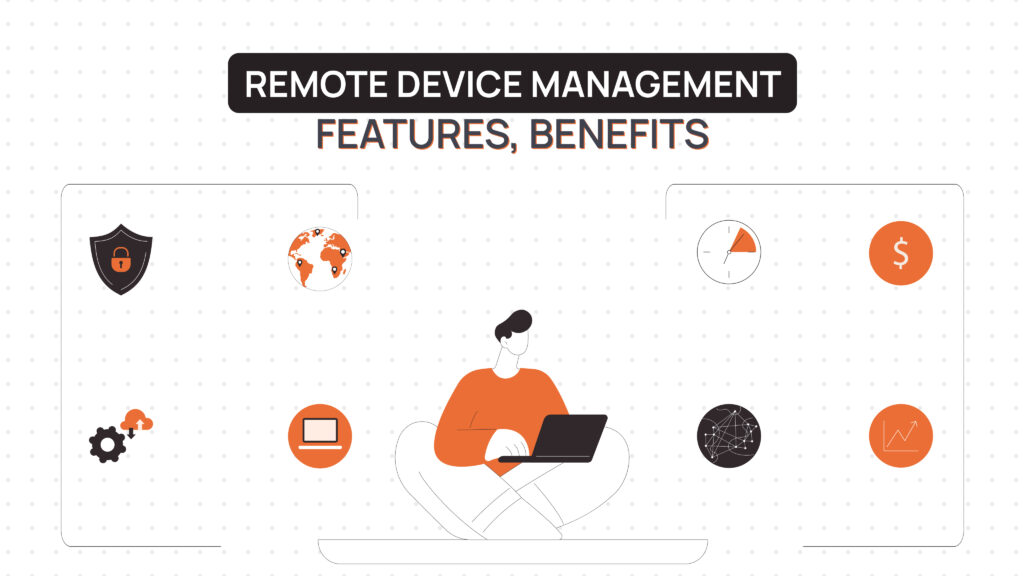
Managing distributed workforces has become the default operating model for many organizations. Teams are spread across regions, often without access to physical IT infrastructure. Remote device management ensures IT can support any employee, anywhere, without delays or location dependency.
Faster troubleshooting significantly reduces downtime. Instead of shipping devices or scheduling repairs, IT teams can diagnose and fix issues in minutes. This improves employee productivity and reduces operational friction.
Security control becomes stronger when enforced remotely. IT teams can apply encryption, push updates, and lock or wipe devices instantly, regardless of where they are located. Security no longer depends on physical proximity.
Centralized visibility gives IT teams a complete view of all devices across locations, operating systems, and compliance states. Without this, blind spots emerge, increasing both risk and inefficiency.
Operational costs decrease as manual processes are replaced by automation. Remote provisioning, automated updates, and streamlined support reduce the need for physical handling, logistics overhead, and repetitive IT tasks.
Key Capabilities of a Remote Device Management System
Device enrollment ensures that every device enters a controlled environment before being used. Automated or zero-touch enrollment removes manual setup and allows employees to start working immediately.
Remote monitoring provides continuous visibility into device health, performance, and compliance status. IT teams can detect issues early rather than reacting to failures.
Software and patch management ensures devices remain secure and up to date. Automated updates reduce vulnerability windows without requiring user action.
Security enforcement allows IT teams to apply encryption, password policies, and remote lock or wipe commands. This is critical when devices are lost, stolen, or compromised.
Remote support enables IT teams to troubleshoot and resolve issues without physical access. This reduces downtime and improves employee experience.
Device inventory and asset tracking connect devices to users, locations, and lifecycle stages. This capability is foundational to both cost control and security visibility.
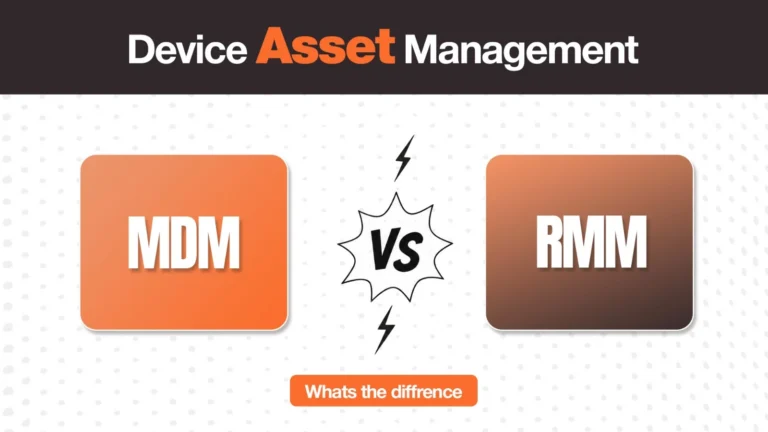
Remote Device Management vs MDM vs RMM
These terms are often used interchangeably, but they represent different layers of device operations. Misunderstanding them can lead to choosing the wrong solution.
| Technology | Focus | Typical Use Case | Scope |
| MDM | Policy enforcement and device security | Smartphones, tablets, laptops | Software configuration layer |
| RMM | Monitoring and remote support | IT teams and service providers | Device health and performance |
| UEM | Unified endpoint control | Enterprises with mixed devices | Combines MDM + RMM |
| Remote Device Management | Overall practice | Distributed workforce environments | Software + lifecycle operations |
MDM and RMM solve different problems. One focuses on security policies, while the other focuses on monitoring and support.
Remote device management is the broader practice that combines these layers.
👉 For a deeper breakdown of tools and platforms, see our guide to comparing the best remote device management software.
The Hidden Challenge: Managing Device Logistics for Remote Teams
Remote device management tools handle the control layer well. They enforce policies, monitor devices, and enable remote access.
But they do not solve what happens before a device is used or after an employee leaves.
This is where most organizations struggle.
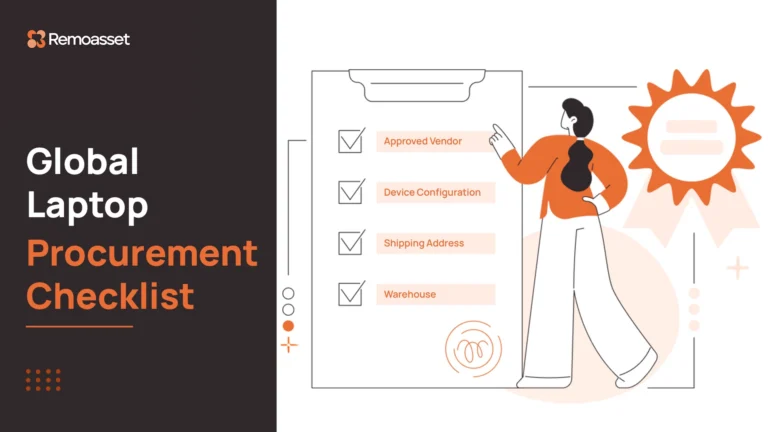
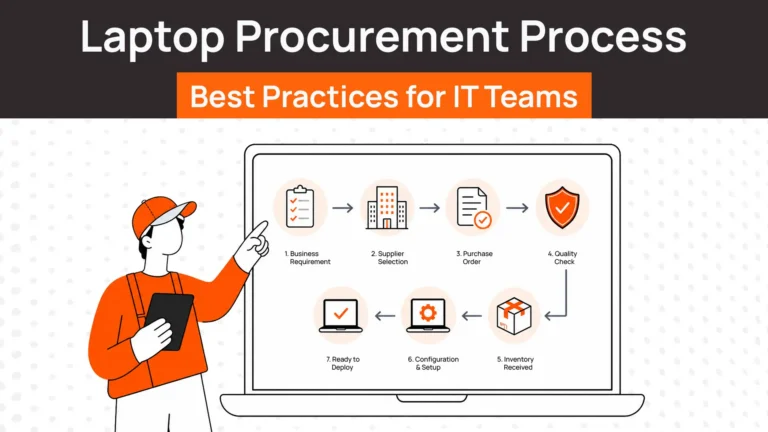
1. Device Procurement
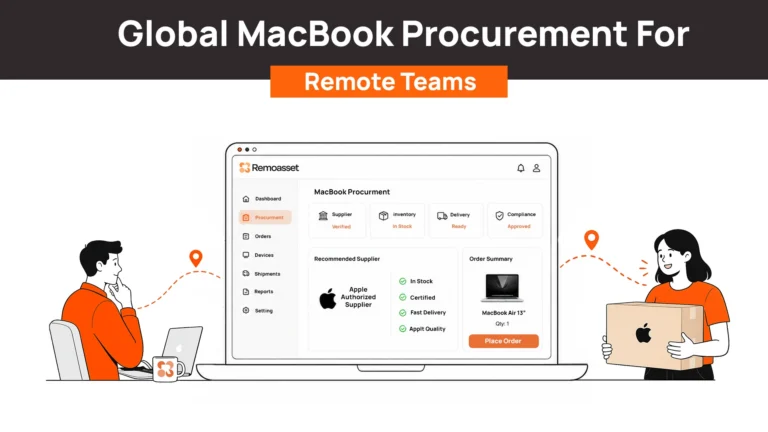
Sourcing laptops across multiple countries introduces complexity. Vendors, taxes, shipping timelines, and local regulations all vary. Traditional software tools do not address procurement challenges.
2. Device Deployment
Getting a device to an employee on time is critical. A laptop arriving late delays onboarding and productivity. Deployment logistics are often manual and fragmented.
3. Device Replacement
When hardware fails remotely, replacing it can take days or weeks. Most systems do not account for replacement workflows in distributed environments.
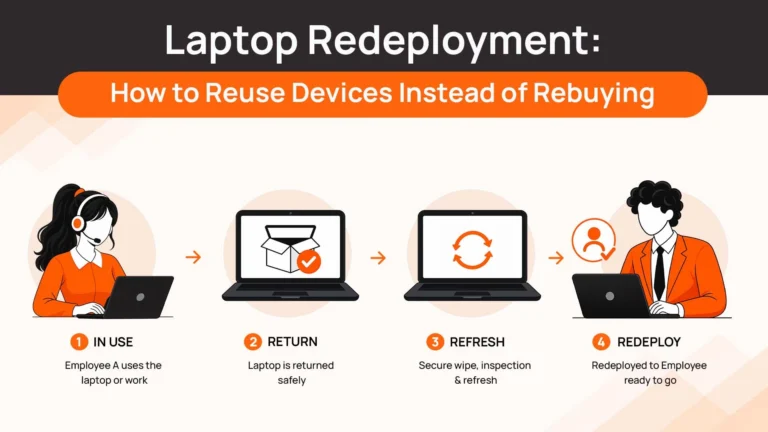
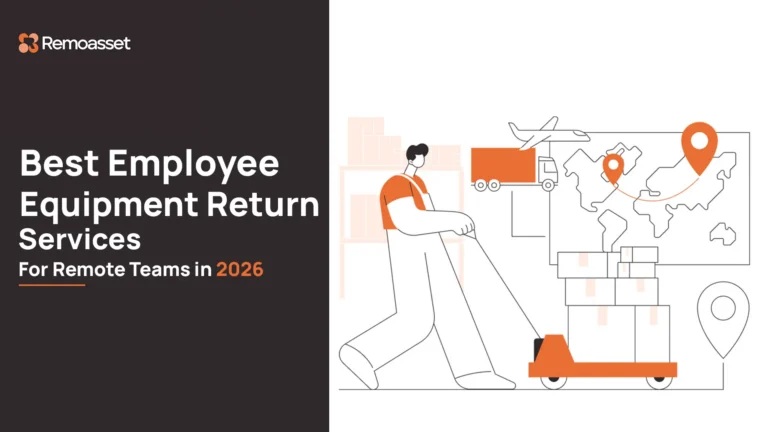
4. Device Recovery
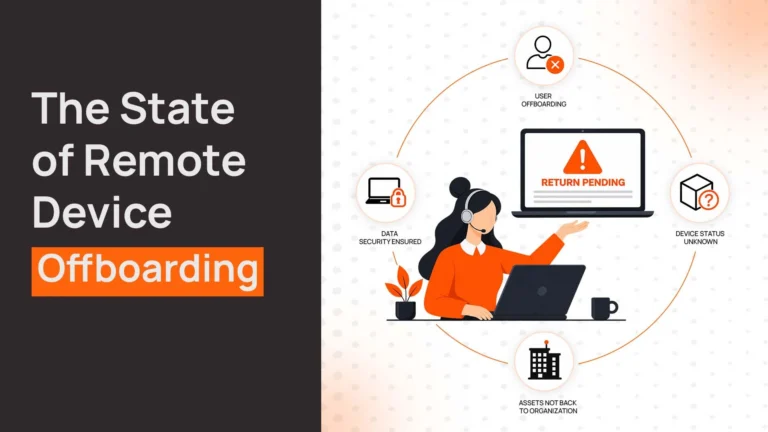
Retrieving devices after offboarding is one of the most common gaps. Lost devices represent both financial loss and security risk.
Remote control tools handle devices during use. But for distributed teams, the physical lifecycle of the device becomes equally important.
This is where lifecycle-focused platforms, such as RemoAsset, come in. They handle procurement, deployment, and recovery alongside software control, closing the gap left by traditional tools.
Tools That Support Remote Device Management
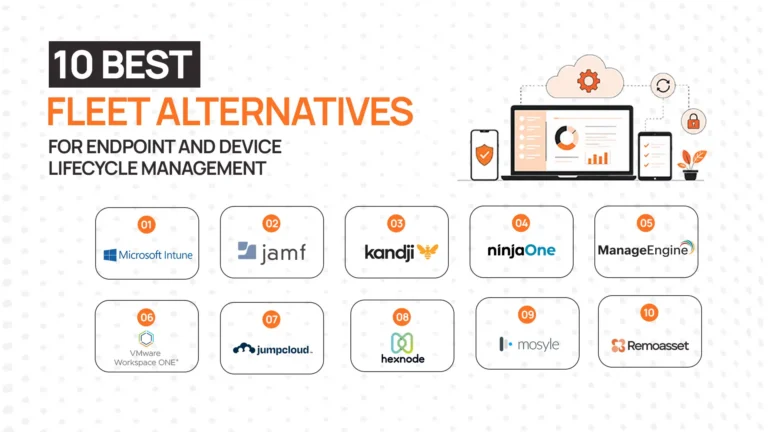
The tools below represent the major categories used in remote device management : from device policy enforcement and monitoring to full lifecycle operations. For a detailed comparison of specific platforms, see our guide to the best remote device management software.
Mobile Device Management (MDM) Platforms
MDM tools focus on device configuration, policy enforcement, and security controls. They are the foundation of most remote device setups. Examples include Jamf, Microsoft Intune, and VMware Workspace ONE.
Remote Monitoring and Management (RMM) Tools
RMM platforms focus on device health, performance monitoring, and troubleshooting. They are widely used by IT teams and service providers. Examples include NinjaOne, ConnectWise, and SolarWinds RMM.
Unified Endpoint Management (UEM) Platforms
UEM platforms combine MDM and RMM capabilities into a single system. They are typically used by enterprises managing multiple device types across operating systems.
Device Lifecycle and Operations Platforms
This emerging category addresses what traditional tools miss – the physical journey of devices. These platforms handle procurement, deployment, tracking, and recovery workflows. RemoAsset is one example built for distributed teams.
In practice, most organizations combine a control layer (MDM/RMM) with a lifecycle layer to achieve complete remote device management coverage. For a full comparison, see our guide to the best remote device management software.
Best Practices for Remote Device Management
Implementing zero-touch deployment ensures devices are ready to use on arrival. Employees should be able to log in and start working without IT intervention, especially in globally distributed teams.
Automating security policies ensures every device operates within the same baseline. Encryption, updates, and access controls should be enforced automatically rather than manually configured.
Maintaining accurate asset visibility allows IT teams to track device ownership, location, and lifecycle status. Without this, both security risks and unnecessary costs increase.
Integrating identity systems ensures that device access aligns with user roles and permissions. Devices that fall out of compliance can be automatically restricted.
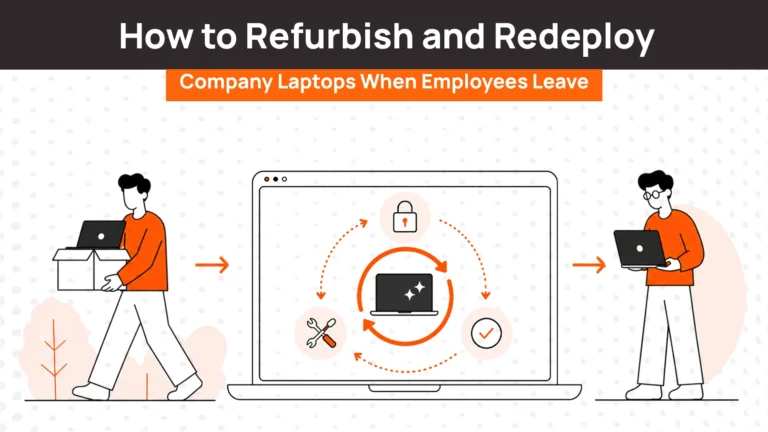
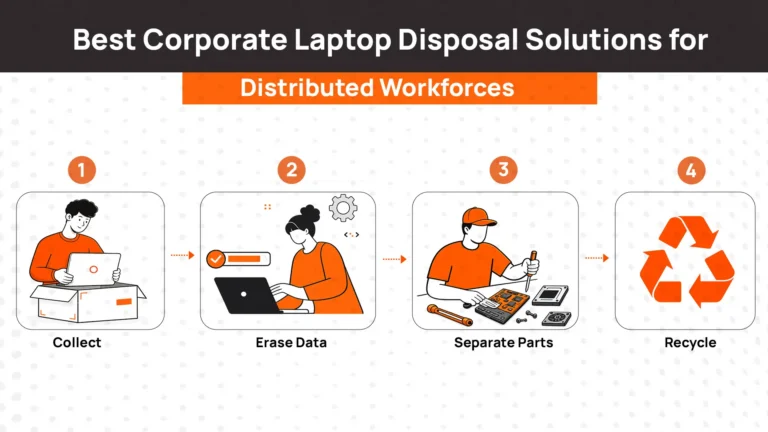
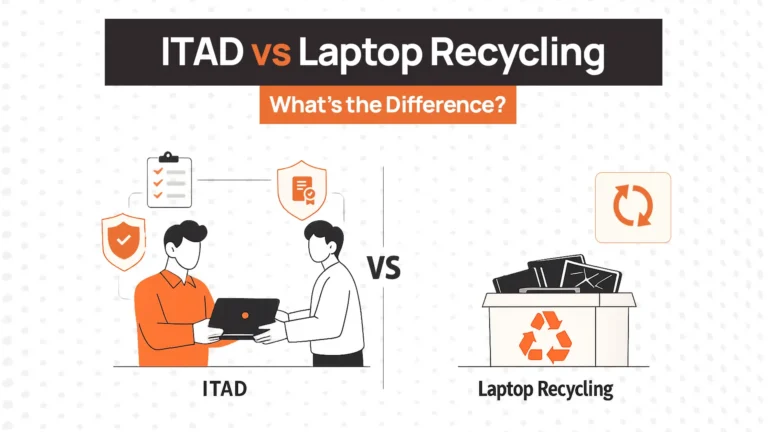
Planning for offboarding ensures that devices are wiped, access is revoked, and hardware is recovered efficiently. This prevents both data leaks and financial loss.
Common Challenges in Remote Device Management
Device visibility gaps occur when inventory systems fail to keep up with distributed fleets. Modern solutions address this through real-time tracking and automated updates.
Security risks arise from unmanaged devices. Organizations solve this by enforcing enrollment and compliance before allowing access to systems.
Global logistics complexity makes it difficult to manage hardware across regions. Lifecycle platforms help standardize procurement, shipping, and recovery workflows.
Integration issues occur when multiple tools operate in silos. APIs and unified platforms help connect systems into a single workflow.
Manual IT workflows do not scale. Automation reduces workload and improves consistency across operations.
The Future of Remote Device Management
AI-driven monitoring is enabling predictive insights. IT teams will increasingly identify issues before they impact users.
Unified endpoint systems are reducing fragmentation. Managing devices across platforms will become simpler and more centralized.
Zero-touch IT operations are becoming the standard. Devices will be provisioned, configured, and managed without manual intervention.
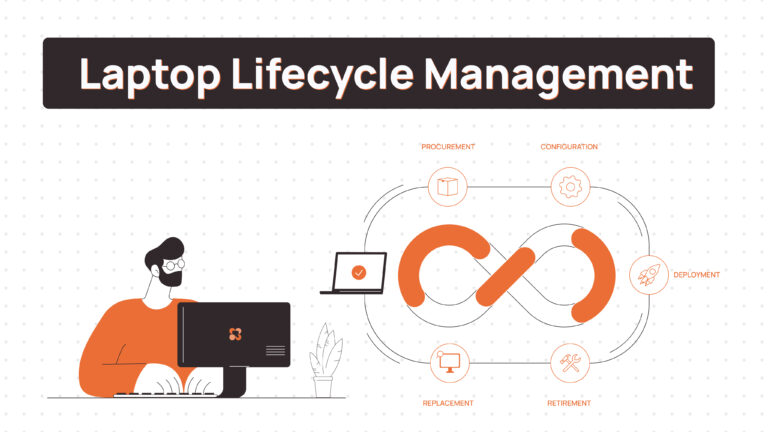
Lifecycle automation is gaining importance. Managing the physical journey of devices will become as critical as managing their software.
How Modern Platforms Support End-to-End Remote Device Management
Modern IT operations are built on two layers:
- Software control (security, monitoring, policies)
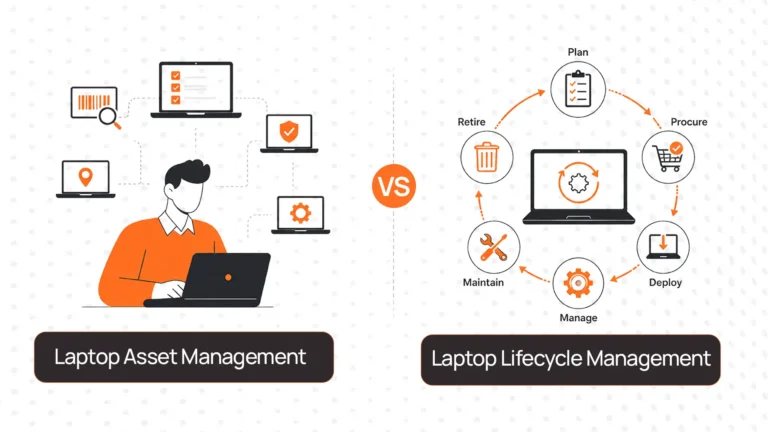
- Physical lifecycle operations (procurement, deployment, recovery)
The most effective teams combine both.
In practice, this means:
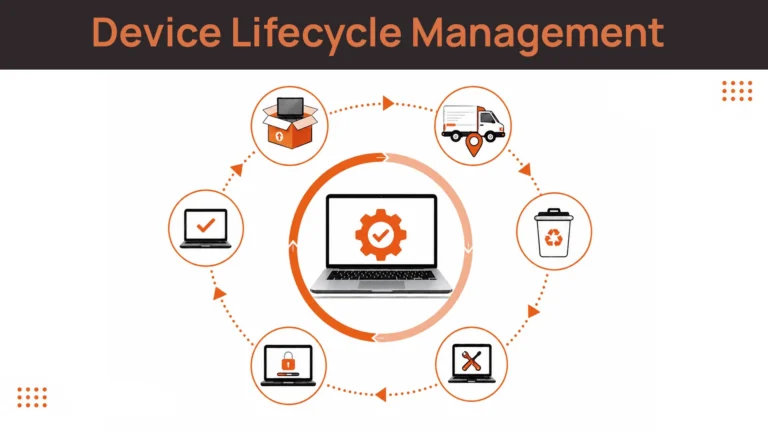
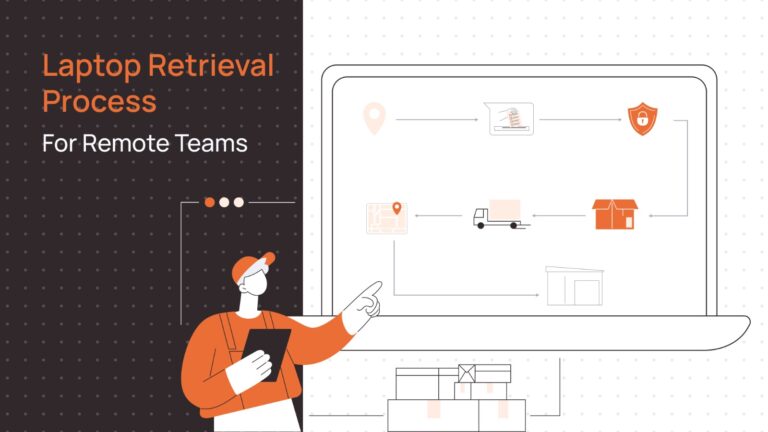
A new hire triggers device provisioning → the device is shipped ready to use → IT monitors it throughout its lifecycle → offboarding triggers recovery and secure wipe.
This approach eliminates manual coordination and reduces operational risk.
Platforms like RemoAsset represent the lifecycle layer in this model, supporting the physical movement and recovery of devices alongside software control systems.
👉 To explore how different tools fit into this architecture, see our full comparison of remote device management software.
Remote device management is not a single tool or process. It is the combination of software control and physical lifecycle operations working together.
Organizations that treat these separately often face gaps in both security and efficiency.
The most effective IT teams automate the entire lifecycle, from deployment to recovery, ensuring that operations scale without increasing complexity.
If you are evaluating how to build or improve your approach, our guide to the best remote device management software provides a deeper look at the tools available and how they fit together.