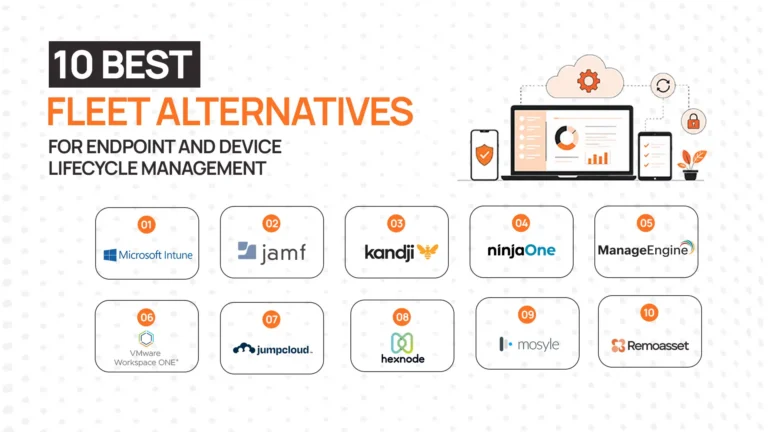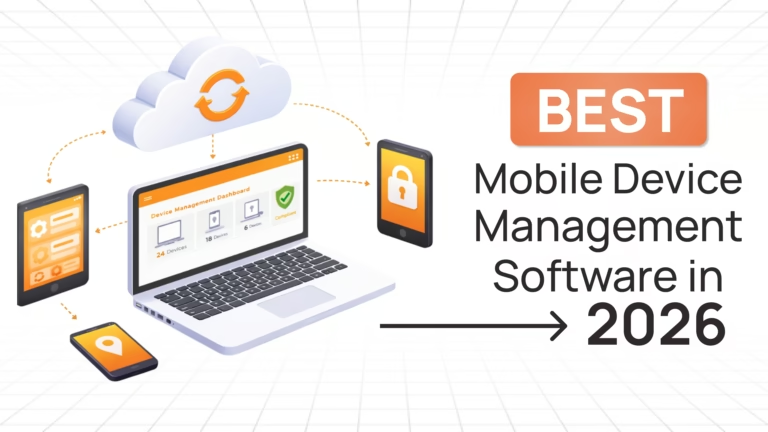
Managing a distributed device fleet is no longer just an IT responsibility, it’s a business-critical function. The right software gives you control, visibility, and security across every endpoint. The wrong choice creates blind spots, operational friction, and unnecessary risk.
The problem? There are dozens of tools in this space and each built for a different layer of device management. Some focus on security policies, others on monitoring, and a few attempt to solve broader operational challenges.
Recent industry data shows that endpoint environments continue to expand rapidly as remote work scales, increasing both attack surfaces and IT overhead.
This article cuts through that noise.
You’ll find:
- A comparison of 7 leading remote device management tools
- A structured evaluation framework
- Real-world insights from G2, Reddit, and IT communities
- A clear decision guide based on your use case
If you are still building your understanding of remote device management fundamentals, start with our complete guide .
What Is Remote Device Management Software?
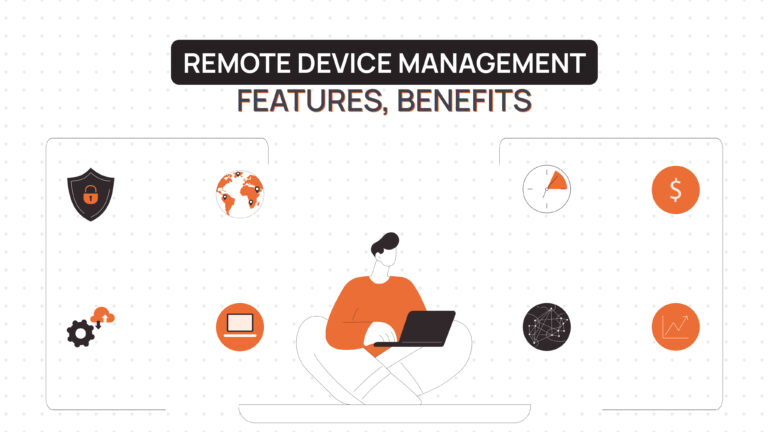
Remote device management software enables IT teams to monitor, secure, configure, and manage endpoints across distributed locations from a centralized platform.
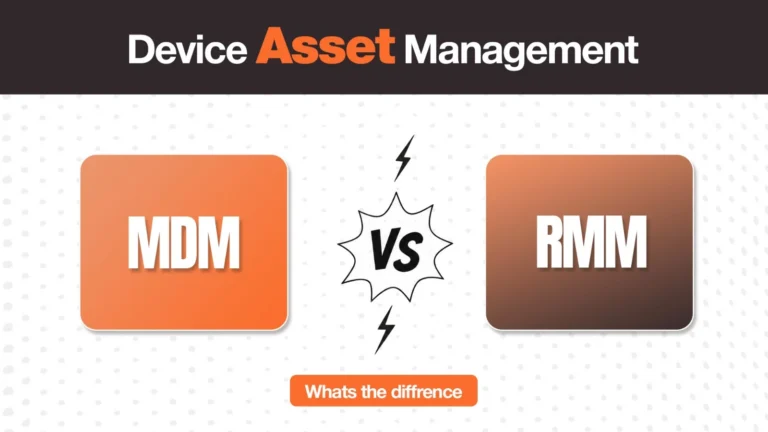
These tools typically fall into three categories: MDM, RMM, and UEM.
For a full breakdown of how these technologies work and when to use each, see our guide to remote device management.
Why Businesses Need Remote Device Management Software
Security and compliance risks are the biggest trigger for adoption. Unmanaged endpoints are often the weakest link in distributed environments. The right tool ensures policies are enforced consistently across every device, regardless of location.
IT overhead is the second driver. Manual provisioning, patching, and troubleshooting do not scale. Teams quickly reach a point where operational load exceeds capacity, forcing them to automate.
Visibility gaps are another major issue. Without a centralized system, IT teams lose track of device ownership, compliance status, and lifecycle stage, creating both security and cost inefficiencies.
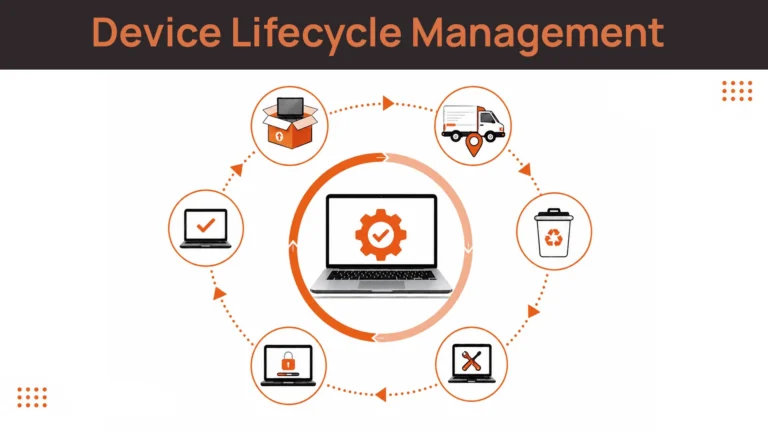
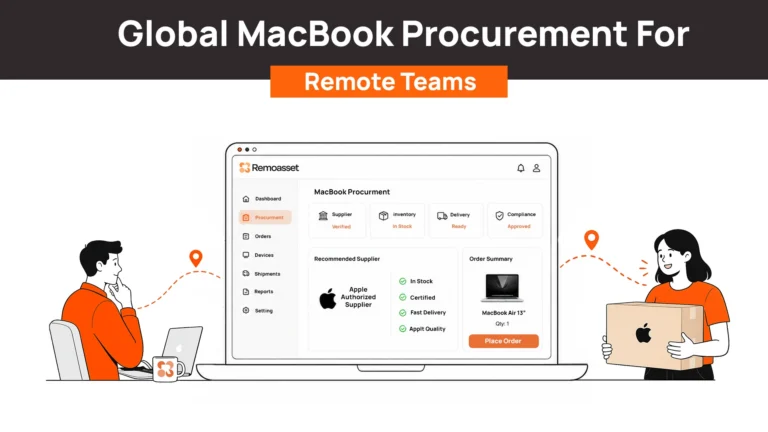
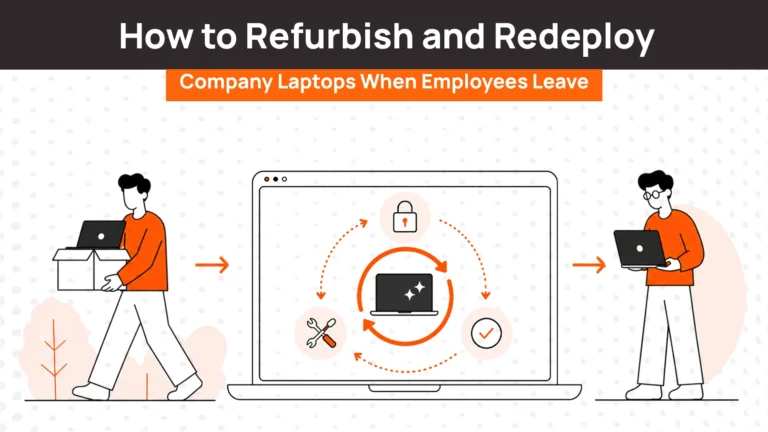
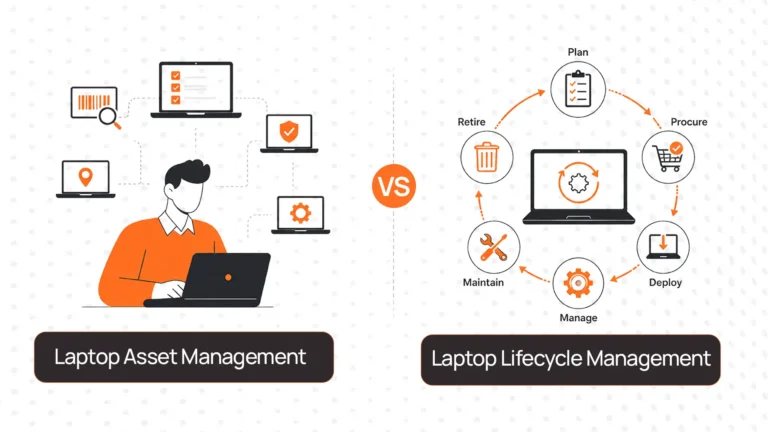
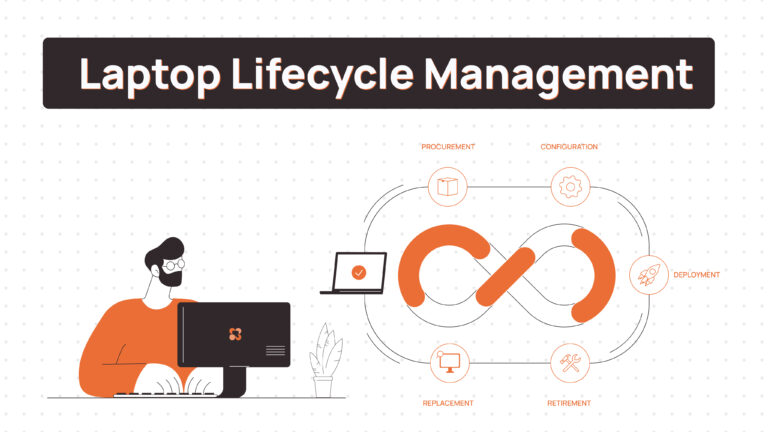
But the most overlooked challenge is lifecycle friction. Most tools manage devices only after enrollment. They don’t solve procurement delays, shipping issues, or device recovery after offboarding. This gap becomes critical for globally distributed teams.
Key Features to Look for in Remote Device Management Software
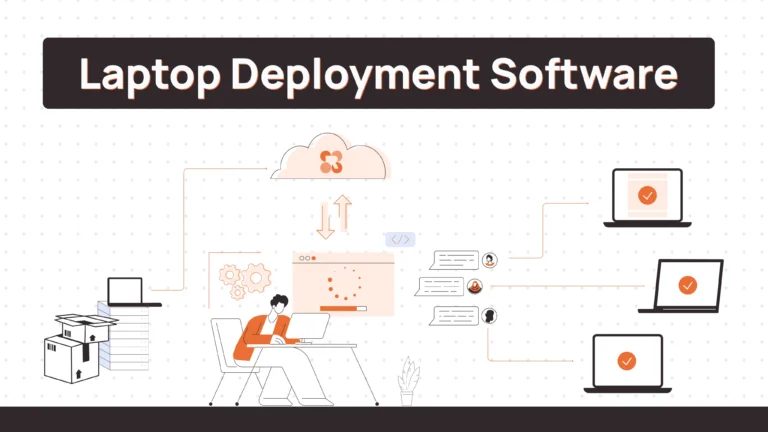
Device enrollment and provisioning should be evaluated based on how easily devices can be deployed at scale. Zero-touch deployment is not just a feature, it determines how quickly employees become productive.
Remote monitoring and diagnostics must go beyond basic alerts. The real question is whether insights are actionable or just noise that adds to IT workload.
Patch and software management should be assessed on reliability and reporting. Failed updates and poor visibility into patch status are common failure points in many tools.
Security enforcement should be continuous, not reactive. Tools that only respond to incidents rather than proactively enforce compliance create risk exposure.
Remote troubleshooting capabilities directly impact downtime. Evaluate how easily IT teams can access devices and resolve issues without disrupting users.
Asset visibility and reporting are often underestimated. Weak reporting is one of the most common complaints across tools and directly impacts both cost control and compliance.
How We Selected the Best Remote Device Management Software
We evaluated 40+ remote device management tools across six criteria, narrowing to seven that consistently perform across team size, deployment complexity, and integration depth. Our research included community insights, aggregator platforms, and real-world feedback.
Evaluation criteria included:
- Core capabilities (MDM, RMM, endpoint control)
- Automation depth and ease of deployment
- Integration ecosystem (HRIS, identity, security tools)
- Scalability for distributed teams
- Lifecycle management support
- User feedback from G2, Reddit, Spiceworks, and LinkedIn (2024–2025)
Best Remote Device Management Software
Comparison Table
| Tool | Core Strength | Best For | Deployment Model | Integrations | Global Support |
| Jamf | Apple device management | Apple-heavy orgs | Cloud / On-prem | HRIS, SSO | Strong |
| Microsoft Intune | Microsoft ecosystem | M365 enterprises | Cloud-native | Azure, M365 | Strong |
| RemoAsset | Lifecycle + logistics | Global teams | Cloud-native | HRIS, MDM | Strong |
| VMware Workspace ONE | Enterprise UEM | Large enterprises | Cloud / On-prem | Enterprise stack | Strong |
| ConnectWise | MSP workflows | MSPs | Cloud / On-prem | PSA tools | Moderate |
| SolarWinds RMM | Monitoring depth | SMB IT teams | Cloud-based | Monitoring tools | Moderate |
| NinjaOne | Ease of use | SMBs | Cloud-native | Security tools | Moderate |
Jamf
Positioning: Apple-native MDM platform
Key strength: Deepest Apple ecosystem integration
Best for: Apple-first organizations
Pros:
- Best-in-class macOS policy control, critical for security-heavy Apple environments
- Seamless Apple Business Manager integration for zero-touch deployment
- Strong compliance tooling for regulated industries
Considerations:
- Limited value for mixed OS environments
- Pricing increases significantly at scale
What the market reveals:
Across G2 and IT forums, Jamf is consistently praised for reliability in Apple environments, but teams managing mixed fleets often report fragmentation. It performs exceptionally within its niche but lacks flexibility beyond it.
G2: ~4.6/5 (1,000+ reviews)
Microsoft Intune
Positioning: Cloud-native endpoint management within Microsoft ecosystem
Key strength: Native integration with Microsoft stack
Best for: Microsoft-first organizations
Pros:
- Built into many M365 plans, reducing cost overhead
- Strong conditional access and identity-driven security
- Unified control across devices
Considerations:
- Steep learning curve for non-Microsoft users
- UI complexity impacts onboarding
What the market reveals:
Intune is widely adopted due to ecosystem integration, but feedback across Reddit and G2 highlights complexity in configuration. Teams benefit long-term but face initial setup friction.
G2: ~4.5/5 (800+ reviews)
RemoAsset
Positioning: Device lifecycle platform covering procurement to recovery
Key strength: Solves logistics gap in remote device management
Best for: Globally distributed teams
Pros:
- Handles procurement, shipping, and recovery across regions
- Integrates with HR workflows for automation
- Tracks devices before and after MDM visibility
Considerations:
- Complements MDM/RMM rather than replacing them
- Less depth in monitoring compared to RMM tools
What the market reveals:
Across discussions, lifecycle management is increasingly recognized as a missing layer. Tools like RemoAsset are gaining traction for solving operational gaps rather than competing on traditional MDM features.
Review coverage: Growing, but still emerging compared to legacy tools
Related Read: Complete Guide to Remote Employees Laptop Return
VMware Workspace ONE
Positioning: Enterprise UEM platform
Key strength: Broadest device coverage
Best for: Large enterprises
Pros:
- Strong cross-platform management
- Advanced compliance and policy controls
- Deep enterprise integrations
Considerations:
- High complexity and cost
- Requires significant setup effort
What the market reveals:
Enterprise teams value its power, but smaller teams consistently report over-complexity. Adoption is strong in large organizations but limited elsewhere.
G2: ~4.3/5 (600+ reviews)
ConnectWise
Positioning: RMM + PSA platform for MSPs
Key strength: Unified MSP workflows
Best for: Managed service providers
Pros:
- Strong automation for multi-client environments
- Integrated ticketing and billing workflows
- Mature partner ecosystem
Considerations:
- Not ideal for internal IT teams
- UI feels outdated
What the market reveals:
Highly valued in MSP communities, but internal IT teams often find it overly complex for single-organization use cases.
G2: ~4.2/5 (500+ reviews)
SolarWinds RMM
Positioning: Monitoring-first RMM
Key strength: Strong alerting and performance tracking
Best for: SMB IT teams
Pros:
- Reliable monitoring and alerting
- Easy deployment
- Strong patch automation
Considerations:
- Limited lifecycle capabilities
- Brand trust concerns remain
What the market reveals:
Monitoring capabilities are consistently praised, but discussions still reference trust concerns post-security incidents. Teams evaluate carefully before adoption.
G2: ~4.3/5 (400+ reviews)
NinjaOne
Positioning: Cloud-native RMM with fast onboarding
Key strength: Ease of use
Best for: SMBs and lean IT teams
Pros:
- Fast setup and onboarding
- Clean UI and strong usability
- High customer satisfaction
Considerations:
- Limited enterprise depth
- Not lifecycle-focused
What the market reveals:
NinjaOne consistently ranks high for ease of use and support quality. However, scaling teams often need additional tools as requirements grow.
G2: ~4.7/5 (1,200+ reviews)
How to Choose the Right Remote Device Management Software
Choosing the right remote device management software is not about picking the “best tool”, it’s about picking the right tool for your operating reality. Most teams make the mistake of evaluating features in isolation, without mapping them to their actual constraints: team size, security requirements, global footprint, and operational complexity.
Use the framework below to make a decision that will still hold up 12–24 months from now.
1. What is your team size and IT maturity?
Start with an honest assessment of your internal capabilities.
Lean IT teams (especially in startups or SMBs) typically do not have the bandwidth to manage complex configurations, layered policies, or multi-tool integrations. In these cases, tools like NinjaOne or Intune (when already in the Microsoft ecosystem) offer faster time-to-value with lower operational overhead.
On the other hand, enterprise teams with dedicated IT, security, and compliance functions often need deeper policy control, audit trails, and reporting capabilities. Platforms like VMware Workspace ONE or Jamf (for Apple environments) are better suited here because they allow granular control — but they also require operational maturity to manage effectively.
Key takeaway:
If your team cannot manage the tool, the tool becomes the problem.
2. What are your security and compliance requirements?
Security needs vary significantly depending on your industry.
If you operate in regulated environments (finance, healthcare, SaaS with enterprise clients), your focus should be on:
- Continuous compliance enforcement
- Audit-ready reporting
- Identity-based access control (e.g., Conditional Access)
- Encryption enforcement and policy automation
Microsoft Intune and VMware Workspace ONE are strong in this area because they integrate deeply with identity and access layers.
However, security is not just about policy enforcement. It also includes:
- Device recovery after employee exit
- Data wiping across geographies
- Ensuring devices don’t go “missing” outside IT visibility
This is where traditional tools often fall short and where lifecycle-focused platforms start becoming relevant.
Key takeaway:
Security is not just about controlling devices, it’s about controlling their entire lifecycle.
3. What does your existing technology stack look like?
Your current ecosystem should heavily influence your decision.
If your organization is already invested in Microsoft (Azure AD, Microsoft 365), Intune becomes a natural choice because it reduces integration friction and avoids redundant tooling.
If you are an Apple-first company, Jamf is the clear winner due to its deep native integrations with macOS and iOS.
For MSPs, ConnectWise provides a unified workflow that connects device management, ticketing, and client operations, something standalone tools don’t offer.
The mistake many teams make is choosing a tool that doesn’t align with their stack, leading to:
- Integration gaps
- Manual workarounds
- Increased operational complexity
Key takeaway:
The best tool is often the one that fits your existing ecosystem, not the one with the longest feature list.
4. How much automation do you need vs. how much can your team manage manually?
Every device workflow: provisioning, patching, compliance checks, troubleshooting can either be automated or handled manually.
If your team is already stretched, automation becomes non-negotiable. Tools like NinjaOne and Intune help reduce manual workload through:
- Automated patching
- Policy enforcement
- Device monitoring
But automation needs vary. Some teams require: Simple automation (basic provisioning, updates). Others need: Advanced automation (HR-triggered workflows, lifecycle-based actions, zero-touch deployments across regions)
The gap becomes visible as you scale. What feels manageable at 50 devices becomes unmanageable at 500.
Key takeaway: Choose based on where you’re going, not where you are today.
5. Is your workforce local or globally distributed?
This is one of the most overlooked and most critical decision factors.
If your workforce is primarily office-based or regionally concentrated, traditional MDM or RMM tools are often sufficient.
But once you operate across multiple countries, new challenges emerge:
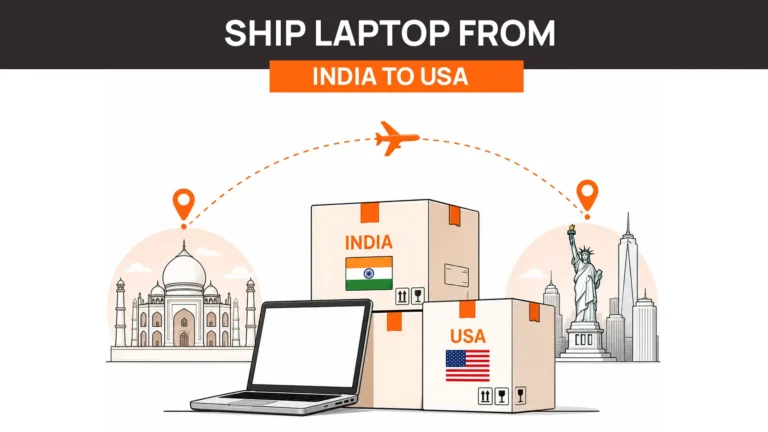
- Cross-border device shipping delays
- Local procurement complexities
- Warranty inconsistencies
- Device loss during offboarding
Most remote device management tools are not built to handle these realities. They assume devices are already deployed and visible within the system.
This creates operational gaps:
- Devices exist outside tracking before enrollment
- IT teams lose control during logistics
- Recovery becomes manual and inconsistent
Key takeaway: Global teams don’t just need device control, they need device operations.
6. Do you need to manage the full device lifecycle?
This is the most under-evaluated question and often the most important one.
Traditional remote device management software focuses on:
→ What happens after a device is active
But real-world operations include:
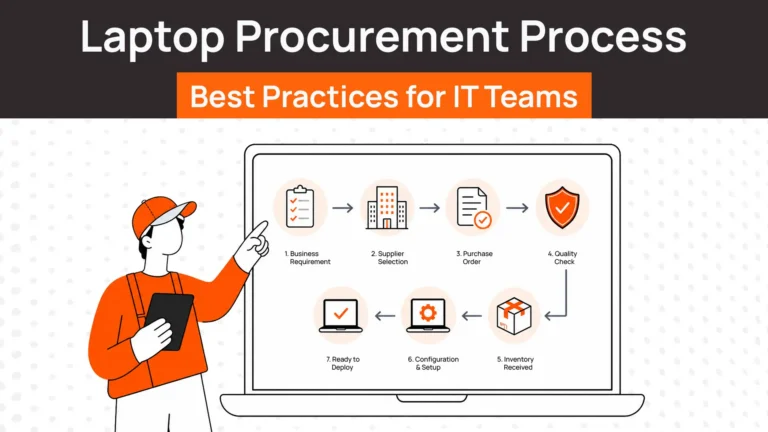
→ What happens before deployment (procurement, shipping)
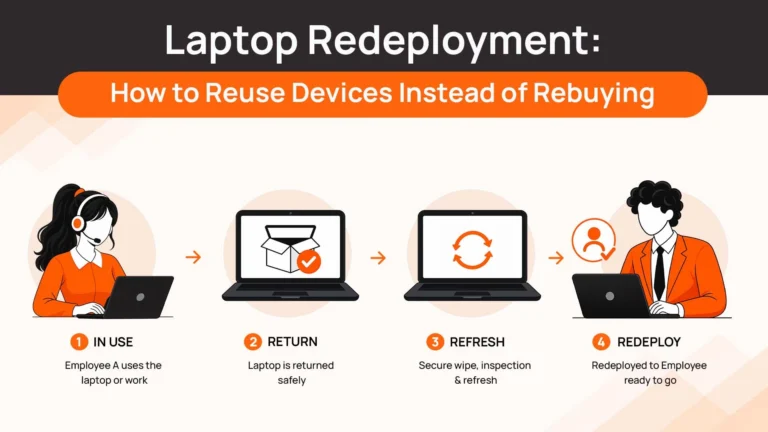
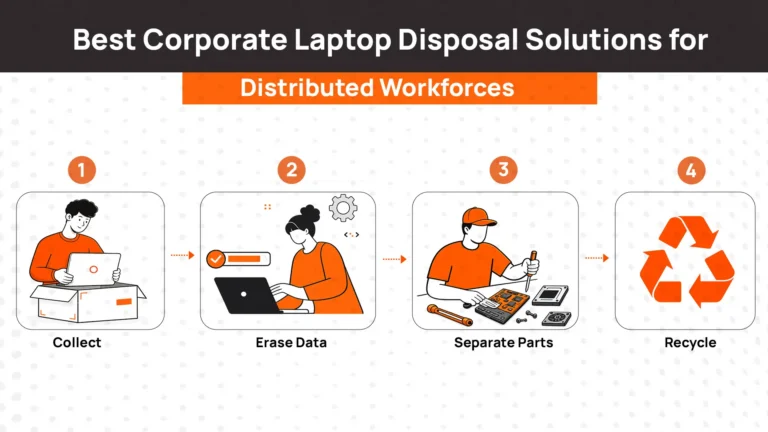
→ What happens after offboarding (recovery, wiping, reuse)
If your organization is:
- Hiring remotely
- Scaling across regions
- Managing contractor or distributed teams
Then lifecycle gaps start costing you:
- Delayed onboarding → lost productivity
- Unrecovered devices → direct financial loss
- Poor visibility → security exposure
This is where lifecycle platforms like RemoAsset come in not as replacements for MDM or RMM, but as the layer that connects procurement, deployment, tracking, and recovery into a single system.
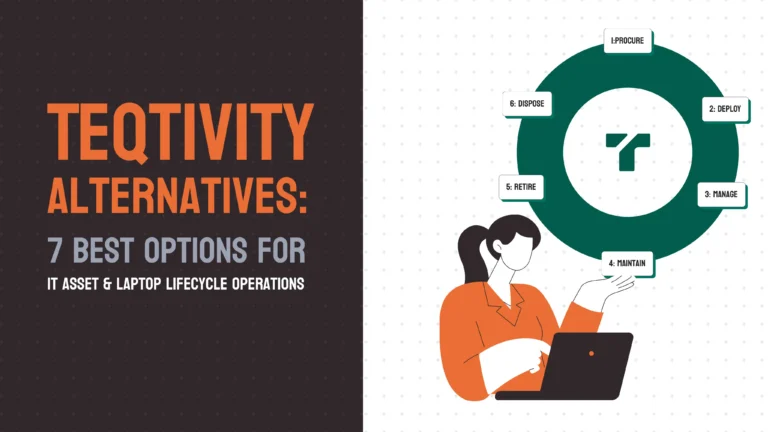
Key takeaway:
MDM tools manage devices. Lifecycle platforms manage operations.
Which Remote Device Management Software Is Best for You?
Choosing the best remote device management software depends entirely on your operating model. Here’s how different tools map to real-world use cases:
Best for Apple ecosystems → Jamf
If your organization is fully invested in macOS and iOS, Jamf offers unmatched control and depth. It is purpose-built for Apple environments and delivers the most reliable policy enforcement and device management experience within that ecosystem.
Best for Microsoft environments → Microsoft Intune
For companies running on Microsoft 365 and Azure, Intune is the most logical choice. Its tight integration with identity, security, and access control makes it highly effective for enforcing policies at scale.
Best for MSPs → ConnectWise
Managed service providers need more than device control — they need client management, ticketing, and reporting in one system. ConnectWise is built specifically for this multi-client operational model.
Best for enterprise endpoint management → VMware Workspace ONE
Large organizations with diverse device fleets and strict compliance requirements benefit from Workspace ONE’s depth. It offers extensive control but requires significant investment in setup and management.
Best for SMBs and lean IT teams → NinjaOne
If speed, simplicity, and ease of use are priorities, NinjaOne stands out. It allows small teams to get operational quickly without heavy configuration overhead.
Best for global distributed teams and full lifecycle control → RemoAsset
For companies managing devices across countries, the challenge goes beyond software. Procurement delays, shipping logistics, and offboarding gaps become real problems. RemoAsset addresses this by connecting the full lifecycle from device ordering to recovery alongside existing MDM or RMM tools.
Your Devices Are Distributed. Your Strategy Should Be Too.
Poor device management has real costs. Unpatched endpoints increase security risks, manual provisioning wastes IT hours, and delayed deployments slow employee productivity.
When the right system is in place, the impact is immediate. Faster onboarding, fewer incidents, and IT teams focusing on strategic work instead of repetitive tasks.
But the biggest missed opportunity is lifecycle management. Every delayed device is lost productivity. Every unrecovered device is a financial and security risk.
If device logistics are creating friction: delayed onboarding, lost assets, inefficient offboarding , it’s worth seeing how RemoAsset handles the lifecycle layer alongside your existing tools.