
If you’re here, you’re probably tired of dropping $150,000 on laptop purchases every year, managing warranty spreadsheets across three vendors, or explaining to finance why you need emergency budget approval because half your team is working on devices from 2020.
This isn’t a feature list. It’s a buying guide for IT managers who need to decide whether Laptop as a Service makes sense—and if it does, which provider actually solves their problems.
Why IT Teams Are Moving to Laptop as a Service Providers
The shift to LaaS is about solving operational problems that traditional purchasing creates:
Cash flow constraints from large hardware purchases
Your CFO sees a $200,000 laptop purchase as a capital expense that eats budget. You see it as equipping your team. The conflict repeats every refresh cycle.
Outdated devices dragging down productivity
Three-year-old laptops struggle with modern software. Replacements aren’t budgeted until next quarter. Productivity suffers while you wait.
Unpredictable replacement cycles
Devices fail on their own schedule. Someone’s laptop dies during a product launch. You’re scrambling for a budget and a replacement. Emergency purchases cost more and take longer.
Warranty management headaches
Laptops purchased across four years from three vendors. Different warranty terms, support contacts, claim processes. Nobody wants to track this manually.
Device disposal and e-waste concerns
Old laptops pile up in storage. Nobody knows if they’re wiped, working, or worth refurbishing. Most just sit there depreciating.
Support scattered across multiple vendors
Hardware issues go to the manufacturer. Software problems go to IT. Procurement goes to finance. Nobody owns the full lifecycle.
What Is Laptop as a Service (And What It Isn’t)
Laptop as a Service means you pay a monthly fee per device instead of buying laptops outright. The provider supplies hardware, handles support, manages warranties, and replaces devices at end-of-life.
Device procurement and delivery, configuration and setup, warranty coverage and repairs, technical support, device refresh at end-of-life, data wiping and disposal.
What usually costs extra: Premium device models, expedited shipping, on-site support, custom software imaging, accessories beyond basics.
How does LaaS differ from traditional leasing and buying?
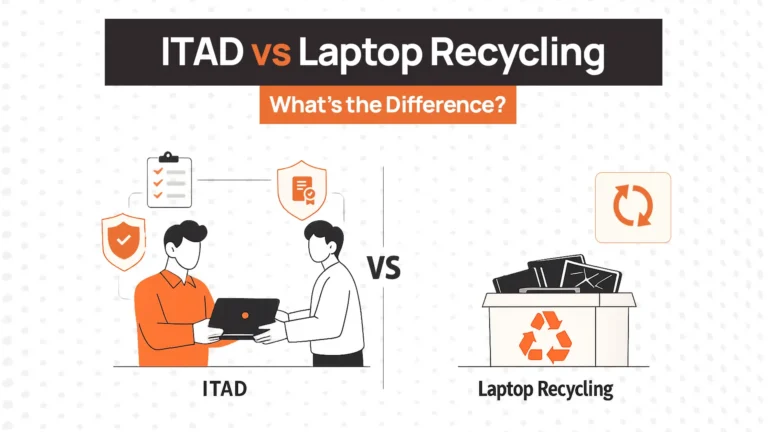
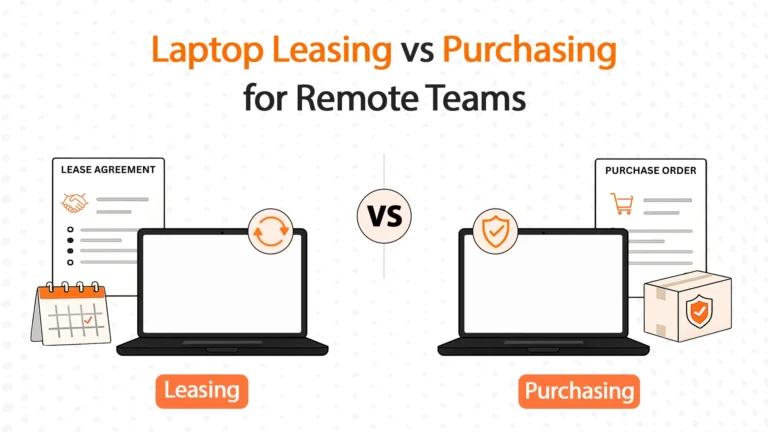
Leasing gives you the device and maybe warranty. You still manage support, repairs, replacement decisions, and disposal. LaaS bundles the entire lifecycle.
Buying gives you ownership and flexibility. It also gives you unpredictable costs, warranty management, disposal responsibility, and capital expenditure. LaaS trades ownership for operational simplicity.
LaaS vs. Traditional Leasing vs. Purchasing
| Factor | LaaS | Traditional Leasing | Outright Purchase |
| Upfront Costs | None/minimal | Low to moderate | High |
| Monthly Costs | Fixed per device | Fixed lease payment | None after purchase |
| Support | Yes | No | No |
| Refresh | Automatic (3-4 years) | Manual | Manual |
| End-of-Life | Provider manages | You manage | You manage |
| Ownership | Provider owns | You own at end | You own immediately |
| Flexibility | High | Low | None |
| Accounting | OpEx | Varies | CapEx |
The LaaS Maturity Decision Tree for IT Teams
When LaaS Makes Sense
You’re managing 20+ devices. At this scale, tracking warranties, coordinating repairs, and managing refresh cycles manually becomes a time sink. LaaS automates what you’re doing manually.
You have distributed or remote teams. Shipping internationally, coordinating local repairs, and retrieving laptops from remote employees is complicated. LaaS providers handle international logistics.
The capital budget is constrained. Finance won’t approve $100,000 hardware purchases but will approve $8,000/month operational expenses. LaaS converts CapEx to OpEx.
You need predictable costs. Emergency replacements, unexpected warranty expirations, and surprise repairs wreck budget planning. LaaS gives fixed monthly costs.
When to Avoid LaaS
You’re very small (under 10 employees). The overhead of managing 5 laptops manually is minimal. LaaS contracts often have minimums that don’t make economic sense at this scale.
Your workforce is stable and on-premise. If turnover is low, devices rarely move, and you have strong internal IT support, traditional purchasing might cost less over time.
You prefer device ownership. Some companies want to own assets for accounting, resale value, or policy requirements. LaaS means you never own hardware.
Your needs are highly specialized. If you need custom hardware configurations or specific models for niche software, standard LaaS offerings might not accommodate your requirements.
What Good LaaS Providers Actually Solve
Let’s help you understand what a good LaaS deal brings to the table:
Predictable Budgeting
Traditional purchases hit your budget in irregular waves. $150,000 this quarter, nothing for six months, then $80,000 when devices fail. LaaS spreads costs into predictable monthly payments. It also converts CapEx to OpEx, which many companies prefer for tax and cash flow.
Always-Current Hardware
Devices don’t stay competitive forever. LaaS providers refresh devices on schedule—typically every 3-4 years—so your team works on modern hardware without you managing the replacement cycle.
Simplified Support
When a laptop breaks, you contact one provider who handles everything. Support becomes a phone call, not a project involving manufacturer warranties and repair tracking.
Lifecycle Management
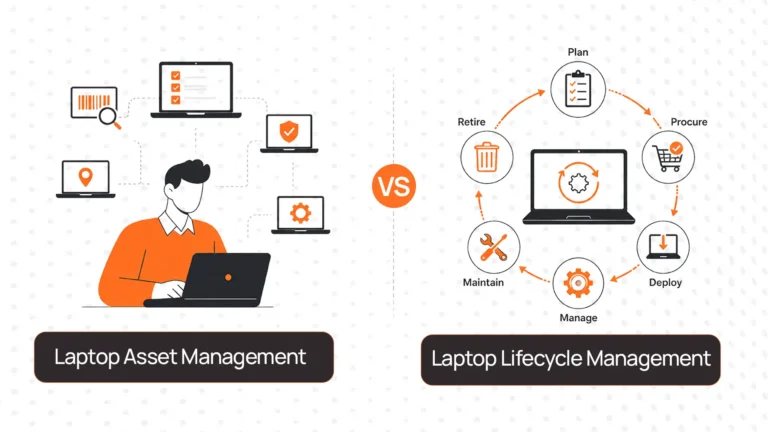
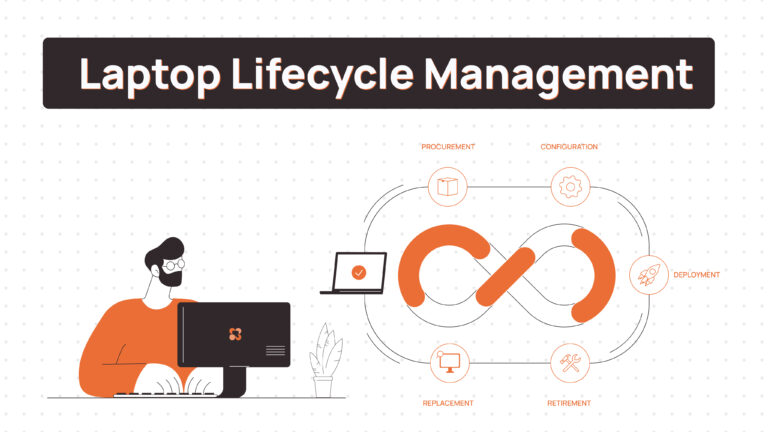
LaaS providers manage procurement, deployment, support, refresh, and disposal. This removes operational burden. You’re not tracking warranties in spreadsheets or coordinating repairs with multiple vendors.
Environmental Responsibility
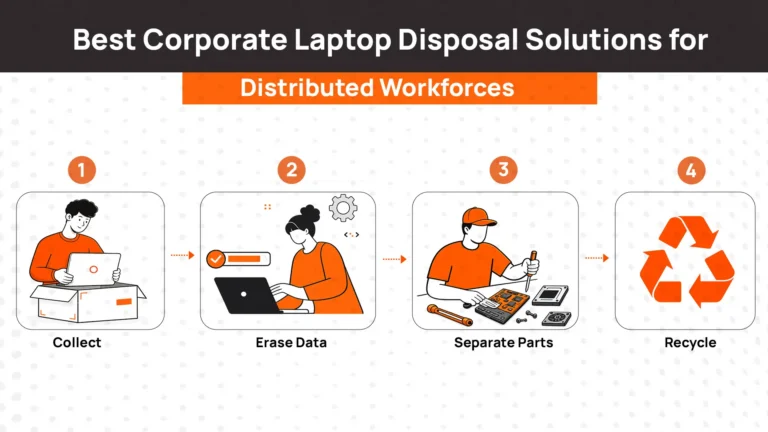
Disposing laptops responsibly requires data wiping, refurbishment assessment, and certified recycling. LaaS providers handle end-of-life systematically, ensuring devices are wiped, refurbished where possible, or recycled properly.
How We Evaluated the Best LaaS Providers in 2026
We didn’t evaluate providers based on marketing claims or feature lists. We focused on criteria that impact your day-to-day operations and long-term costs. Basically the questions IT managers actually need answered before committing to a multi-year contract.
| Evaluation Criteria | What We Assessed |
| Device Selection & Quality | Current business-grade hardware? Specific models or locked configurations? Flexibility for different user types? |
| Support Quality | Response times? What’s covered standard versus premium? In-house or outsourced support? |
| Refresh Policies | How often are devices refreshed? Can you upgrade mid-contract? What if devices become obsolete early? |
| International Coverage | Can they deliver, support, and retrieve globally? Local logistics partners or single-region routing? |
| Total Cost of Ownership | What’s included versus add-ons? Hidden fees? How does monthly cost compare to traditional purchasing over 3-5 years? |
| Contract Flexibility | Scale up or down mid-contract? Early termination terms? Minimum commitments? |
| End-of-Life Handling | Device return process? Data wiping included? Refurbishment or just disposal? Compliance documentation? |
In-Depth Review of the Best Laptop as a Service Providers
Let’s take a look at the best LaaS providers in the current market.
1. RemoAsset
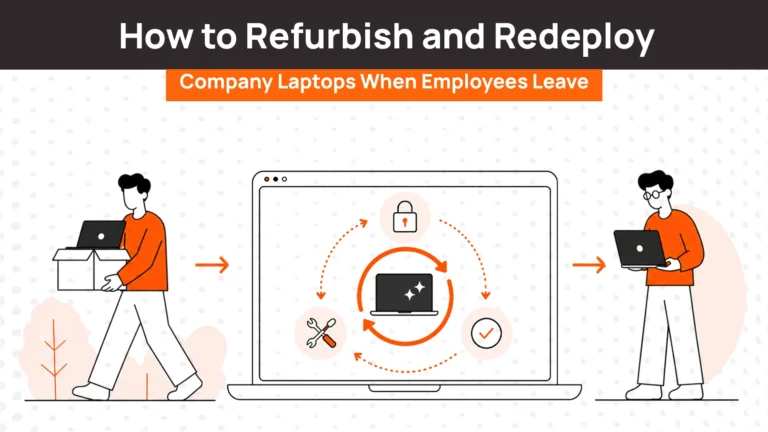
RemoAsset solves the full device lifecycle for distributed teams. Most LaaS providers focus on procurement and refresh. RemoAsset handles procurement, deployment, tracking, retrieval when employees leave, refurbishment, and redeployment.
Their HRIS integration automates retrieval. When someone’s termination date hits in BambooHR or Workday, RemoAsset triggers device return automatically. The laptop gets wiped, assessed, and either refurbished for redeployment or retired.
Where they struggle
Built for operational complexity. If you’re a 10-person company with simple needs, you’re paying for depth you don’t need. Implementation takes longer than procurement-only LaaS because you’re integrating with HRIS and configuring workflows.
Who should use them
Companies managing 100+ devices across distributed teams needing visibility across procurement, deployment, retrieval, and redeployment. IT teams are tired of chasing returned laptops. Organizations serious about asset reuse. Companies with security requirements demanding real-time tracking and verified data wiping.
Who should avoid them
Startups under 10 employees with basic needs. Companies not planning to reuse devices. Teams without bandwidth for lifecycle integrations.
Pricing
Custom pricing based on device count and lifecycle services. More than procurement-only LaaS, but you’re replacing multiple tools.
- GroWrk
GroWrk solves global device logistics for companies across fragmented markets. They have local partnerships in 150+ countries, reducing customs delays and shipping costs compared to providers routing through central hubs.
Where they struggle
Enterprise-focused. Smaller companies find the service overbuilt. Their managed service model means less direct control—you’re outsourcing logistics end-to-end.
Who should use them
Enterprises with employees in 15+ countries. Companies coordinating equipment across fragmented markets. Organizations wanting one vendor managing global deployment and retrieval.
Who should avoid them
Startups and mid-size companies with limited international footprint. Companies operating in one or two regions where regional specialists offer better pricing.
Pricing
Custom enterprise pricing. Not transparent. Visit growrk.com for contact.
- Lendis
Lendis solves procurement for European companies focused on sustainability. They emphasize circular economy, i.e, refurbishing returned devices instead of disposal. Devices arrive ready to use with MDM integration. At end-of-life, Lendis handles refurbishment or certified recycling with sustainability documentation.
Where they struggle
Geographic coverage limited to Europe. If you have employees outside their service area, you need different providers, fragmenting your program.
Who should use them
European companies focused on sustainable device management. Organizations tracking ESG metrics needing refurbishment and recycling documentation.
Who should avoid them
Companies with employees outside Europe. Global organizations needing one provider covering all regions.
Pricing
Subscription starting around €35-50/month per device. Visit lendis.io for quotes.
- Firstbase
Firstbase solves procurement as part of HR-integrated employee equipment lifecycle. They connect to BambooHR, Rippling, and Workday. When employee status changes, device workflows trigger automatically.
Where they struggle
More expensive than procurement-only LaaS. If you’re not using them for full equipment management, you’re overpaying. Their redeployment infrastructure exists but isn’t their core focus.
Who should use them
Companies are already using Firstbase for deployment. Teams with high turnover needing automated workflows.
Who should avoid them
Companies which only need LaaS. Teams focused on maximizing asset reuse.
Pricing
Bundled pricing based on device count. Visit firstbase.io for quotes.
- Hofy
Hofy emphasizes sustainability and a circular economy. They assess, refurbish, resell, or recycle returned devices. When laptops return, they evaluate conditions—refurbish for redeployment or handle certified recycling.
Where they struggle
Limited global coverage—primarily Europe, US, and select markets. Sustainability focus matters for companies prioritizing it and is irrelevant for those optimizing purely for cost.
Who should use them
Companies in Europe and US focused on sustainable device management. Organizations tracking ESG metrics.
Who should avoid them
Companies with employees outside Hofy’s coverage. Teams prioritizing speed over sustainability.
Pricing
Per-device subscription with potential credits if devices are refurbished. Visit hofy.com for details.
| Provider | Best For | Global Coverage | Device Reuse | HRIS Integration | Sustainability |
| RemoAsset | Full lifecycle | Strong | Yes | Yes (automated) | Medium |
| GroWrk | International logistics | 150+ countries | Limited | Yes | Low |
| Lendis | European sustainability | Europe only | Yes | Yes (basic) | High |
| Firstbase | HR workflows | Global (moderate) | Limited | Yes (deep) | Low |
| Hofy | Sustainable management | Europe & US | Yes | Limited | High |
Which Laptop-as-a-Service Provider Should You Choose?
Let’s help you pick the best Laas provider for your use case.
| Your Situation | Best Fit | Avoid | Notes |
| Startup (<10 employees) | Regional provider | RemoAsset, GroWrk | Use local providers. Avoid enterprise platforms—overhead exceeds value. |
| Mid-size Distributed (100-500 employees) | RemoAsset | Regional providers | Use RemoAsset for lifecycle control. Regional can’t scale internationally. |
| Global Enterprise (500+, 20+ countries) | GroWrk or RemoAsset | Hofy, Lendis | Use GroWrk for logistics. Use RemoAsset for lifecycle control. Others lack global reach. |
| European, Sustainability-Focused | Lendis or Hofy | GroWrk | Use Lendis/Hofy for ESG tracking in Europe. |
| High Turnover | Firstbase or RemoAsset | Leasing | Use for automated workflows. Manual processes create bottlenecks. |
| Asset Reuse Priority | RemoAsset | Firstbase, GroWrk | RemoAsset built for redeployment at scale. |
Common Mistakes When Choosing LaaS Providers
Here are some of the most common mistakes we hear from IT managers during our discussions:
Choosing based on lowest monthly cost
Provider A at $45/month looks cheaper than Provider B at $65/month. Six months later, you’re paying for expedited shipping, premium support, and add-ons. Total cost of ownership matters more than advertised rate.
Ignoring total cost
LaaS looks expensive versus purchasing. For example, $60/month versus $1,200 upfront. But purchasing doesn’t include support, warranty management, or disposal. Calculate fully loaded costs over 3-5 years.
Not clarifying support SLAs
“Technical support included” means different things. Some offer 24/7 phone support with 4-hour response. Others offer email with 48-hour response. Clarify coverage before signing.
Overlooking device quality
Not all “business laptops” are equal. Understand specific models you’re getting. Cheap devices fail faster and frustrate users.
Missing end-of-contract terms
What happens when the contract ends? Return fees? Month-to-month extension or new multi-year commitment? Purchase options? Understand exit terms upfront.
Final Verdict
Best overall for full lifecycle control: RemoAsset. Procurement, deployment, retrieval, refurbishment, redeployment in one platform.
Best for global enterprises: GroWrk. Logistics infrastructure in 150+ countries reduces international chaos.
Best for European sustainability: Lendis or Hofy. Circular economy models align with ESG tracking.
Best for HR integration: Firstbase. HRIS integration automates workflows. Only makes sense for broader equipment management.
Best for local service: Regional IT providers. Personal relationships and on-site support for under 200 employees in one region.
Most companies under 100 employees can get by with simple LaaS from regional providers or Lendis. Most over 100 employees need lifecycle management. If you’re losing devices, or chasing employees for returns and looking for a robust solution, get in touch to see how Remoasset can help you with your IT device management.
FAQs About Laptop as a Service
What happens to our data when devices are returned?
Providers wipe devices using certified methods (DoD 5220.22-M or NIST 800-88) and provide destruction certificates. Best practice: remotely wipe through your MDM before physical return. Never rely solely on provider wiping.
Can we mix device types (MacBooks, Windows, Chromebooks)?
Most providers support multiple types, but Apple devices sometimes cost more or have longer lead times. Chromebooks are less common in LaaS. Verify device options before signing.
How quickly can we get replacements?
Standard delivery: 3-7 days domestic, 7-14 days international. Expedited options cost extra. Keep spares for critical roles if immediate replacement is essential.
What happens if we grow or shrink mid-contract?
Flexibility varies. Some allow scaling with 30-60 days notice. Others lock you into device counts for the term. Understand scaling terms upfront—matters if you’re in the growth phase.
Can we keep devices at end of contract?
Some providers offer purchase at fair market value. Others require all returns. Verify purchase rights and pricing before signing if you want this option.