Device setup is still more manual than most teams would like to admit.
An IT admin unboxes a laptop. Installs software. Configures access. Ships it. Follows up. Fixes something that broke in transit. Repeats the process again for the next hire.
This worked when teams were small and office-based.
It breaks completely when:
- Employees are remote
- Hiring is global
- Devices are shipped across countries
- IT teams are expected to scale without growing headcount
That’s where zero touch deployment becomes critical. But here’s the nuance most articles miss:
👉 Zero touch deployment solves device configuration
👉 It does not solve device operations
And that gap is where most companies struggle.
This guide goes beyond the definition. It explains:
- What zero touch deployment actually means in practice
- How it works in real environments
- Where it fails for distributed teams
- How to implement it properly
- Why lifecycle thinking is required to make it work at scale
What is Zero Touch Deployment?
Zero touch deployment is a method of provisioning devices where they are automatically configured the first time they are powered on—without manual IT intervention.
Instead of:
- IT setting up devices manually
- Installing applications one by one
- Configuring security settings locally
The process becomes:
Device arrives → employee logs in → setup happens automatically
In simple terms:
Zero touch deployment means the device configures itself.
How does this happen?
This is enabled through platforms like:
- Microsoft Autopilot
- Apple Business Manager
- Android Enterprise Zero Touch
These systems connect devices to a centralized configuration system before the employee ever receives them.
What gets configured automatically?
- Security policies (encryption, passwords)
- Company applications
- Access permissions
- Device settings
- Compliance rules
Why this matters
Without zero touch deployment:
- Setup depends on IT availability
- Configuration varies across devices
- Onboarding slows down
With zero touch deployment:
- Devices are ready from Day 1
- Setup is consistent
- IT workload reduces significantly
Related Read: Best Zero-Touch Deployment Software for Laptops
How Zero Touch Deployment Works (Step-by-Step)
Let’s break this down in a practical, real-world flow.
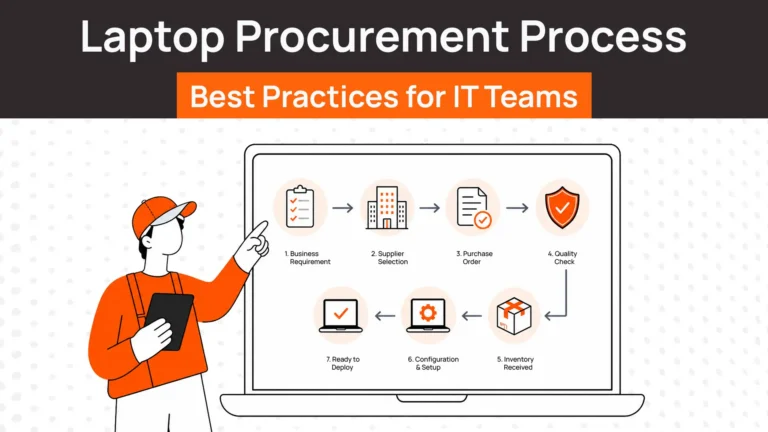
Step 1: Device is procured
The company purchases devices from an authorized vendor.
At this stage:
- Device details are captured
- Serial numbers are linked to systems
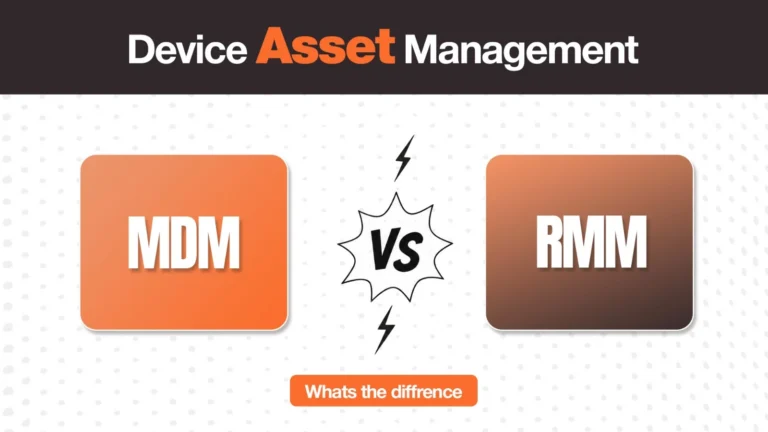
Step 2: Device is registered with MDM
The device is connected to a Mobile Device Management (MDM) system such as:
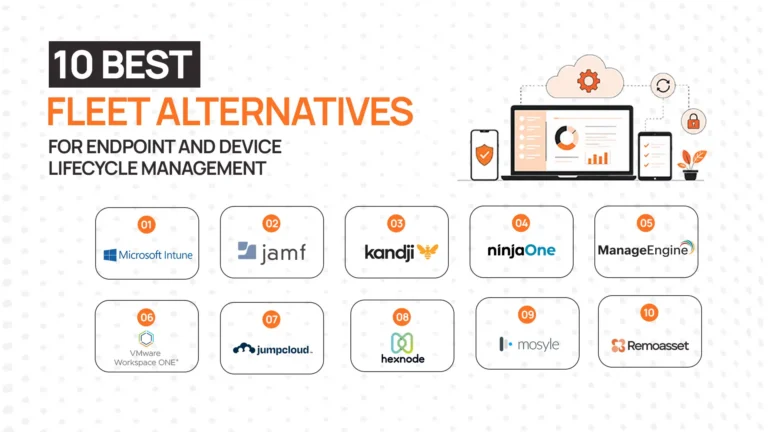
- Microsoft Intune
- Jamf
- Workspace ONE
This is where configuration rules are defined.
Step 3: Configuration profiles are assigned
IT teams create standard configurations based on roles:
Example:
- Engineering → development tools
- Sales → CRM + communication tools
- Design → creative software
Step 4: Device is shipped to employee
Instead of going to IT first, the device is sent directly to the employee.
Step 5: Employee logs in
This is the key moment. As soon as the employee logs in:
- Device connects to MDM
- Policies are applied
- Apps are installed
- Security is enforced
Result:
The device becomes fully operational without IT touching it.
Why Zero Touch Deployment Matters Today
Zero touch deployment is no longer a “nice to have.” It’s becoming essential because of how work has changed.
1. Faster onboarding = immediate productivity
When devices are ready on Day 1:
- Employees start working immediately
- Managers don’t lose time
- Teams ramp faster
Delays of even 1–2 days compound across hiring cycles.
2. Reduced IT workload
Manual provisioning does not scale.
Zero touch:
- Eliminates repetitive tasks
- Frees IT for higher-value work
- Reduces dependency on physical handling
3. Consistency across devices
Manual setup creates variation.
Zero touch ensures:
- Every device follows the same standards
- Security policies are uniformly applied
- Compliance is easier to maintain
4. Better employee experience
First impressions matter.
A smooth setup:
- Builds confidence
- Reduces frustration
- Improves perception of the company
Real-World Challenges of Zero Touch Deployment
1. Procurement delays
Zero touch assumes devices are available.
In reality:
- Procurement is fragmented
- Vendors differ by region
- Devices are out of stock
If the device doesn’t arrive, zero touch doesn’t matter.
2. Global shipping complexity
Shipping devices internationally involves:
- Customs duties
- Delays
- Compliance regulations
- Local vendor issues
Even if configuration is automated, delivery is not.
3. Vendor fragmentation
Companies often deal with:
- Multiple vendors
- Different pricing structures
- Inconsistent service quality
This creates operational overhead.
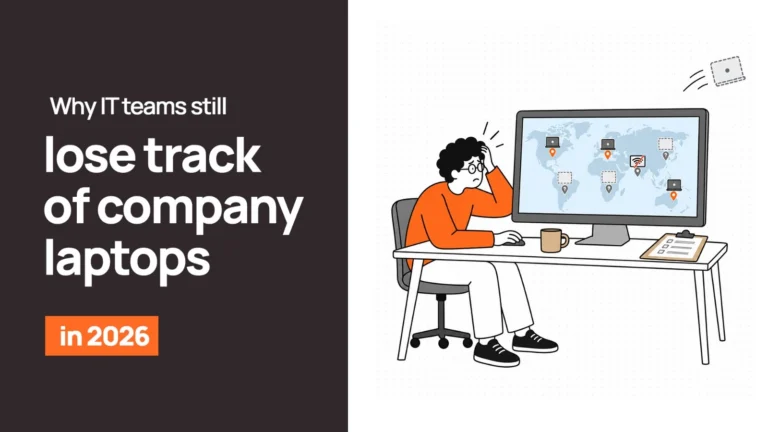
4. Lack of asset visibility
Once a device is shipped:
- Where is it?
- Who has it?
- Is it active?
Without tracking, zero touch becomes a blind spot.
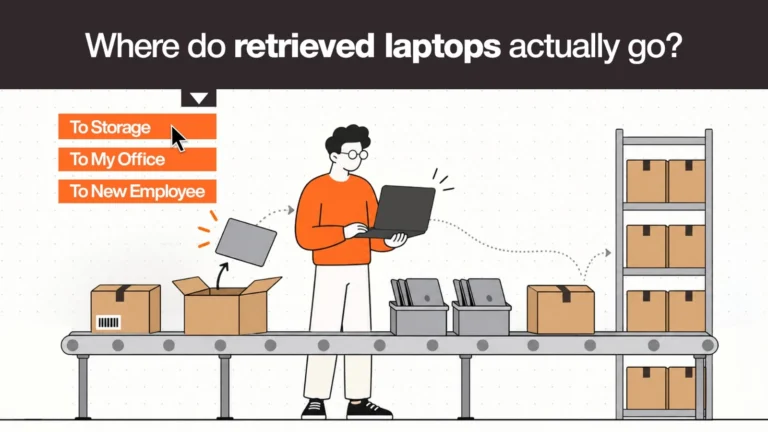
5. Retrieval and redeployment gaps
Zero touch focuses on deployment.
But what happens when:
- An employee leaves?
- A device needs to be reused?
Most systems don’t handle:
- Retrieval
- Data wiping
- Reassignment
Key Insight
Zero touch solves configuration. It does not solve operations. That’s the gap companies face at scale.
Zero Touch Deployment vs Traditional Setup
| Aspect | Traditional Setup | Zero Touch Deployment |
| IT Effort | High (manual setup required) | Minimal (automated) |
| Time to Deploy | Days per device | Minutes after login |
| Scalability | Limited | High |
| Consistency | Varies by setup | Standardized |
| Employee Experience | Delayed, inconsistent | Smooth, immediate |
What this table really shows:
Zero touch is not just faster. It changes how IT operates.
Step-by-Step: How to Implement Zero Touch Deployment
If you want to start implementing this, here’s a practical roadmap.
1. Choose an MDM solution
This is your foundation.
Examples:
- Intune
- Jamf
- Workspace ONE
Without MDM, zero touch is not possible.
2. Standardize device configurations
Define:
- Device types
- Software bundles
- Security policies
Avoid customization at the individual level.
3. Pre-configure security policies
Set:
- Encryption rules
- Access controls
- Compliance requirements
This ensures devices are secure from first login.
4. Integrate HR systems
Connect onboarding events to IT workflows.
Example:
- New hire added → device provisioning triggered
This removes manual coordination.
5. Build provisioning workflows
Define:
- Who gets what device
- When it is shipped
- How it is tracked
6. Enable direct-to-employee shipping
Devices should go directly to employees, not IT offices.
7. Test the full experience
Simulate:
- New hire onboarding
- Device setup
- Access provisioning
Identify gaps early.
Important Reality
Most implementations break not at configuration but at:
- Procurement
- Shipping
- Coordination
This is where lifecycle platforms come in.
Best Practices for Zero Touch Deployment
Keep configurations simple
Complex setups create failures. Standardization improves reliability.
Automate wherever possible
Manual steps introduce delays and errors.
Ensure Day 1 readiness
Devices must arrive before onboarding starts.
Maintain asset visibility
Tracking is essential for control and recovery.
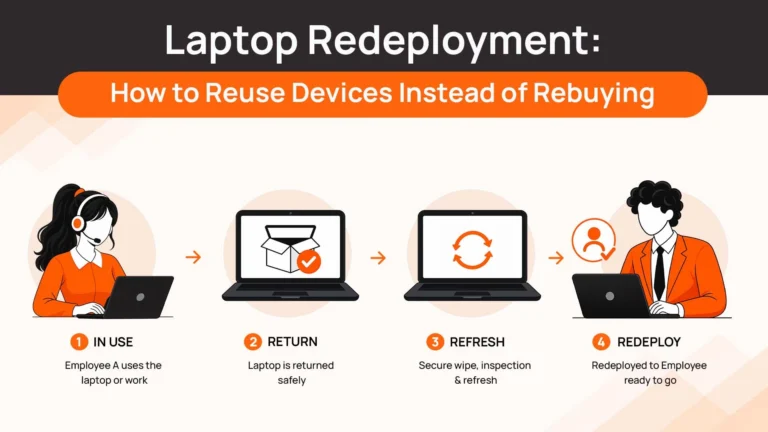
Plan for retrieval and reuse
Deployment is only one part of the lifecycle.
A Better Way to Think About Zero Touch Deployment
Instead of thinking of zero touch as a tool, think of it as a system.
The 3-Layer Deployment Model
1. Configuration Layer (MDM)
This includes:
- Device setup
- Security policies
- Application deployment
Tools:
- Intune
- Jamf
2. Logistics Layer (Procurement + Delivery)
This includes:
- Device sourcing
- Vendor coordination
- Global shipping
This is where most failures happen.
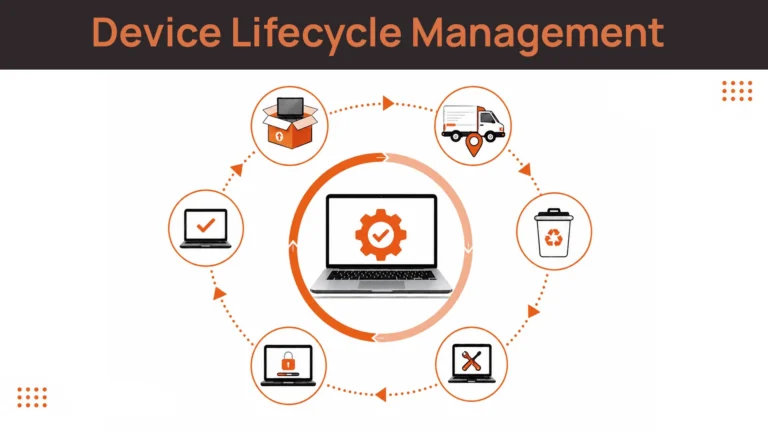
3. Lifecycle Layer (Tracking + Retrieval + Reuse)
This includes:
- Asset tracking
- Device recovery
- Data wiping
- Redeployment
Most companies only focus on Layer 1. But zero touch only works at scale when all three layers are connected.
Where platforms like RemoAsset fit
While MDM tools handle configuration:
Platforms like RemoAsset address:
- Procurement
- Global delivery
- Tracking
- Retrieval
They connect the layers that MDM does not cover.
Final Take — Making Zero Touch Work at Scale
Zero touch deployment is powerful. But on its own, it is incomplete.
What actually works
The companies that succeed:
- Combine configuration with logistics
- Automate end-to-end workflows
- Treat deployment as part of a lifecycle
The reality of scale
When teams grow globally:
- Coordination becomes harder
- Systems become fragmented
- Manual processes fail
The shift happening
Zero touch is evolving from a configuration method to a lifecycle system
Final Thought
If you are deploying devices across regions, your challenge is not just setup. It is coordination.
Platforms like RemoAsset help connect procurement, delivery, and lifecycle management ensuring devices reach employees ready to use, without operational friction.
Want to streamline zero touch deployment across your team?
Explore how modern lifecycle systems work → Book a Demo