A new hire starts Monday. The laptop is ordered Thursday and arrives the following Wednesday — wrong model, wrong configuration. The employee works on a personal device for two weeks while IT fixes it.
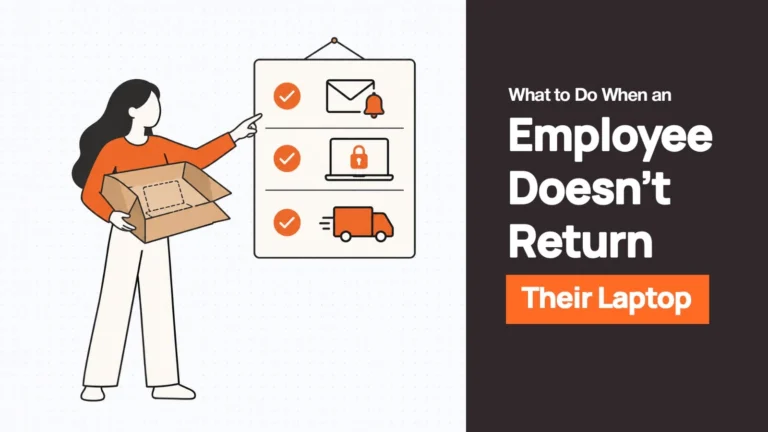
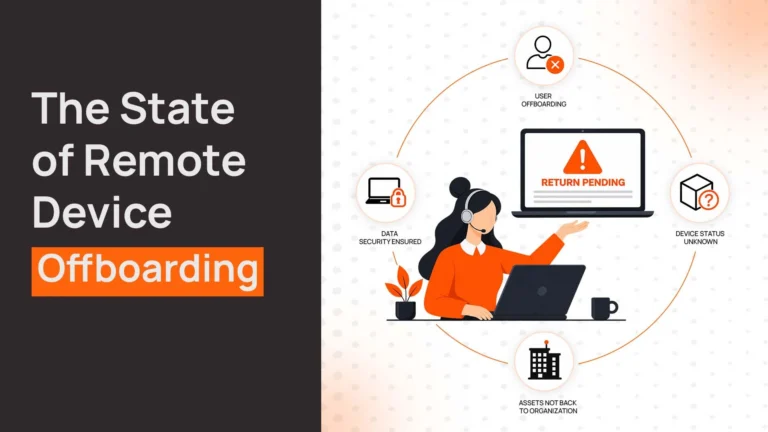
An employee in Berlin resigns. IT emails asking for the laptop back. Three months later there is still no laptop, and IT writes it off.
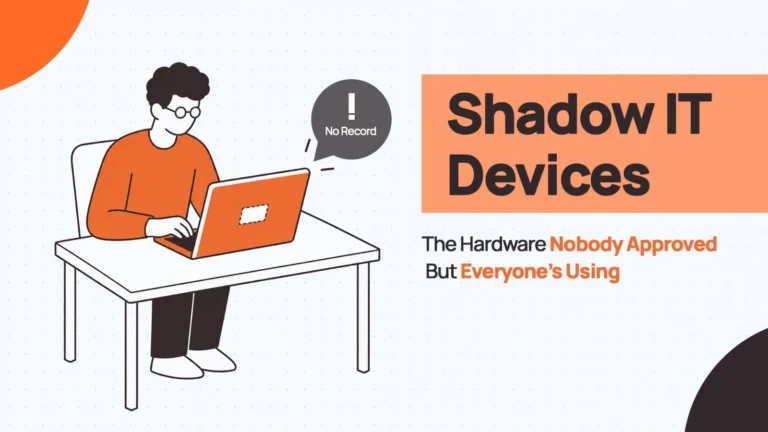
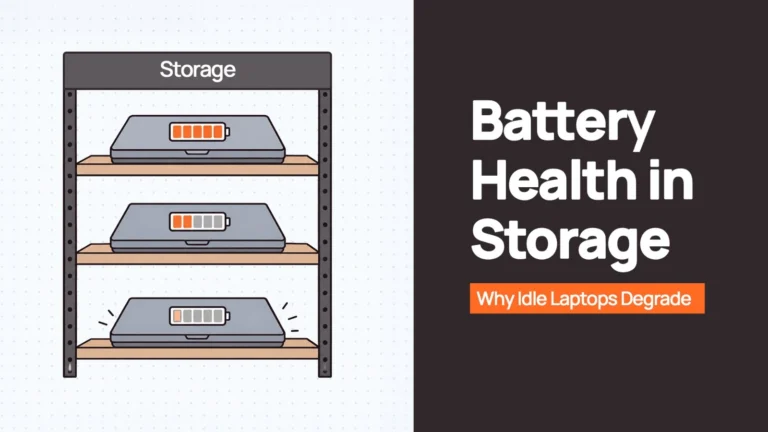
Forty-seven laptops sit in storage from an office closure. Some need repairs, some are usable but unconfigured, and nobody knows which are which. So when new hires arrive, IT orders new devices anyway.
That is laptop lifecycle management in most companies: a set of stages that look organised on paper and fall apart in execution. This guide covers what the lifecycle includes, where it breaks, how to run it internationally, and how the main platforms compare.
What is laptop lifecycle management?
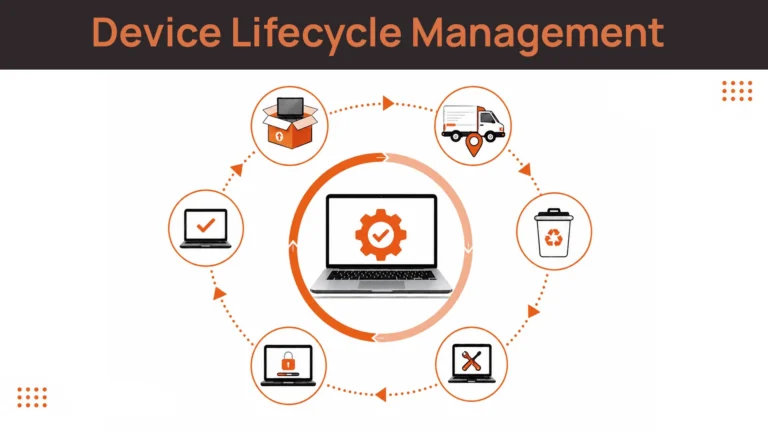
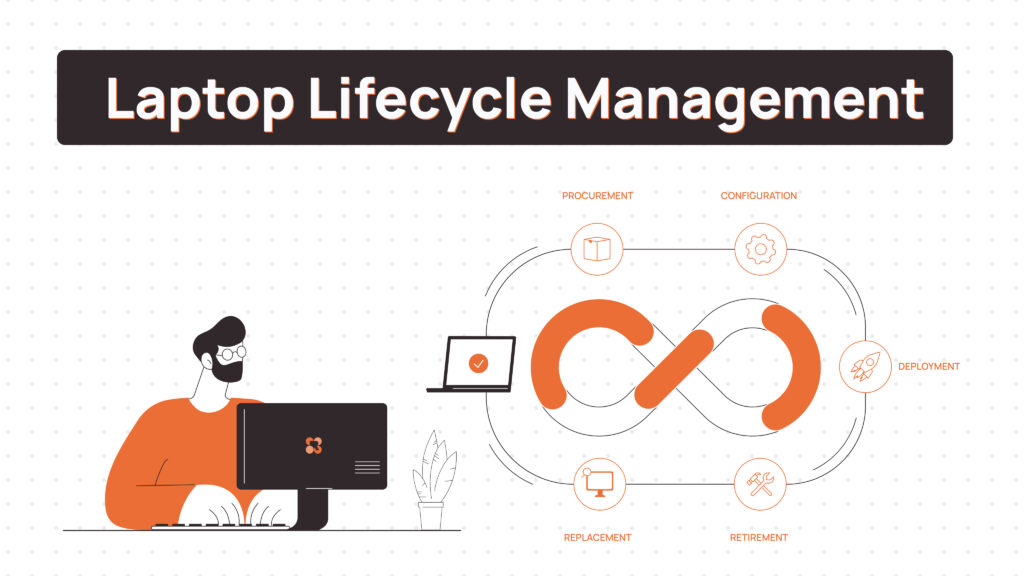
Laptop lifecycle management is the operational system that moves company laptops through every stage of their working life — not a checklist of stages, but a connected workflow where each transition triggers the next. An offer accepted in the HR system starts procurement. A delivery confirmation updates the asset record. An exit starts retrieval. A returned device is assessed and either redeployed or retired.
It is continuous rather than linear. Retrieved laptops are refurbished and redeployed; retired ones inform the next refresh plan. The same model applies to desktops and PCs, though distributed teams run almost entirely on laptops, which is where the logistics become difficult.
It is also narrower than device lifecycle management, which extends the same principles to phones, tablets, monitors and peripherals. If your fleet is mixed, that guide is the better starting point.
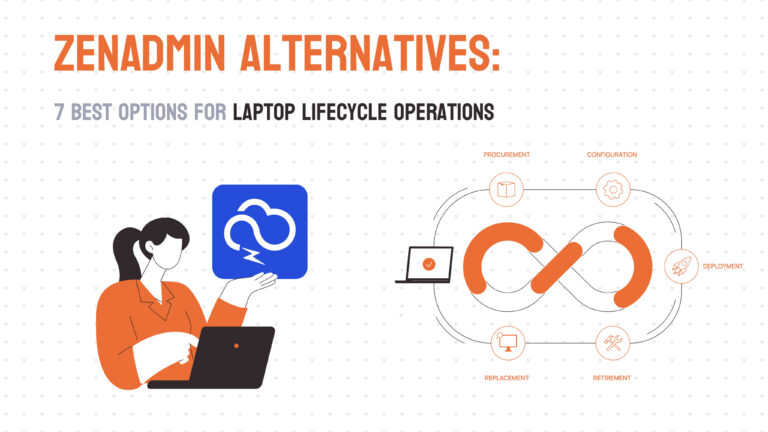
What does laptop lifecycle management include from purchase to disposal?
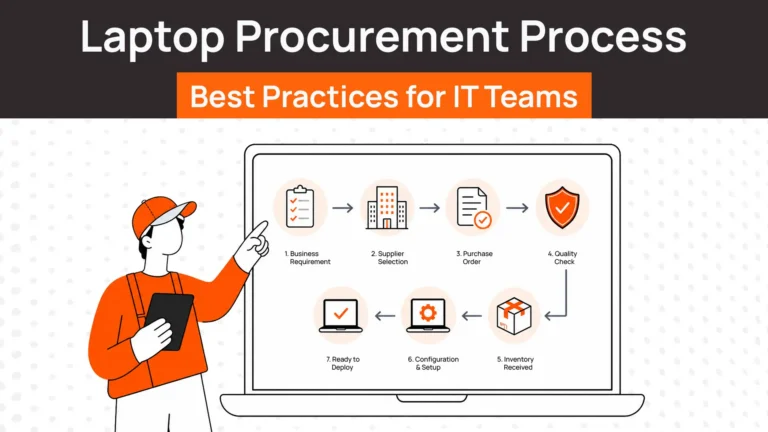
Nine stages. Most guides list five, but the four they usually leave out — tracking, storage, redeployment and certified disposal — are exactly where devices and money go missing.
| Stage | What happens | What good looks like |
|---|---|---|
| 1. Planning | Forecasting headcount, device standards by role, refresh cycles | Driven by live fleet data, not last quarter’s spreadsheet |
| 2. Procurement | Sourcing and ordering devices | Bought in-country to a fixed standard, with lead times known in advance |
| 3. Deployment | Configuration, MDM enrolment, delivery to the employee | Enrolled before dispatch; ready to use on first login |
| 4. Tracking | Knowing where every device is, who has it, and its state | Updated automatically by events, not by someone remembering |
| 5. Maintenance | Repairs, replacements, upgrades | A replacement path defined for every country before it is needed |
| 6. Retrieval | Recovering devices when people leave | Triggered by the exit, executed locally, with a chain of custody |
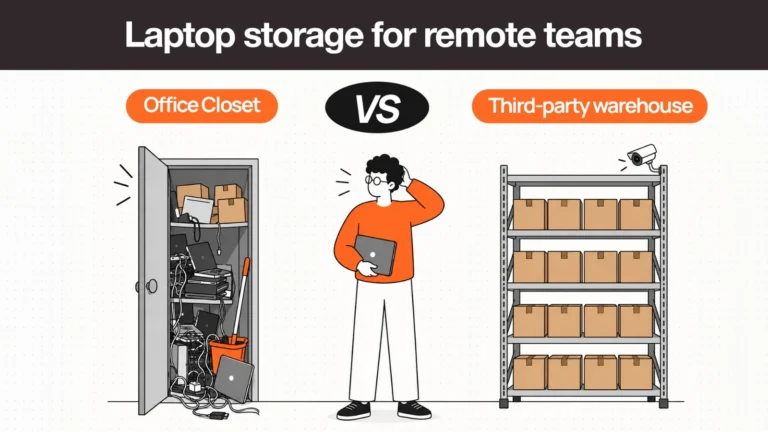
| 7. Storage | Holding returned and spare devices | Regional, inspected, logged by serial and actually deployable |
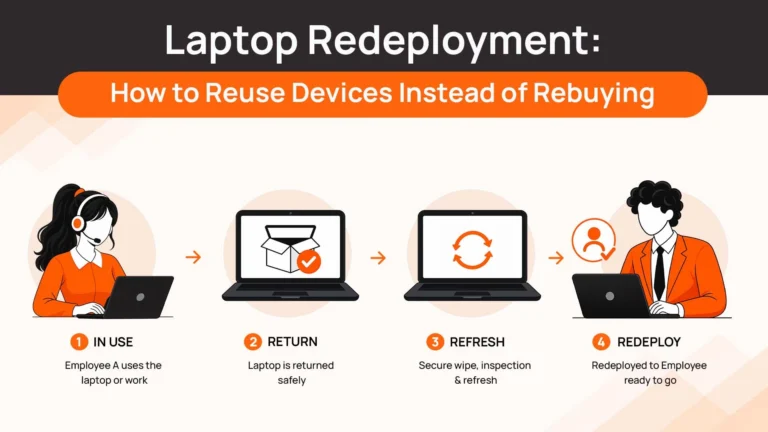
| 8. Redeployment | Reassigning a returned device to a new hire | Wiped, reconfigured and shipped instead of buying new |
| 9. Disposal | Retiring devices at end of life | Certified erasure, documented disposition, responsible recycling |
Each stage has its own depth. For procurement, see IT hardware procurement; for deployment, zero-touch deployment; for storage and redeployment, laptop storage and redeployment services.
Where laptop lifecycle management actually breaks
Every stage has a characteristic failure, and the failures compound. A quick reference before the detail:
| Stage | Common failure point | Impact if it breaks |
|---|---|---|
| Planning | Disconnected from real-time asset data — the spreadsheet shows what you bought, not what is deployable | New devices ordered while usable stock sits unknown in storage |
| Procurement | Vendor delays with no lead-time buffer; no feedback from maintenance on which models hold up | New hires wait; onboarding costs spike |
| Deployment | Manual per-device setup; wrong configuration profiles; device not enrolled before it ships | Employees start on personal devices; IT loses visibility immediately |
| Tracking | Records updated by hand after the fact, if at all | Nobody can say with confidence what the company owns or where it is |
| Maintenance | Reactive only; no ready replacements; repair turnaround undefined | Days of downtime per incident, multiplied across the fleet |
| Retrieval | No structured process; depends on the departing employee’s goodwill; no escalation path | Unrecovered devices written off; company data left on hardware outside your control |
Planning
Poor forecasting keeps IT reactive. Plan for eight hires in a quarter, make twenty, and you are buying at short notice with no standardisation. Worse, you often have usable devices in storage but no quick way to know which are functional, configured or suitable for redeployment — so you buy new. Planning fails whenever it runs on quarterly spreadsheets rather than live fleet data.
Procurement
Vendor delays become onboarding delays. Order two weeks before a start date, lose three weeks to supply issues, and the new hire waits. Lack of standardisation adds downstream cost: different teams order different models, so IT cannot stock common parts and configuration templates multiply. International procurement adds customs and duty on top — the reason in-country sourcing matters for distributed teams.
Deployment
Deployment fails when it depends on someone configuring each machine by hand. A VPN client gets missed; last quarter’s image goes out. The most expensive deployment failure is quieter: a device shipped before it was registered to your MDM tenant cannot enrol itself on first boot, so zero-touch fails and IT ends up on a setup call across time zones.
Tracking
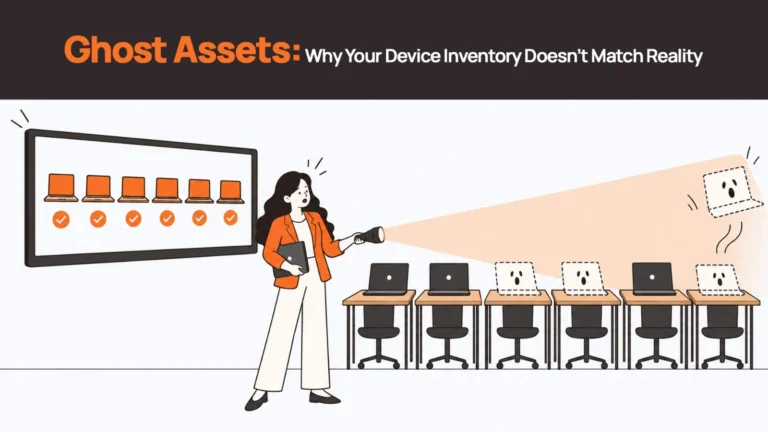
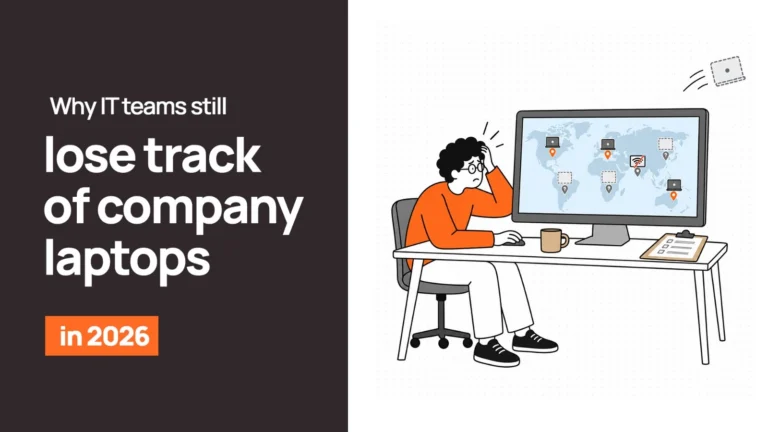
Tracking is rarely listed as a stage, which is why it breaks. Devices move between people, homes, repair queues and countries, and each move is a chance for the record to drift from reality. The failure shows up at the worst moment — during an audit, or when an employee leaves and the system says they have a laptop nobody can find. We covered the causes in why IT teams still lose track of company laptops.
Maintenance
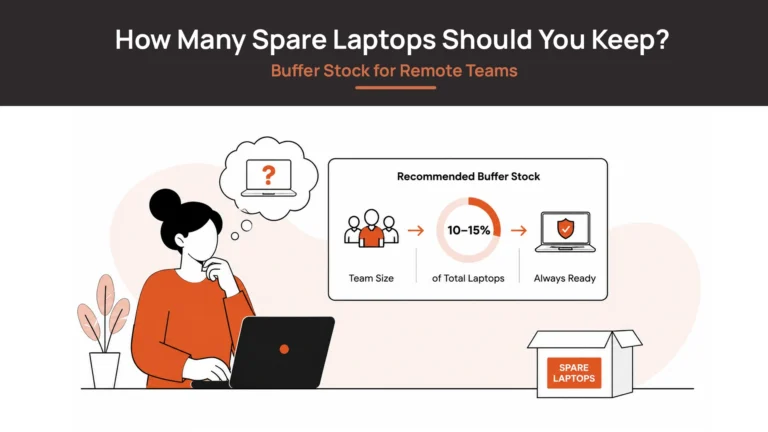
Without a replacement path, a dead laptop becomes two weeks of downtime: order, configure, ship. Maintenance fails when it is disconnected from inventory — you cannot send a configured replacement if you have no configured devices ready. Maintenance and repair coordination and a small spare laptop buffer are what turn an outage into a same-week swap.
Retrieval and decommissioning
Unreturned devices are the most visible failure. The employee leaves, IT asks for the laptop, the request is ignored or delayed, and the device never comes back. Without a structured process, retrieval depends entirely on the departing employee’s cooperation and on someone in IT remembering to follow up — and both fail routinely.
The security cost outlasts the hardware cost. A device sitting with a former employee may still hold company data and cached credentials. Remote wipe helps only if the device connects to the network. And when devices do come back, they often sit in storage indefinitely because nobody owns the decision to assess and reuse them.
What a good retrieval service documents: chain of custody
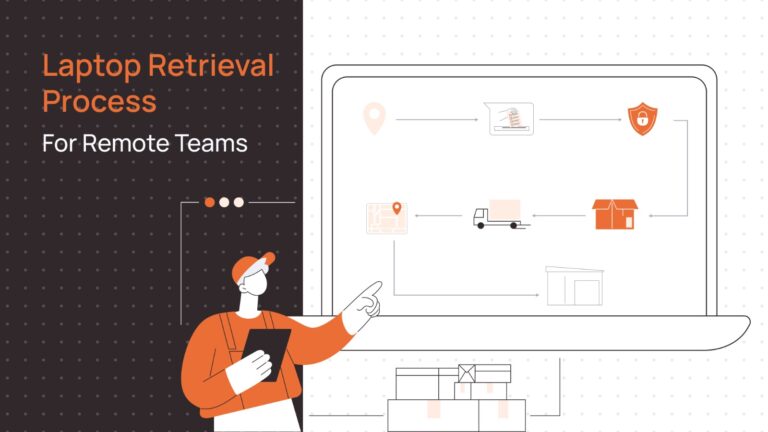
Chain of custody is the unbroken record of who held a device, when, and what was done to it. For offboarding it should capture four points:
- Collection — when and where the device was picked up or dropped off, matched to its serial number.
- Transit — carrier tracking from the employee’s address to the receiving facility.
- Check-in — confirmation of receipt against the serial, with a condition assessment.
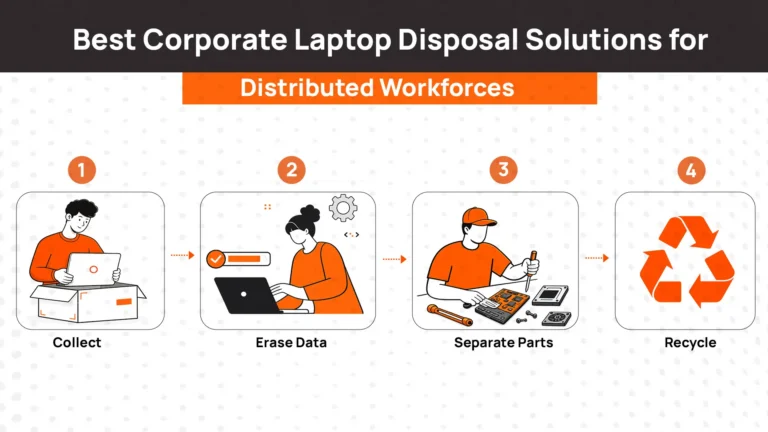
- Erasure and disposition — a per-device certificate showing the drive was wiped to a recognised standard such as NIST 800-88, followed by the device’s final route: storage, redeployment or recycling.
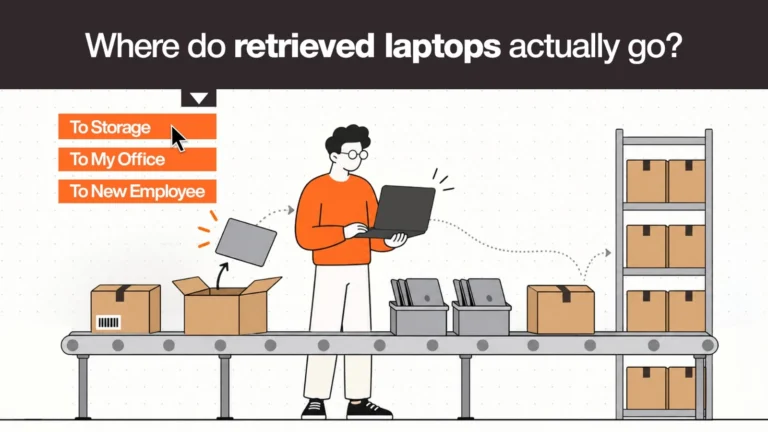
That record is what a SOC 2, ISO 27001 or GDPR reviewer asks for, and it is far easier to generate at the time than to reconstruct a year later. See laptop retrieval, certified data wiping, and where retrieved laptops actually go.
Related reads
- Device Lifecycle Management: The Complete Guide for Distributed IT Teams — the same model extended to phones, monitors and peripherals.
- Laptop Fleet Management: Complete Guide for Modern Remote Teams — running the deployed fleet day to day.
- Laptop Total Cost of Ownership: The Full Lifecycle Math — what a laptop actually costs across every stage.
- The Remote Device Offboarding Checklist for IT Teams — the retrieval stage, step by step.
- Laptop Redeployment: How to Reuse Devices Instead of Rebuying — closing the loop from retrieval back to deployment.
- Global Laptop Procurement Checklist: 12 Steps for Enterprise IT Teams — the procurement stage for multi-country teams.
Why laptop lifecycle management matters for IT teams
Cost control
Unused devices in storage are sunk capital. Late deliveries mean paying people who cannot work. Unrecovered devices are written off at full value. The purchase price turns out to be one of the smaller lines — see the lifecycle costs nobody budgets for.
Asset utilisation
Most fleets carry more devices than they need because existing inventory cannot be identified and redeployed quickly. Lifecycle management makes redeployment practical rather than theoretical.
Security
Every unreturned device is a data exposure. Every unpatched device is a vulnerability. Every unenrolled device is a compliance gap. Lifecycle management closes these systematically instead of one incident at a time.
Operational efficiency
IT hours spent chasing shipments, returns and device locations are hours not spent on anything else. Event-driven automation removes most of that coordination work.
| Managing laptops across distributed teams? Remoasset runs the full lifecycle — in-country procurement, zero-touch deployment, real-time tracking, local retrieval, storage and certified data wiping — across 80+ countries. Book a demo. |
How long does a laptop last? Lifespan by use case
Replacement timing depends more on how a device is used than on its age. Realistic business lifespans by role:
| Use case | Typical lifespan | Key degradation driver | Replacement signal |
|---|---|---|---|
| Standard office and admin work | 4–5 years | Battery capacity, software bloat | Slow startup; battery no longer lasts a working session |
| Sales and customer-facing roles | 3–4 years | Heavy travel, physical wear | Hinge damage, keyboard failures |
| Engineering and development | 2–3 years | Sustained CPU and memory load | Thermal throttling; memory ceiling reached |
| Design and creative production | 2–3 years | GPU and storage intensity | Rendering slowdowns, SSD wear |
| Remote employees (no office swap) | 3–4 years | Inconsistent care standards | Rising support ticket frequency |
Treat this as a planning tool, not a warranty. Business-grade lines such as ThinkPad, MacBook Pro, Dell Pro and HP EliteBook often exceed these ranges; consumer devices bought to save upfront cost usually fall short. Replace by symptom, not by birthday — and before retiring a device, assess it for redeployment to a less demanding role. An engineer’s three-year-old laptop is often a perfectly capable machine for a new admin hire.
Laptop asset management vs laptop lifecycle management
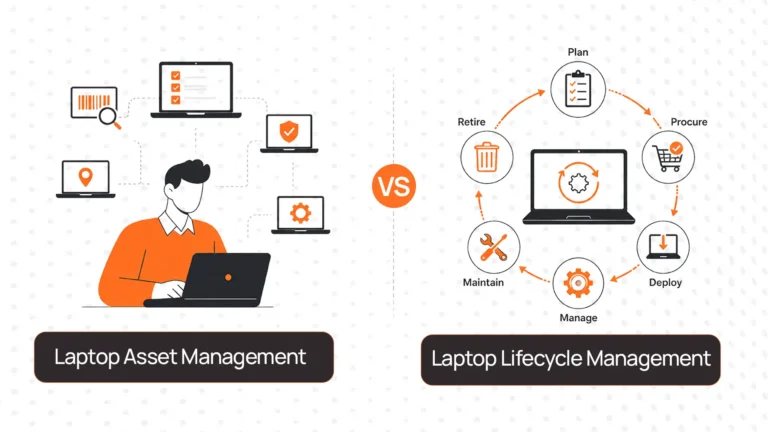
Laptop asset management answers what do we own? — serial numbers, assignments, purchase dates, warranties. Laptop lifecycle management answers what can we deploy right now, and what happens next? — the operational workflow that moves each device between stages. Asset management is the record; lifecycle management is the process that keeps the record true. Most distributed teams need both, connected. We compare them in detail in laptop asset management vs laptop lifecycle management.
How to manage the full lifecycle of employee devices internationally
Distributed teams amplify every failure above. Employees in fifteen countries cannot drop a laptop at a central IT desk, and shipping hardware across borders adds customs, duty, battery regulations and warranty problems at both ends of the lifecycle. The approach that holds up at scale:
- Source in-country. Buy the device in the employee’s country rather than shipping it from headquarters. Faster, no customs or duty, and a warranty valid where the device is used. Why shipping laptops internationally hurts remote teams sets out the alternative’s costs.
- Enrol before dispatch. Register the device to your MDM tenant at purchase so it configures itself on first login, wherever that happens.
- Track by serial, across borders. One record for every device regardless of country, updated by delivery, repair, reassignment and return events. Automated tracking is what makes this hold at scale.
- Retrieve locally. Collect the device in the employee’s country and route it to a regional facility, rather than asking someone in Manila to courier a laptop to London.
- Wipe, store and redeploy regionally. Keep returned devices near where you hire next, so redeployment is a domestic delivery. Device storage covers how.
Coverage varies by market, so check availability for each country you hire in — our country coverage pages set out local sourcing, delivery and retrieval for each of the 80+ countries Remoasset operates in.
Hybrid teams: when devices move between home and office
Hybrid work creates lifecycle problems that neither fully remote nor fully office-based teams face. Devices and peripherals end up split across two locations. Docks at hot desks are shared, so compatibility becomes part of the device standard. Laptops get left in the office when someone leaves, and nobody notices until the next audit. The fixes are unglamorous: record peripherals as well as laptops, standardise dock compatibility, and make “where is it physically” a tracked field rather than an assumption.
For more on running a mixed fleet, see remote and hybrid teams.
Lifecycle platforms vs workforce management and EOR tools
A common question is whether HR, employer-of-record or workforce management software already handles laptops. Usually they handle the event — a hire, a relocation, an exit — but not the physical work that follows: sourcing a device in the right country, enrolling it, shipping it, repairing it and getting it back. Lifecycle platforms do that execution. The practical setup is both, connected: the HR system triggers the workflow and the lifecycle platform carries it out. Tools that automate laptop onboarding and offboarding covers how that connection works.
Best laptop lifecycle management platforms in 2026
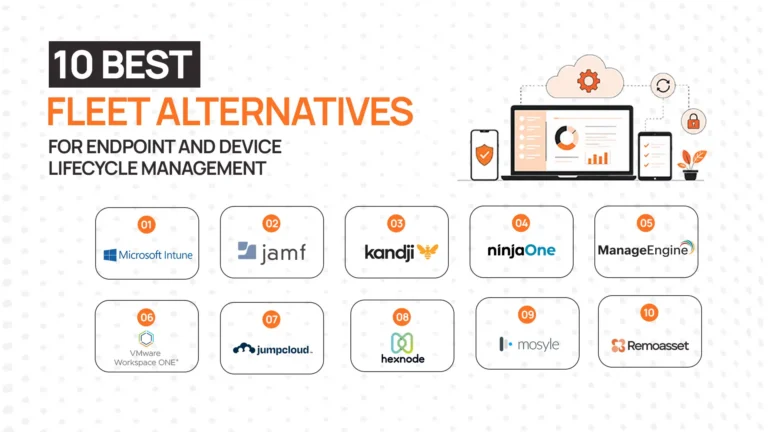
The best platform for buying, configuring, deploying and retiring laptops globally is the one that covers all nine stages in every country you hire in — not just procurement and delivery. Coverage is where platforms in this category differ most: some are procurement-led, some are retrieval-led, some bundle SaaS administration, and a smaller number run the full loop including storage and redeployment.
| Platform | Best for | Lifecycle coverage | Watch out for | Read more |
|---|---|---|---|---|
| Remoasset | Distributed teams across 80+ countries, including APAC and the Middle East | Full loop: procurement, zero-touch deployment, tracking, repairs, retrieval, storage, certified wiping, redeployment | Built for distributed teams; teams with a single office may not need the multi-country depth | Solution overview |
| Workwize | Remote and hybrid teams managing employee hardware | Procurement, deployment, tracking and offboarding | Compare international retrieval depth for your countries | Remoasset vs Workwize |
| Esevel | Startups hiring across Asia-Pacific | Procurement and onboarding | Regional focus; confirm coverage outside APAC | Remoasset vs Esevel |
| Quipteams | Procurement-led programmes with global logistics | Procurement and logistics | Limited native MDM, HRIS automation and post-deployment tracking | Quipteams alternatives |
| ZenAdmin | Teams wanting device, SaaS and identity admin in one platform | Devices plus SaaS administration and onboarding/offboarding | Breadth across IT admin versus depth in physical logistics | ZenAdmin alternatives |
| Allwhere | SMBs and mid-sized remote teams | Procurement, onboarding and basic offboarding | Check retrieval and redeployment depth as you scale | Allwhere alternatives |
| Firstbase | Teams wanting an established equipment platform | Procurement through retrieval | Confirm coverage in your specific markets | Firstbase alternatives |
| GroWrk | Remote teams wanting a single equipment portal | Procurement through retrieval | Confirm coverage in your specific markets | GroWrk alternatives |
| Hello Retriever | Offboarding in the US, UK and Canada | Retrieval-focused | Narrow lifecycle and geographic coverage | Hello Retriever alternatives |
| Remote Retrieval | US-focused device recovery | Retrieval with prepaid return kits and tracking | US focus; retrieval only | Remote Retrieval alternatives |
| Fleet.co | Teams preferring leasing (device-as-a-service) | Leasing-led lifecycle | Different acquisition model — not a like-for-like comparison | Remoasset vs Fleet |
On pricing: most platforms in this category publish limited pricing and quote per device or per service, so expect to request a quote and compare like for like. Remoasset offers pay-as-you-go or annual subscription pricing.
Self-managed vs managed lifecycle programmes
You can run the lifecycle yourself: an MDM, an asset register, a list of resellers per country and a courier account. That works well for a small team in one or two countries with an IT person to run it.
A managed programme bundles procurement, MDM enrolment, delivery, support and retrieval under one contract, with one record and one invoice. It becomes the practical option once you are hiring in more than a handful of countries, because the self-managed version turns into one set of vendors, contracts and escalation paths per market. If you are also weighing how to fund the devices, laptop leasing vs purchasing covers that decision.
What to look for in a laptop lifecycle management solution
Whichever platform you shortlist, test it against these criteria:
- End-to-end coverage. Procurement, deployment, tracking, maintenance, retrieval, storage, redeployment and disposal on one platform. Every gap between tools is a handoff you will manage by hand.
- In-country delivery and retrieval. Ask specifically whether devices are sourced and collected domestically in your key markets, not just whether those countries appear on a coverage map.
- Automation from HR events. New hires, exits and relocations in your HRIS should start the right workflow without a ticket.
- Multi-country visibility. One live record of every laptop and peripheral — where it is, who has it, what state it is in — across all countries.
- Security and compliance evidence. Enrolment before dispatch, chain of custody through retrieval, and per-device erasure certificates to a named standard.
- Redeployment support. Refurbishing and reassigning returned devices instead of always buying new. This is where the largest savings sit, and most systems ignore it.
How modern lifecycle platforms connect the stages
Lifecycle stages are not independent processes; they are connected transitions. A platform that automates procurement, deployment and retrieval does it by linking four handoffs:
- HR event to procurement to deployment. A new hire in the HRIS triggers the order. The device is sourced locally, enrolled in MDM before dispatch and tracked to the door.
- Deployment to tracking. Delivery confirms the assignment in the record automatically. No spreadsheet update.
- Maintenance to inventory. A failed device triggers a replacement from available stock; the broken one enters the repair queue and returns to inventory once fixed.
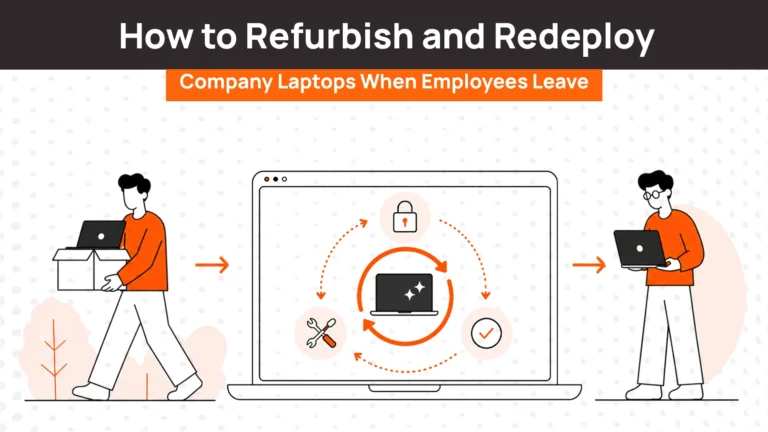
- Exit to retrieval to redeployment. An exit in the HRIS triggers retrieval. The returned device is wiped, assessed and added back to available stock for the next hire.
Information flows between stages because events drive the workflow, not people remembering to act.
Best practices for laptop lifecycle management
- Standardise device models. Limit the catalogue to two or three models by role. Shorter lead times, simpler configuration, easier maintenance.
- Plan retrieval at deployment. Decide how a device comes back before it goes out, and trigger retrieval from HR system events.
- Track in real time. Know where every device is, who has it and what state it is in.
- Reuse before replacing. Assess returned devices for refurbishment and reassignment before ordering new. The laptop redeployment guide covers how.
- Automate transitions. Every manual handoff is a failure point — especially between procurement, zero-touch deployment, maintenance and retrieval.
- Plan refreshes from fleet data. Track age, repair frequency and battery health centrally and forecast refreshes six to twelve months ahead. Laptop inventory management software is what makes this possible at scale.
Centralise your laptop lifecycle with Remoasset
Laptop lifecycle management is not complicated in theory. The challenge is execution — most companies run procurement in one system, deployment in another, tracking in spreadsheets and retrieval through email, and every handoff is where something breaks.
Remoasset connects those stages into one operational system across 80+ countries. Devices are procured in-country, enrolled in your MDM before dispatch, tracked by serial, retrieved locally when people leave, wiped to NIST 800-88 with a certificate per device, and stored regionally for redeployment. Pricing is pay-as-you-go or annual subscription.
If you manage laptops across more than one country, book a demo to see the workflow end to end.
Frequently asked questions
What is laptop lifecycle management?
Laptop lifecycle management is the operational process of running company laptops from procurement through certified disposal, including deployment, tracking, maintenance, retrieval, storage and redeployment. It focuses on the transitions between stages — which is where devices are delayed, lost or left unused — rather than on inventory records alone.
What does laptop lifecycle management include from purchase to disposal?
Nine stages: planning, procurement, deployment including MDM enrolment, tracking, maintenance, retrieval, storage, redeployment and disposal with certified data erasure. Many guides list only five, but tracking, storage, redeployment and certified disposal are where most devices and costs go missing.
What’s the best platform for provisioning and managing laptops for remote employees worldwide?
Choose a platform that covers the full lifecycle in every country you hire in: in-country procurement, enrolment before dispatch, multi-country tracking, local retrieval and certified wiping. Many platforms cover procurement and delivery well but are thinner on retrieval, storage and redeployment. Remoasset covers the full loop across 80+ countries.
Which companies offer end-to-end laptop lifecycle management for remote and hybrid teams?
Platforms in this category include Remoasset, Workwize, Firstbase, GroWrk, Esevel, Allwhere, ZenAdmin and Quipteams, with retrieval specialists such as Hello Retriever and Remote Retrieval. They differ mainly in lifecycle coverage and geography, so compare them against the countries you actually hire in.
Which laptop lifecycle platform automates procurement, deployment and retrieval?
Platforms that integrate with your HRIS automate all three: a new hire triggers local procurement and MDM enrolment before dispatch, and an exit triggers retrieval, erasure and a return to available stock. Without an HRIS connection, each step still depends on someone raising a request.
Can a laptop lifecycle provider handle international shipping and local returns?
The better ones avoid international shipping altogether by sourcing devices in the employee’s country and retrieving them locally to a regional facility. That removes customs and duty at both ends and keeps warranties valid. Ask any provider which of your markets they serve domestically.
How do I manage the full lifecycle of employee devices internationally?
Source in-country, enrol devices in your MDM before dispatch, track every device by serial across borders, retrieve locally when people leave, and wipe, store and redeploy regionally. The aim is that no device ever needs to cross a border to reach its next user.
How do companies handle laptop lifecycle for hybrid teams?
Hybrid teams need to track peripherals as well as laptops, standardise dock compatibility for shared desks, and record where each device physically is. The most common hybrid failure is a laptop left in the office after an exit that nobody notices until an audit.
Where can I buy a managed laptop lifecycle programme that bundles procurement, MDM enrolment and support?
Managed lifecycle providers bundle procurement, MDM enrolment, delivery, support and retrieval under one contract. Check that enrolment happens before dispatch, that support and repairs are handled locally, and that retrieval and certified erasure are included rather than sold separately.
What should a laptop lifecycle service include for offboarding and chain of custody?
Local retrieval triggered by the exit, carrier tracking, check-in against the device serial, and a per-device erasure certificate to a recognised standard such as NIST 800-88, followed by a documented disposition. Together these form the chain of custody auditors ask for.
How is laptop lifecycle management different from laptop asset management?
Laptop asset management is the record of what you own: serials, assignments, warranties. Laptop lifecycle management is the operational process that moves each device between stages and keeps that record accurate. Most distributed teams need both, connected.
How long is a laptop lifecycle for a business?
Typically three to five years depending on role: four to five for standard office work, three to four for sales and travel-heavy roles, and two to three for engineering and creative work. A retrieved and refurbished device can then start a second deployment in a less demanding role.
When should a company replace its laptops?
Replace by symptom rather than age: battery no longer lasting a working session, persistent slowness, inability to run current security updates, or rising repair frequency. Flag devices entering their fourth year for assessment rather than waiting for them to fail in an employee’s hands.
How do I track laptops in my organisation?
Tracking needs three layers: an inventory record of what exists and who holds it, real-time status showing whether each device is deployed, in storage, in repair or in transit, and configuration state such as MDM enrolment and encryption. Spreadsheets cover the first layer for small teams but break at the second and third.