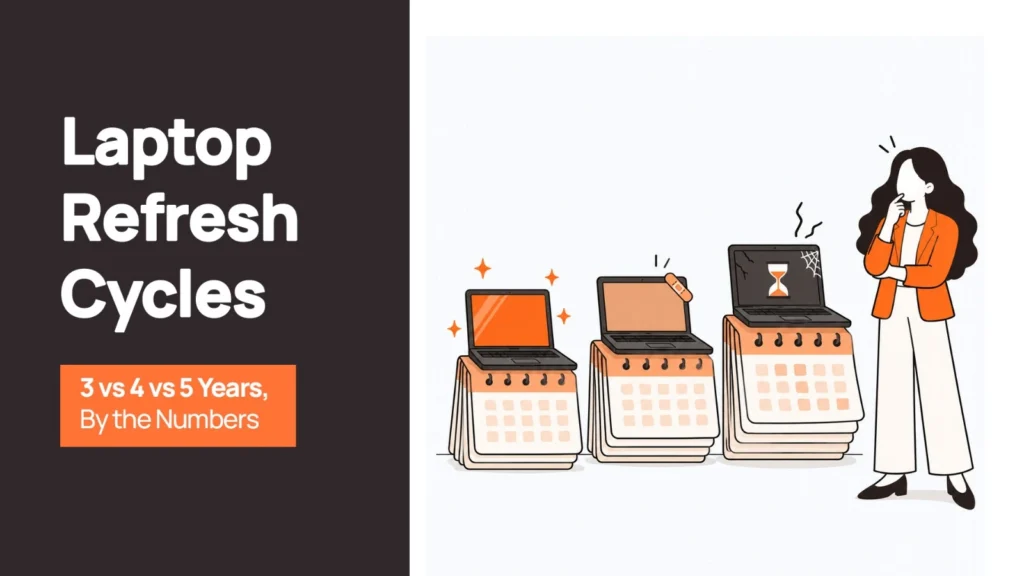
“Do we really need to replace these laptops already?”
If you manage IT operations or device procurement, you have probably heard this question during a budget review. You may also have faced the opposite problem: employees working on laptops purchased years ago, while IT continues to deal with repair requests, performance complaints, and compatibility issues.
The right laptop refresh cycle can make a meaningful difference to both operational costs and employee experience. Yet many companies follow a three-, four-, or five-year replacement schedule simply because it was established years ago. Few revisit the assumptions behind it.
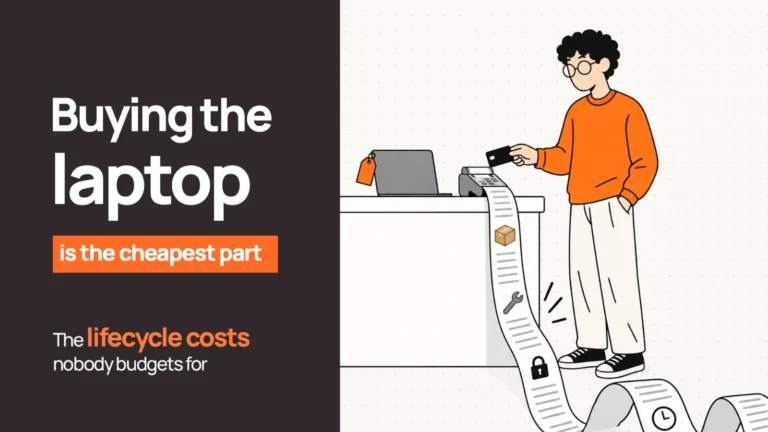
The decision deserves a closer look. Hardware acquisition is only one part of the cost. Repair frequency, support effort, security updates, employee downtime, and the value recovered from retired devices all affect the economics.
This guide compares three-, four-, and five-year laptop refresh cycles, explains how to evaluate their total cost of ownership (TCO), and outlines how to make the end of a device’s first life part of the financial calculation.
What Is a Laptop Refresh Cycle?
A laptop refresh cycle is the planned interval at which a company replaces its devices, typically after three, four, or five years of use.
It differs from reactive replacement, where a laptop is replaced only after it breaks or becomes unusable. A defined refresh cycle helps IT and finance teams forecast spending, plan deployments, maintain security standards, and reduce unexpected disruption.
Device age alone should not determine the decision. Two laptops purchased in the same year can have very different remaining value depending on their specifications, workloads, battery condition, warranty coverage, and software compatibility.
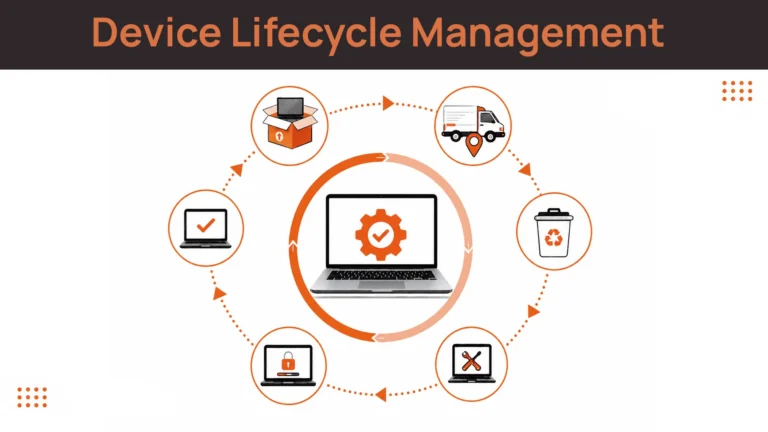
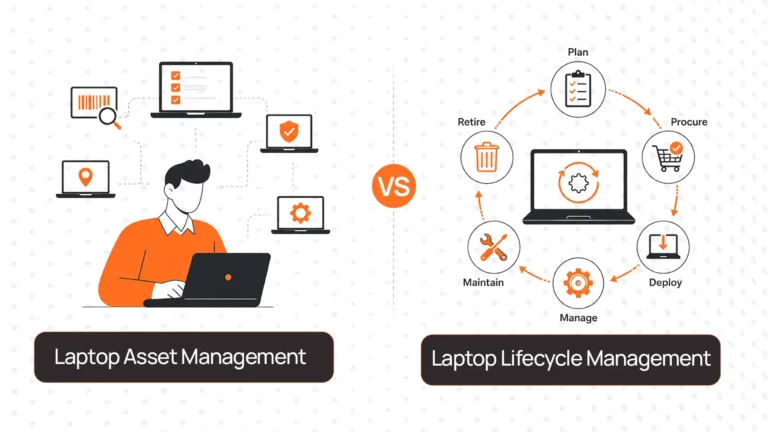
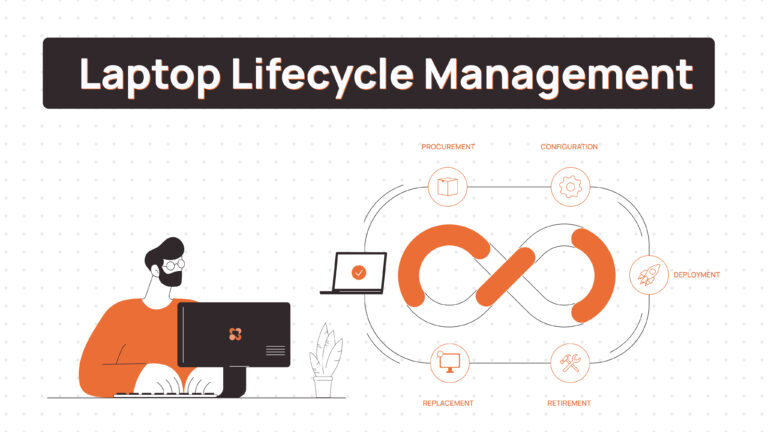
A useful refresh policy combines an age-based schedule with condition checks and clear exceptions for devices that should be replaced earlier or can safely remain in service longer. This is why refresh planning works best as part of a broader device lifecycle management process — where procurement, deployment, maintenance, and recovery are managed together rather than treated as separate events.
The 3-Year Laptop Refresh Cycle
A three-year cycle prioritises performance, predictable support, and the opportunity to recover value from devices while they are still relatively recent.
Hardware costs and maintenance
Replacing laptops every three years means spreading the initial purchase cost over a shorter period. As a result, annualised hardware spending is generally higher than with a four- or five-year cycle.
The potential advantage is lower exposure to ageing-device problems. Devices may still have useful warranty coverage, depending on the original terms, and are generally younger when they reach the refresh stage. This can make repairs, redeployment, and resale easier to manage.
However, a three-year policy does not guarantee lower maintenance costs. Warranty length, device quality, repair terms, and actual failure rates all matter.
Performance and employee experience
For employees using demanding applications, handling large files, running development environments, or working with multiple applications simultaneously, newer hardware can help maintain a consistent experience.
A three-year cycle also gives IT teams an opportunity to standardise configurations and address changing software requirements before older hardware becomes a bottleneck.
The benefit depends on the role. A laptop used for email and browser-based applications may remain perfectly adequate after three years, while a machine supporting resource-intensive work may need replacement earlier.
Security and redeployment
Three-year-old devices can be strong candidates for a second deployment when their condition and specifications remain suitable. For example, a laptop used by a senior employee might be reassigned to a contractor, a temporary worker, or someone with lighter computing requirements.
That second use matters financially. A refreshed device that can be securely redeployed retains more organisational value than one left unused in storage.
A three-year cycle is worth evaluating when device reliability, employee productivity, security requirements, and second-life opportunities justify the higher annualised acquisition cost.
The 4-Year Laptop Refresh Cycle
A four-year cycle offers a middle ground between annualised hardware spending and the operational demands of keeping devices longer.
Hardware costs and maintenance
The purchase cost is spread over an additional year compared with a three-year cycle. This can make budget planning easier, especially for organisations with large fleets and limited annual procurement budgets.
The trade-off is that IT teams need to assess the additional maintenance exposure during the fourth year. Battery condition, repair history, warranty expiry, and the cost of replacement parts become increasingly relevant.
There is no universal point at which a laptop becomes expensive to maintain. The useful question is whether the cost of keeping a particular device in service remains reasonable relative to replacing it.
Performance and security
A four-year-old laptop may still handle everyday work comfortably. Its suitability depends on the original configuration, workload, operating system support, and the requirements of the applications it runs.
Security support deserves particular attention. Windows 10 reached the end of standard support on October 14, 2025. Devices still running Windows 10 need a supported migration or an applicable extended-security arrangement. Organisations should check Windows 11 hardware eligibility rather than assume that every older laptop can be upgraded. Microsoft’s official Windows 10 support guidance explains the transition.
Mac fleets need their own support review. Apple publishes security releases and software compatibility information, so IT teams should assess the specific Mac model and supported macOS versions rather than rely on a fixed assumption about how long every Mac remains supported.
Who benefits most?
A four-year cycle can work well for organisations with general-purpose laptops, disciplined device monitoring, and a structured refresh process. It provides an additional year of use without making five-year operation the default.
The strongest case comes from fleet data: devices that remain reliable, receive required updates, and continue meeting employee needs can justify the extra year.
The 5-Year Laptop Refresh Cycle
A five-year cycle reduces the frequency of new laptop purchases. On a hardware budget alone, this can appear to be the most economical option.
The full cost calculation is more complicated.
The cost of keeping devices longer
As devices age, organisations may face more repairs, longer troubleshooting sessions, and more time spent resolving performance problems. These costs do not necessarily rise at the same rate for every fleet, but they should be measured rather than ignored.
A laptop with a failing battery might need a relatively straightforward repair. Another device may experience repeated hardware issues or struggle to meet current software requirements. Treating both as identical simply because they are five years old can lead to poor decisions.
Security and compatibility risks
A five-year-old laptop is not automatically insecure or obsolete. Its operating system, firmware, hardware capabilities, configuration, and support status determine whether it remains suitable.
However, a five-year refresh policy can leave devices in service beyond important software support milestones. Microsoft’s Windows 11 minimum requirements include TPM 2.0, among other conditions. A device that cannot meet the required specifications may need replacement or another formally approved approach to remaining supported.
For companies still operating Windows 10 devices after standard support ended, the first priority is to establish which devices are eligible for an upgrade and which need a different plan.
When five years can make sense
Longer cycles may be appropriate for single-purpose devices such as kiosks, point-of-sale terminals, or equipment running a stable, tightly controlled workload. These devices still need appropriate security controls, supported software, and a replacement plan.
For general-purpose employee laptops, five years should be an evidence-based decision rather than a default way to defer procurement spending.
| Windows 10 End of Support — Active Risk for 5-Year Fleets Windows 10 standard support ended October 14, 2025. Devices deployed in 2020–2021 on a 5-year cycle are now approaching or past this milestone. Check Windows 11 hardware eligibility (TPM 2.0 required) before extending any device beyond 4 years. An unsupported OS receives no security patches — this is a compliance and audit risk, not just a performance issue. |
The Numbers: Comparing 3-, 4-, and 5-Year Refresh Cycles
A historical enterprise study by Wipro, sponsored by Intel and published in an updated form in 2010, analysed data from 106 organisations. Its model compared PC acquisition, support, and out-of-warranty repair costs across different refresh intervals. The model found that the three-year cycle had the lowest equivalent annual cost in its example. It also found that support costs increased as devices aged.
The study is useful for understanding why purchase price alone can be misleading. Its data is old, however, and should not be treated as a current benchmark for today’s laptops. Modern hardware, warranty arrangements, support practices, and software workloads can change the result.
The table below separates that historical model from the practical questions IT teams should evaluate today.
| Metric | 3-year cycle | 4-year cycle | 5-year cycle |
|---|---|---|---|
| Annualised hardware spending | Highest of the three | Moderate | Lowest on a hardware-only basis |
| Exposure to ageing-device repairs | Generally lower, but fleet-dependent | Moderate and worth tracking | Potentially higher; verify using repair records |
| Warranty coverage | Depends on purchase terms | More devices may be out of warranty | Greater likelihood of devices being out of warranty |
| Performance requirements | More frequent hardware upgrades | Often a practical balance | Depends heavily on workload and specifications |
| OS and security support | Must still be checked | Audit model and OS eligibility | Highest need for careful support and compatibility review |
| Employee downtime | Potentially reduced by proactive replacement | Depends on device condition and support | Measure repair delays and recurring incidents |
| Second-life opportunity | More opportunity to redeploy suitable devices | Still possible for suitable devices | Depends on condition, support, and remaining usefulness |
| Best fit | Fleets prioritising performance and early recovery of device value | General-purpose fleets balancing cost and reliability | Suitable, controlled workloads where extended use is justified |
The central point is that annualised hardware spending and total cost of ownership are different measures. A longer refresh cycle reduces how frequently new laptops are purchased, but it can increase costs elsewhere.
A historical TCO comparison, without treating it as today’s price list
The Wipro/Intel study modelled equivalent annual laptop costs for its three-, four-, and five-year scenarios. Using its published annual totals as a relative index, with the three-year scenario set to 100, produces the following comparison:
| Refresh interval | Historical annual TCO index |
|---|---|
| 3 years | 100 |
| 4 years | Approximately 105 |
| 5 years | Approximately 115 |
These are calculated index values based on the study’s model, not current market prices or a prediction for a modern fleet. The underlying model included acquisition, support, and out-of-warranty repair costs. It did not capture every cost a company might face today, including all productivity effects or the potential value recovered through redeployment.
Use the result as a prompt to build your own model, not as a reason to select a three-year policy without examining your data.
| Related Reads |
| → Secure Asset Retrieval for Remote Teams How to coordinate device collection from employees across multiple countries at refresh time. |
| → Remote Device Offboarding Checklist Step-by-step process for safely recovering devices from departing employees. |
| → Corporate Laptop Disposal What to do with devices that can’t be redeployed — responsible disposal and the audit trail. |
| → Spare Laptop Buffer Stock How refreshed devices can feed a spare pool rather than sit idle in storage. |
| → Where Do Retrieved Laptops Go? The full disposition path: redeployment, resale, or certified disposal. |
How to Calculate Your Laptop Refresh TCO
To compare refresh intervals fairly, evaluate the full cost of operating a device over its planned life.
Include these components:
- Hardware acquisition: The purchase cost spread over the intended period of use.
- Repair and maintenance: Actual repair spending, replacement parts, and relevant warranty costs.
- IT support: Time spent diagnosing issues, managing repairs, troubleshooting performance, and arranging replacements.
- Employee downtime: The operational impact of devices being unavailable or taking longer to complete work. Estimate this using your organisation’s own assumptions rather than applying an unsupported universal figure.
- Security and compatibility: The work required to keep devices on supported operating systems and meet the company’s security requirements.
- End-of-cycle recovery: Any realistic value recovered through resale or redeployment, less the cost of collection, assessment, data erasure, storage, and handling.
A practical annualised comparison can be expressed as:
Annualised net cost = (acquisition + support + repairs + other operating costs − net recovery value) ÷ years in service
This simplified calculation is a starting point. For a rigorous finance review, use a consistent cash-flow model that accounts for timing, recurring costs, and the time value of money.
Then ask a question that often gets overlooked: What does it cost us to keep this laptop for one more year?
If the expected cost of repairs, support, downtime, and compatibility work outweighs the benefit of postponing replacement, extending the cycle may no longer be economical.
Why End-of-Cycle Handling Changes the Calculation
The economics of a refresh cycle do not end when a new laptop arrives. What happens to the outgoing device can materially affect the final cost.
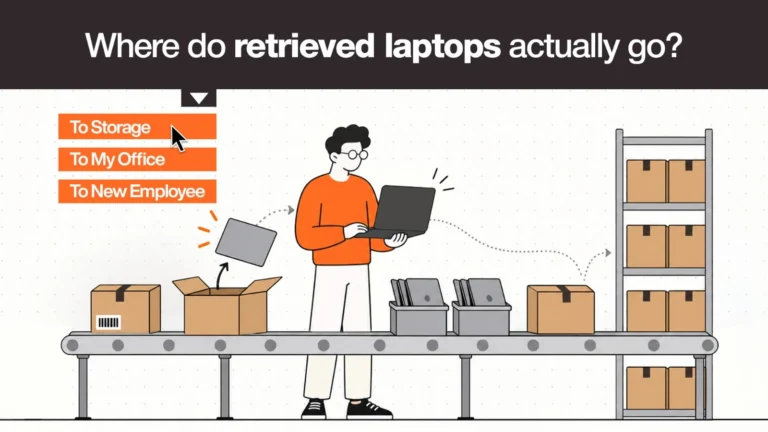
Redeploy suitable devices
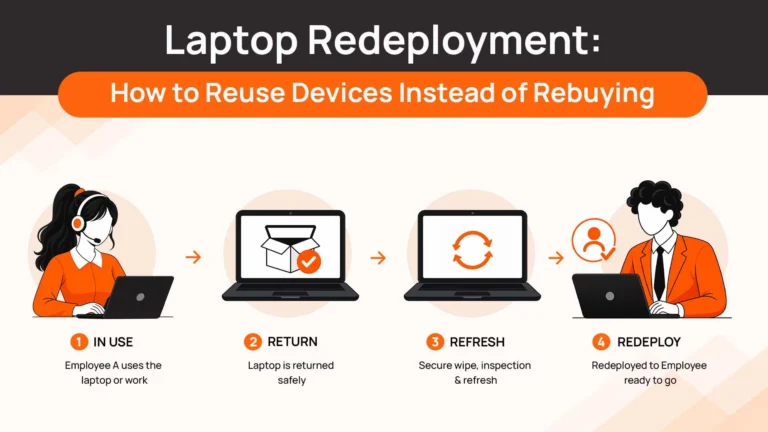
A laptop that is no longer ideal for one employee may still meet the needs of another. After an appropriate condition assessment, a device may be suitable for a spare pool, a contractor, or a role with lighter requirements.
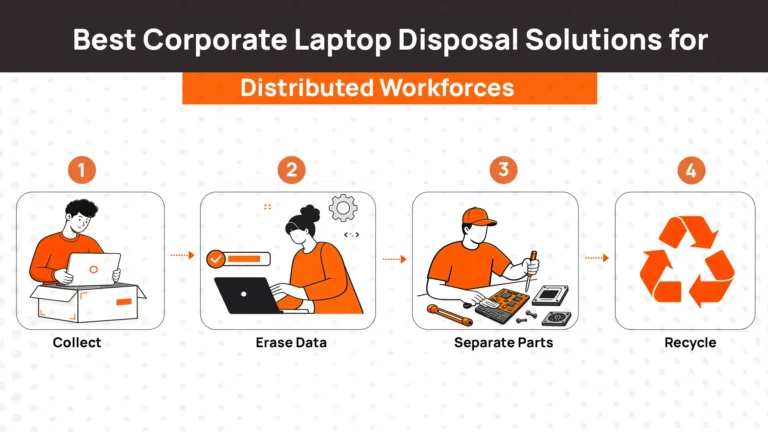
Redeployment requires more than putting an old laptop in a cupboard. The device should be assessed, securely erased, configured for its next user, and assigned through the company’s normal process.
Recover value through resale
Devices that are unsuitable for redeployment internally may retain resale value, depending on their age, condition, specifications, and market demand.
Value generally depends on the actual device and its condition, so finance teams should use realistic recovery estimates rather than assume every retired laptop will generate a meaningful return.
Make data erasure and disposal verifiable
Any device that held company information needs an appropriate data sanitisation process before reuse, resale, or disposal. NIST Special Publication 800-88 provides guidance on media sanitisation; organisations should select and document a process appropriate to their devices, media, and risk requirements.
For devices that cannot be redeployed or resold, documented disposal and an appropriate audit trail help establish what happened to the equipment and its data. “We threw it away” is not a GDPR or SOC 2 answer.
Plan collection for distributed teams
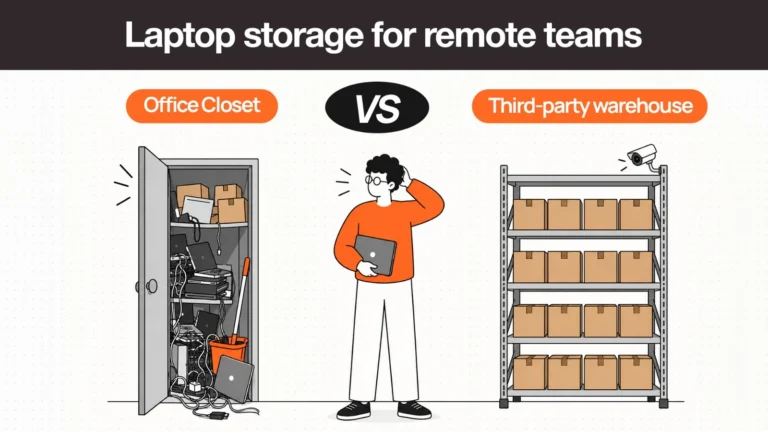
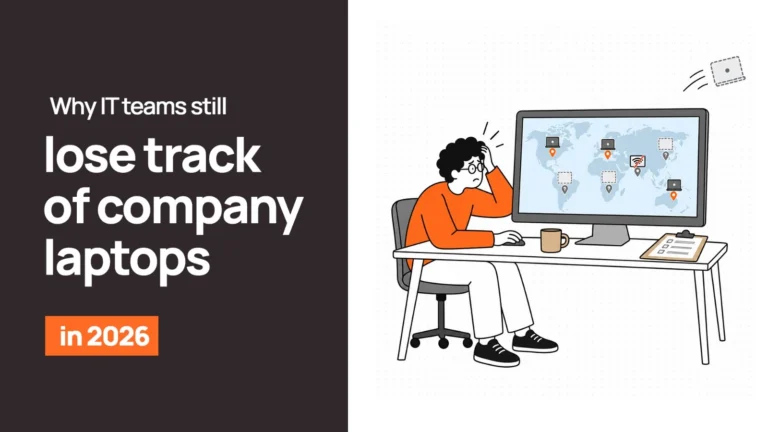
For organisations with employees across multiple countries, retrieving devices at refresh time can become a major operational task. Local pickup, shipping, assessment, secure storage, and regional redeployment all need coordination.
If this process is difficult, companies may delay refreshes simply because they have no efficient way to collect and process the outgoing fleet. That creates a hidden operational barrier to a shorter refresh cycle.
How Remoasset Supports End-of-Cycle Device Recovery
Remoasset helps distributed organisations coordinate the end-of-cycle work that makes device refresh planning more practical across locations.
Its services include device collection across 80+ countries, assessment, certified data wiping, and routing devices for redeployment, resale, or disposal. Where suitable devices can be reused, regional warehousing can help organisations hold equipment for future deployments instead of leaving it unused.
This can change the economics of refreshing earlier. A device replaced after three or four years may still provide value if it is collected, securely processed, and redeployed to a suitable user.
Remoasset also offers a pay-as-you-go model, which can support a more staggered approach to device lifecycle operations instead of requiring every employee’s laptop to be replaced in one large event.
The refresh interval should still be determined by your fleet’s costs, security requirements, and employee needs. End-of-cycle logistics help make that decision easier to execute.
Final Verdict: Should You Refresh Laptops Every 3, 4, or 5 Years?
There is no universally correct laptop refresh cycle. A three-year interval can suit organisations that prioritise performance, security, and recovery of device value. Four years can provide a practical balance for many general-purpose fleets. Five years may work for devices with controlled workloads and verified support, but it requires stronger evidence that the additional years remain worthwhile.
Before approving another refresh budget, review device age alongside repair history, support time, operating system eligibility, employee downtime, and realistic end-of-cycle recovery value.
The goal is to identify the point at which keeping a laptop for another year costs more than replacing it, while accounting for the value the old device can still deliver.
For distributed teams, the decision also depends on what happens after replacement. Remoasset helps coordinate device collection, data wiping, and global procurement and redeployment across 80+ countries, giving suitable laptops a structured route into their next stage of use.
The most economical refresh cycle is the one that balances operating costs, security, productivity, and recovered device value — based on your own fleet data.