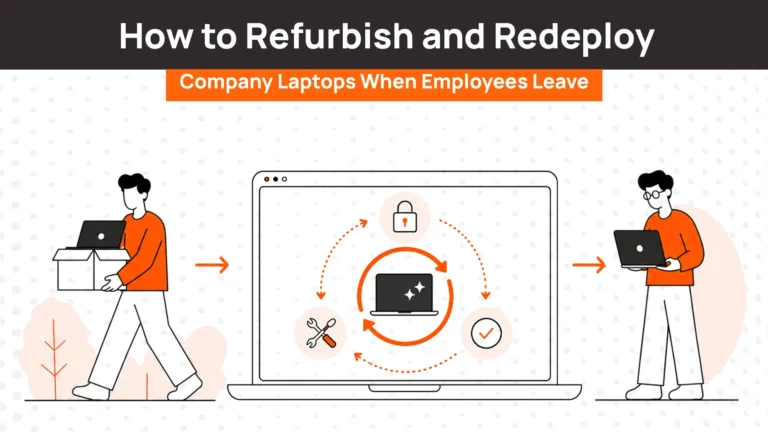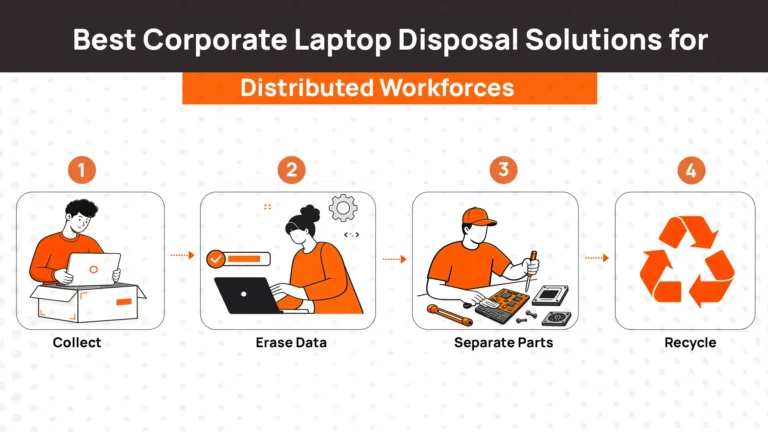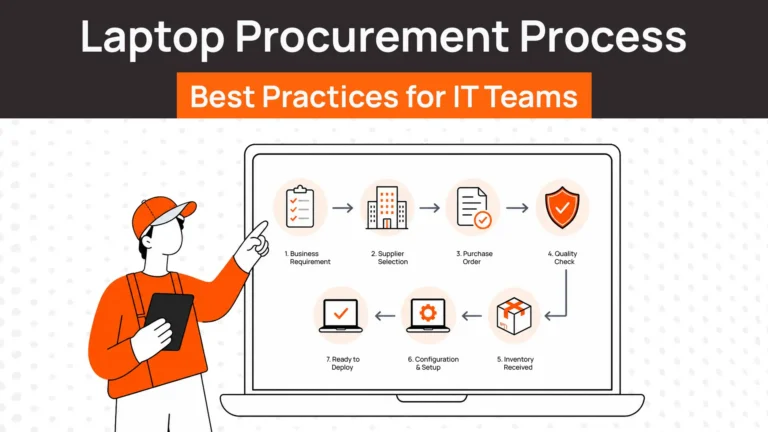

An IT onboarding checklist for remote hires covers four things: the device, identity and access, security configuration, and support once they’re working. None of it matters if the laptop itself isn’t sitting on the hire’s desk, already configured and enrolled, before their start date. Everything else on this list exists to support that one fact.
It’s worth taking seriously. In a global survey of 4,000 office workers by Webonboarding, 36% said they didn’t have basic equipment like a computer on their first day. That’s not a culture problem, it’s a logistics one — and for remote hires specifically, it’s almost always the laptop.
What Makes IT Onboarding Different for Remote Hires
In an office, IT stages a laptop at a desk, walks over if something’s wrong, and hands over a badge. None of that exists for a remote hire. Shipping and customs become part of IT’s job, not a side concern. Day 1 happens in the hire’s time zone, which might be eight hours from yours. Some hires are in countries where the company has no legal entity, which changes who can even receive and support a device locally.
This piece covers the IT side of that: devices, access, and security. For the culture and manager-side onboarding work that runs alongside it, see our broader guide to remote employee onboarding.
The Remote IT Onboarding Timeline: Work Backwards from the Start Date
Most onboarding failures trace back to starting the IT work too late — after the start date is already close instead of the moment it’s confirmed.
| When | Task | Owner |
|---|---|---|
| Offer accepted | Confirm start date, country, and role in the system HR and IT both use | HR |
| T-21 to T-14 days | Decide sourcing method (ship, local procurement, stipend); order hardware | IT |
| T-10 days | Configure and enroll the device in zero-touch before it ships | IT/Vendor |
| T-5 days | Create identity, SSO, and app access; confirm shipping address and tracking | IT |
| T-2 days | Confirm delivery status; send quick-start instructions to the hire | IT |
| Day 1 | Live or scheduled IT check-in; confirm login, MFA, and core app access | IT/Manager |
| Week 1 | Access review, security training, confirm no missing permissions | IT |
| Day 30 | Patch and compliance check, short onboarding survey | IT |
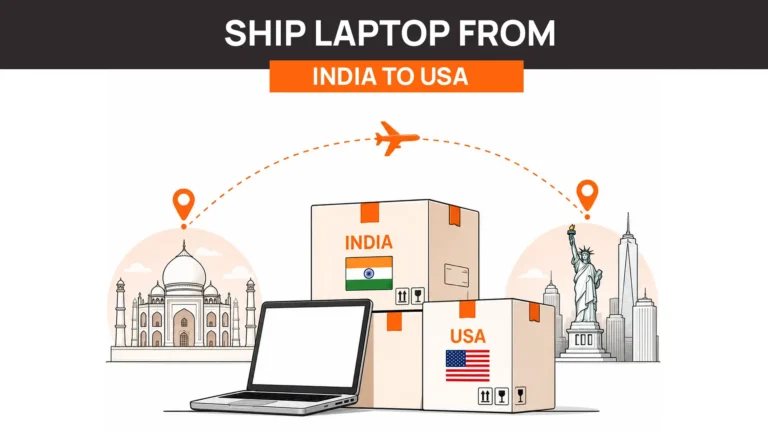
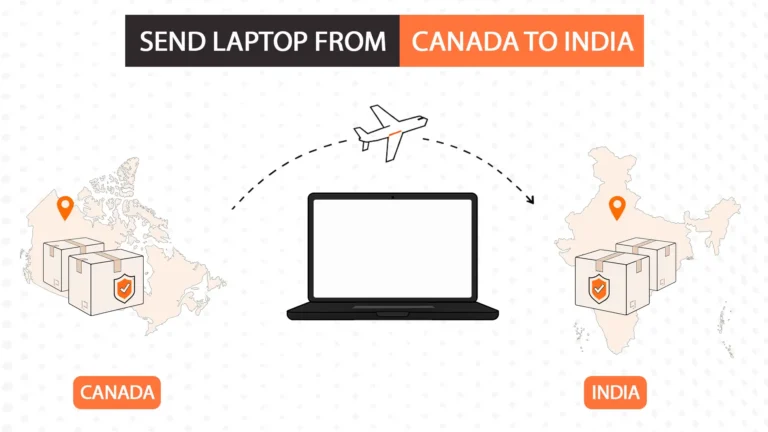
International hires stretch this timeline considerably. Customs clearance alone can add a week or more depending on the destination, and if the laptop model isn’t readily available there, sourcing takes longer too. Sourcing locally in the hire’s country generally compresses this back down, since there’s no cross-border shipment or customs step to account for in the first place.
| Related Reads |
| → Remote Employee Onboarding Guide Culture, manager, and HR-side onboarding that runs alongside the IT checklist. |
| → Laptop Sourcing: Ship vs Local Procurement vs Stipend Compare the cost, lead time, and control trade-offs for each sourcing method. |
| → Spare Laptop Buffer Stock Why keeping pre-configured loaners on hand prevents a delayed device from killing Day 1. |
| → Remote Device Offboarding Checklist Clean onboarding data makes offboarding easier — see how the two processes connect. |
| → Laptop Procurement and Local Sourcing How Remoasset sources and pre-configures devices locally, including countries with no legal entity. |
Before Day One: Device and Access Checklist
1. Collect the Right Information from HR
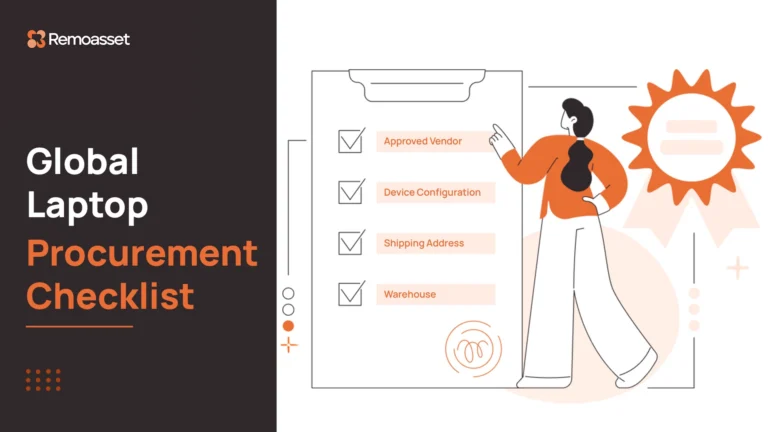
IT can’t start until it has, at minimum: the hire’s role (which determines hardware spec and access tier), confirmed start date, shipping address, country, time zone, and any device preference. Missing any one of these is the most common reason the T-21 step above slips.
2. Choose and Source the Device
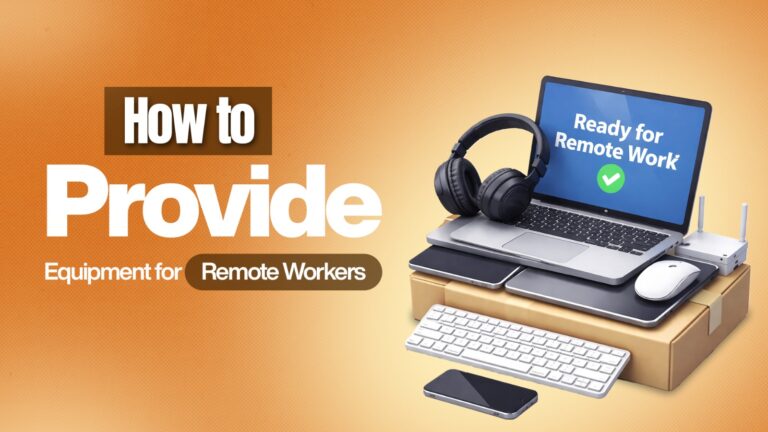
Match hardware to role with a standard spec sheet rather than deciding per hire. The bigger decision is the sourcing method: ship a device from headquarters, source it locally in the hire’s country, or issue a stipend for them to buy their own.
Each has real trade-offs in cost, lead time, and control, covered in more depth in our laptop sourcing method breakdown.
3. Configure and Enroll Before It Ships
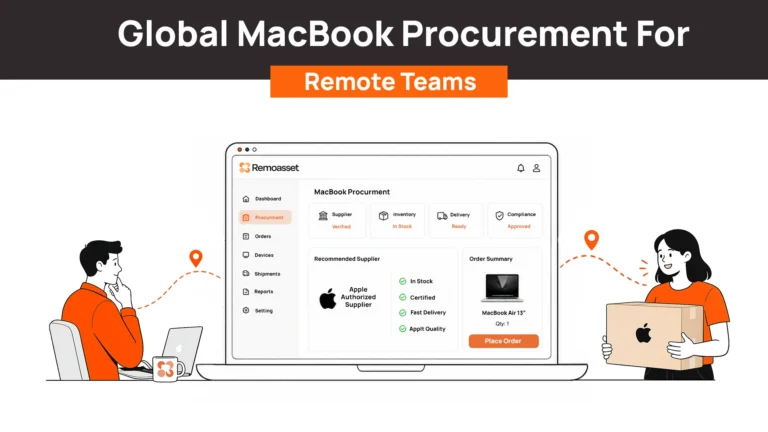
This is the step that makes or breaks Day 1, and it has to happen before the device leaves the warehouse, not after it arrives. For Apple devices, this runs through Apple Business Manager and Automated Device Enrollment: the device’s serial number is registered to the organization at the point of purchase through an authorized channel, so when the employee powers it on, it enrolls into MDM automatically with no manual setup. For Windows devices, Windows Autopilot works the same way: the hardware hash is uploaded and tied to a deployment profile before shipping, so first boot triggers automatic enrollment and configuration.
4. Create Identity and App Access
In parallel with device prep: create the SSO account, set up the MFA enrollment path the hire will use on first login, and assign role-based access rather than a broad default. CISA recommends phishing-resistant MFA wherever it’s supported, since it closes off the most common account-takeover method far more effectively than SMS-based codes.
Provision email, chat, VPN or ZTNA access, and whatever role-specific apps and licenses the role needs, so the hire isn’t waiting on a ticket for something that should have been ready before they logged in.
5. Ship and Track the Delivery
Require signature confirmation on delivery, not just a dropped package. For domestic shipments, aim for delivery 3 to 5 business days before the start date, giving a buffer for anything that goes wrong. International shipments need considerably more. Include a quick-start card with the login URL, MFA setup steps, and a direct IT contact, so the hire isn’t searching their inbox for instructions on their first morning.
Day One: Get Them Working in the First Hour
Hold the check-in live or scheduled in the hire’s own time zone, not yours. That’s what catches problems before they become a lost morning rather than a lost day.
Work through these in order:
- Confirm first login and MFA verification actually complete, not just that credentials exist
- Confirm the device shows as MDM-compliant and encryption is active, rather than assuming it from the enrollment step
- Walk through every core app the role needs and confirm access works, not just that the account was created
- Show them exactly how to raise a support ticket, since this is usually the first real test of whether support is reachable at all
- Get the equipment acknowledgment and acceptable use policy signed while it’s fresh, not three weeks later as a backlog item
The First 30 Days: Close the Loop
Onboarding tends to err toward granting too much access rather than too little, so the first real check closes that gap rather than opening a new one.
By the end of week one:
- Review granted access and remove anything over-provisioned
- Run security awareness training
- Confirm the first patch and compliance cycle actually completed
By day 30:
- Handle any peripheral requests that came up once the hire was actually working (a second monitor, a headset)
- Verify the asset record matches what’s physically in the hire’s hands
- Send a short IT-specific onboarding survey, separate from the broader HR one, to close the loop on whether the process above actually worked from their side
What to Do When the Laptop Won’t Arrive on Time
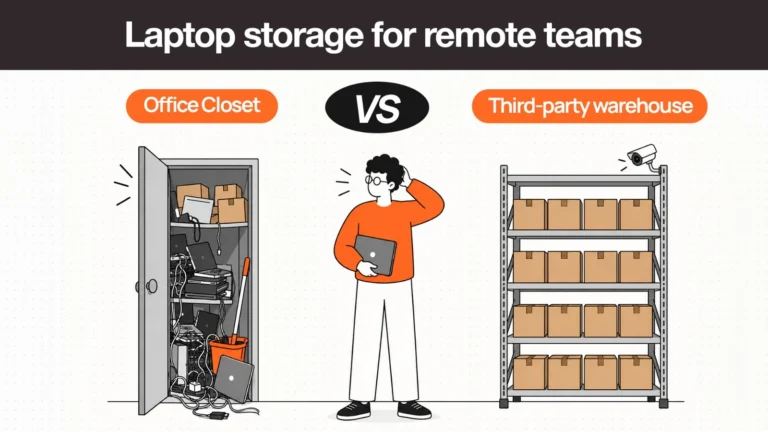
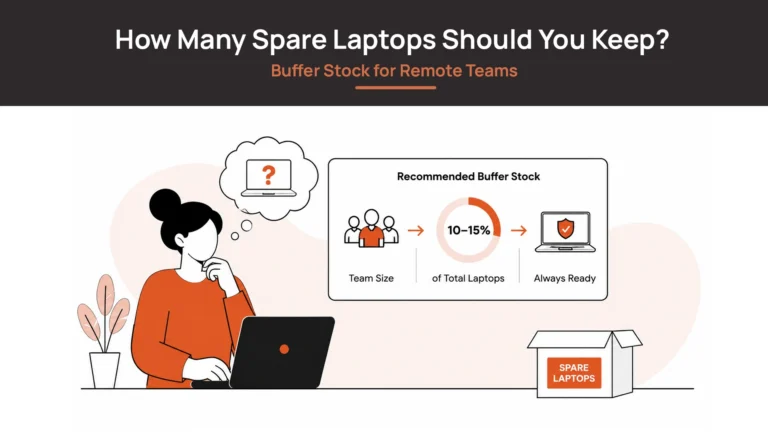
Keep a buffer of spare, pre-configured devices on hand rather than treating every delay as a fire drill. A loaner device, even a lower-spec one, beats a hire sitting idle for a week. Temporary access through a virtual desktop or browser-only setup can bridge the gap for non-device-dependent work.
If the primary sourcing method stalls, local sourcing as a fallback is often faster to stand up than expediting a stuck international shipment. Whatever the fallback, tell the hire early and plainly rather than letting them discover it by watching a tracking number not move.
| The Most Common Failure Point The checklist above doesn’t usually fail because a step is wrong — it fails because the device order starts at T-5 instead of T-21. That single delay cascades: no device means no enrollment, no enrollment means no MDM compliance on Day 1, and no MDM compliance means the hire can’t access systems that require it. Start the hardware step the moment the start date is confirmed, not the week before. |
IT Onboarding Checklist for Remote Hires
Before Day One
| Task | Owner |
|---|---|
| Start date, country, time zone, and role confirmed | HR |
| Shipping address confirmed directly with the hire | HR |
| Sourcing method decided: ship, local procurement, or stipend | IT |
| Hardware ordered matching role-based spec | IT |
| Device registered to ABM or Autopilot | IT |
| Device enrolled in MDM before shipping | IT |
| Disk encryption enabled | IT |
| Endpoint protection deployed | IT |
| OS and security updates pushed | IT |
| Asset tag and serial recorded against the employee | IT |
| SSO account created | IT |
| MFA enrollment path set up | IT |
| Role-based access assigned | IT |
| Email, chat, and VPN/ZTNA access provisioned | IT |
| Role-specific apps and licenses assigned | IT |
| Signature-required delivery set | IT/Vendor |
| Delivery scheduled 3 to 5 business days before start, longer for international | IT |
| Quick-start card prepared: login URL, MFA steps, IT contact | IT |
| Delivery status confirmed at T-2 days | IT |
Day One
| Task | Owner |
|---|---|
| Live or scheduled IT check-in held in the hire’s time zone | IT |
| First login and MFA verification confirmed | IT |
| MDM compliance and encryption status confirmed | IT |
| Access to every core app confirmed | IT |
| How to raise a support ticket walked through | IT |
| Equipment acknowledgment and AUP signed | IT/HR |
First 30 Days
| Task | Owner |
|---|---|
| Over-provisioned access reviewed and trimmed | IT |
| Security awareness training completed | IT |
| First patch/compliance cycle confirmed | IT |
| Peripheral requests fulfilled | IT |
| Asset record verified against physical device | IT |
| Short IT-specific onboarding survey sent | IT |
Getting the Timeline to Actually Hold
The checklist above works when it starts early enough and the sourcing method matches where the hire actually is. The most common failure isn’t a missing step — it’s starting the device order at T-5 instead of T-21, or shipping internationally into a country where customs turns a five-day delivery into a three-week one.
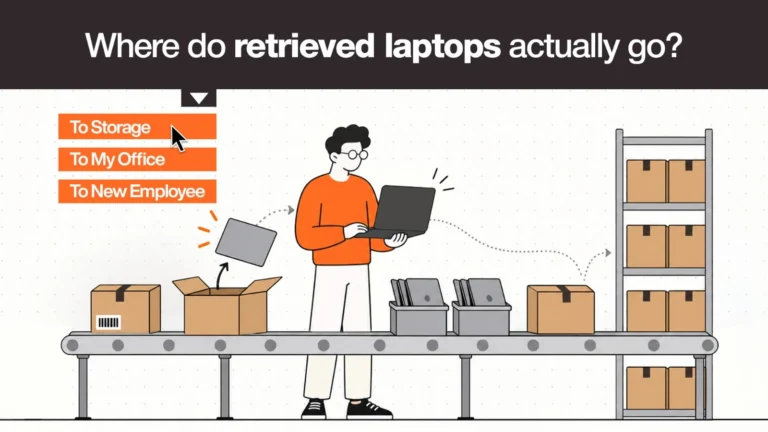
That’s the problem Remoasset solves. Instead of shipping a laptop from headquarters and hoping customs cooperates, devices are sourced and pre-configured locally in the hire’s own country — including places with no legal entity to lean on — so the T-10 enrollment step holds regardless of where the role is based.
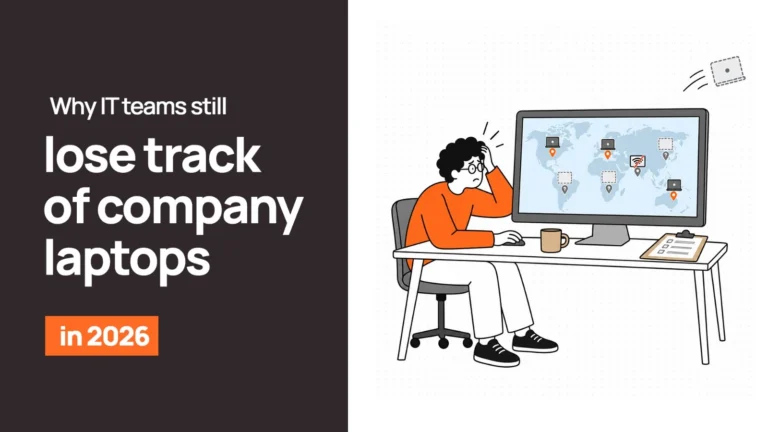
One asset record carries the device from procurement through delivery, so what IT ordered, configured, and shipped is the same thing showing up in the tracking system on Day 1, not something reconciled after the fact. And because that record stays accurate going in, the eventual offboarding process starts from clean data instead of a guess.
Frequently Asked Questions
What IT equipment does a remote employee need?
At minimum: a configured, enrolled laptop, SSO and MFA access, role-specific app licenses, and VPN connectivity. Peripherals like a monitor or headset depend on role and are usually handled after Day 1 rather than held up before it.
How far in advance should you ship a laptop to a remote new hire?
Domestically, 3 to 5 business days before the start date is a reasonable buffer. Internationally, customs alone can add a week or more depending on the destination country.
How do you onboard remote employees from an IT perspective?
Work backwards from the start date: source and configure the device first, create identity and access in parallel, ship with tracking and signature confirmation, then confirm everything works in a live check-in on Day 1 itself.
What is zero-touch deployment?
A device is registered to the organization’s enrollment program (Apple Business Manager or Windows Autopilot) before it ships, so it auto-enrolls into MDM and applies its configuration the moment the employee turns it on, with no manual IT setup required.
What should be ready on a new hire’s first day?
A working, enrolled laptop, functioning login and MFA, access to every core app the role needs, and a known way to reach IT support. Anything less and the first day becomes a troubleshooting session instead of a working one.
Who owns IT onboarding, HR or IT?
Both, with distinct responsibilities. HR owns the hire data and timing (start date, address, role); IT owns execution (device, access, security). The handoff between them — not either function alone — is usually where delays start.