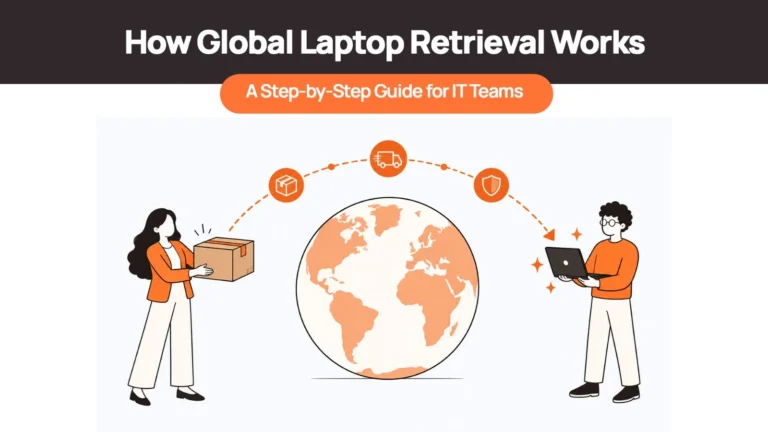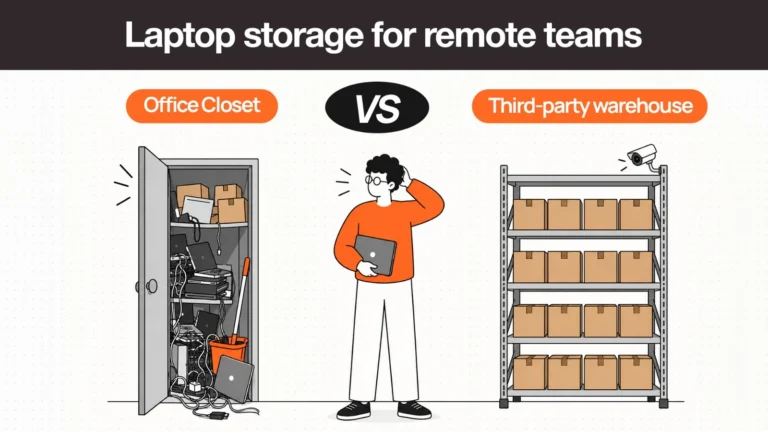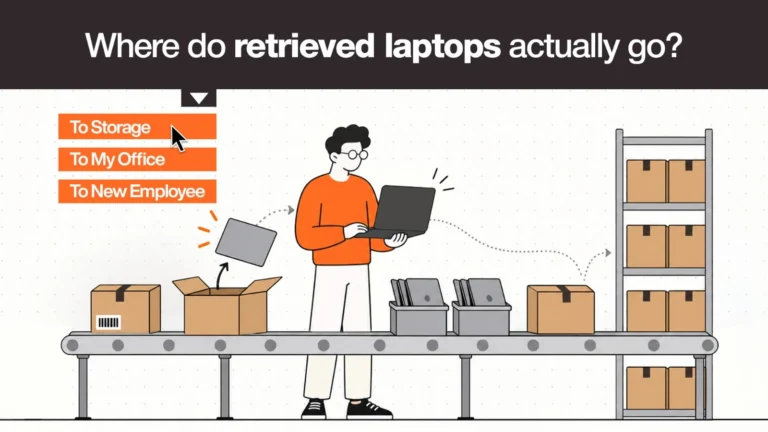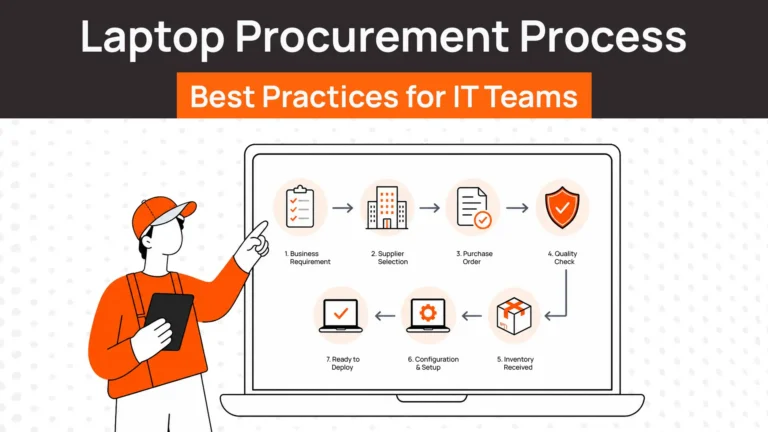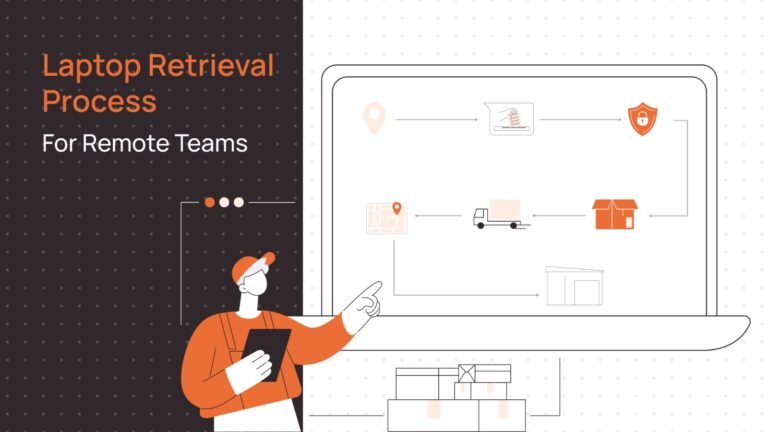
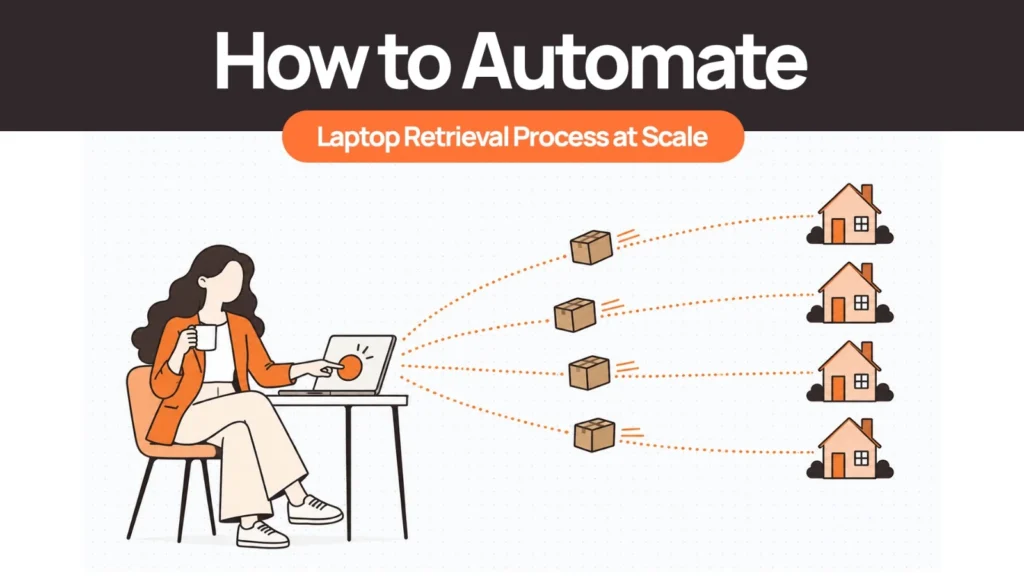
To automate laptop retrieval, connect the exit event in your HRIS to a workflow that secures access, sends a return kit or books a pickup, tracks every handoff, verifies and wipes the device, and updates the asset record. People handle only the exceptions.
Manual retrieval depends on someone remembering to start it, and the numbers show how often that fails. In Capterra’s 2022 Employee Offboarding Survey, 71% of HR workers who had offboarded someone in the past year said at least one employee did not return company-owned equipment. Automation removes the remembering. It cannot make decisions about people or law, so this guide also covers what to keep manual, and how the workflow changes at volume, across countries, and during layoffs.
What “At Scale” Means for Laptop Retrieval
Scale means three different things, and each one breaks a manual process in a different place. Steady volume overwhelms follow-up. Multiple countries overwhelm logistics. One-off spikes overwhelm capacity and tracking. Knowing which one you have decides what to automate first.
| Scale type | What breaks first | What to automate first |
|---|---|---|
| Steady volume (exits every week) | Follow-up: reminders get missed and status lives in someone’s inbox | The HRIS trigger, reminders, and a live status view |
| Multiple countries | Logistics: carriers, pickup coverage, tax IDs, and paperwork differ by country | Return-method rules by country and a default destination per country |
| One-off spikes (layoffs, reorgs, office closures) | Capacity and tracking: dozens of returns open at once with no shared view | Parallel kit and pickup booking, one exception queue, one outstanding-devices report |
Most companies have more than one. A fully remote company hiring in a dozen countries has the first two every month and the third whenever the business changes direction.
| Related Reads |
| → Secure Asset Retrieval How Remoasset manages end-to-end retrieval — the physical and security tracks running in parallel. |
| → Remote Employees Laptop Return for IT Teams The practical mechanics of running a retrieval programme for a distributed workforce. |
| → Laptop Redeployment Guide What to do with a retrieved device — the redeploy, store, or retire decision. |
| → Where Do Retrieved Laptops Go? The downstream lifecycle of a device after a successful retrieval closes. |
| → Corporate Laptop Disposal End-of-life options for devices that cannot be redeployed after recovery. |
What You Can Automate in Laptop Retrieval (and What Should Stay With a Person)
Automate anything that is rule-based, repeatable, and time-sensitive. Leave anything that involves judgment about a person or a legal position with HR, IT, and legal.
| Stage | Automate | Keep with a person |
|---|---|---|
| Trigger | Start retrieval from the HRIS exit event | Confirm the exit date for sensitive or contested departures |
| Asset list | Pull assigned devices and accessories by serial number and freeze the list | Resolve cases where the record and reality disagree |
| Employee messages | Send instructions, reminders, and status updates to a personal email | Handle a reply that raises a dispute or a hardship |
| Logistics booking | Choose kit, pickup, or drop-off by country rules and book it | Approve exceptions such as remote locations or unusual devices |
| Access and device lock | Revoke access and send MDM commands | Decide whether to wipe or hold when a legal hold may apply |
| Tracking | Log every status change and alert on stalls | Investigate a device lost in transit |
| Receipt and verification | Match serial numbers and log condition | Judge damage and decide repair or retire |
| Wipe certificate | Run the wipe and attach the certificate to the serial number | Sign off on highly sensitive devices |
| Record update | Update status, assignee, and location | Approve write-offs |
| Escalation | Notify HR and the manager on a set rule | Legal action, final-pay questions, police reports |
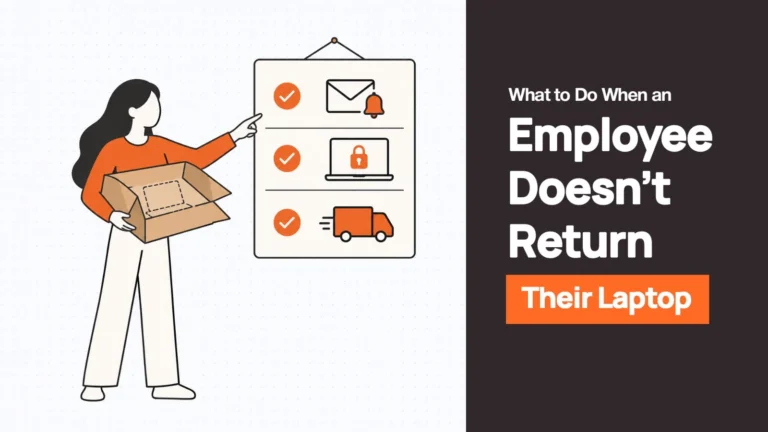
The last row is where automation should stop. Whether a company can deduct anything from final pay, or involve the police, depends on jurisdiction and contract. Our guide on what to do when an employee will not return a company laptop covers that side.
The Laptop Retrieval Automation Workflow, Step by Step
The workflow below is vendor-neutral and assumes four layers: the HRIS, which holds the exit event; identity and MDM tools, which control access and the device; a logistics layer, which moves the box; and the asset record, which says where everything is.
Step 1: Trigger retrieval from the HRIS exit event, not from a ticket
The automation creates a retrieval case the moment the exit is logged, with the employee, country, address, personal email, last working day, and assigned assets attached. That means those fields have to exist in the HRIS and be required on the exit form. The remote device offboarding checklist maps out exactly which fields and steps need to be in place before an exit is triggered.
Most stacks already have the plumbing. Microsoft’s guidance for deploying Workday with Entra ID describes a provisioning connector that creates and updates accounts from the HR system, and the same page lists custom extensions that can trigger a Logic App — one documented way to reach a system outside the identity provider.
Step 2: Freeze the asset list and confirm country and address
The automation snapshots every device and accessory assigned to the person, by serial number, and freezes that list for the case. The same message that carries the return instructions names the items, so the employee knows exactly what to send back. It also confirms the country and address, because a hire who moved without telling HR changes the return method and sometimes the destination.
Step 3: Revoke access and lock the device in parallel
Run access revocation and the device lock alongside the logistics steps, not before or after them. Data risk and hardware risk move on different clocks. In the Capterra survey, among the 59% of HR workers who said unreturned equipment held sensitive data, only 55% could fully lock the former employee out.
The automation should send the identity actions (session revocation, account disable) and the MDM lock, then record what actually happened. Microsoft’s Intune documentation notes that devices must be connected to the internet to receive remote commands, that a Completed status on a Delete action confirms only the server side — not that the device finished the retire — and that remote lock only locks a device that has a PIN or password set. Without one, the screen turns off and the device stays usable.
| Key Insight: “Sent” Is Not “Done” A lock command dispatched is not a lock confirmed. Store the state of MDM commands as three distinct values: sent, acknowledged, and confirmed — not a single boolean. An offline device will queue the command until it reconnects. If a device never comes back online, the command never executes, and your records should reflect that gap rather than marking the action complete. |
Step 4: Send the return kit or schedule the pickup by rule
The automation picks the return method by rule: a kit with a prepaid label, a scheduled pickup, or a drop-off point. Useful inputs are the country, the number of devices, the employee’s location (a remote address often rules out drop-off), and any stated preference. It books the method, sends instructions to a personal email, and sets the return window.
Step 5: Run reminders and escalation on defined rules
Reminders and escalation should run on conditions, not only on calendar days. A kit that was delivered but never shipped calls for a different message than an employee who has not responded at all.
Illustrative only. Set your own thresholds from policy, jurisdiction, and device risk.
| Condition | Automated action | Owner |
|---|---|---|
| Kit delivered, nothing shipped by the midpoint of the return window | Reminder with the pickup link | Automation |
| Kit not delivered within its expected window | Check tracking and alert the coordinator | IT or logistics partner |
| Two reminders with no response | Notify HR and the manager, add to the exception queue | HR |
| Return window closed with no carrier scan | Assign a named owner and switch to direct outreach | HR |
| Employee reports a problem (no box, moved, abroad) | Route to a coordinator and offer another return method | IT |
| Documented attempts exhausted, or an explicit refusal | Hand off with the full case log | HR and legal |
A late return is often a logistics problem, so write messages that work for the employee who forgot and the one who got stuck.
Step 6: Track every handoff and alert on exceptions
Every status change gets logged against the case: created, kit dispatched, kit delivered, first carrier scan, in transit, received, verified, wiped, closed. Your asset tracking record updates at each stage, so it never drifts from reality.
Time to first carrier scan is the best early warning. A kit that was delivered but never scanned means the employee has not shipped it, whatever the status text says. Alert on how long a case has sat in any one status, and give IT a single list of outstanding devices by age.
Step 7: Verify, wipe, and close the record
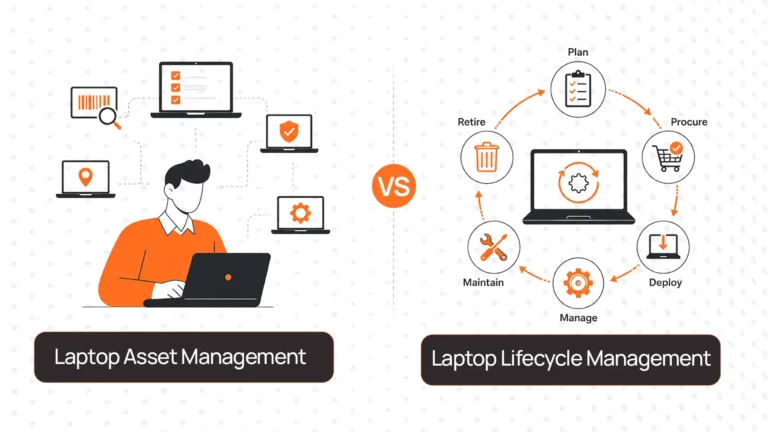
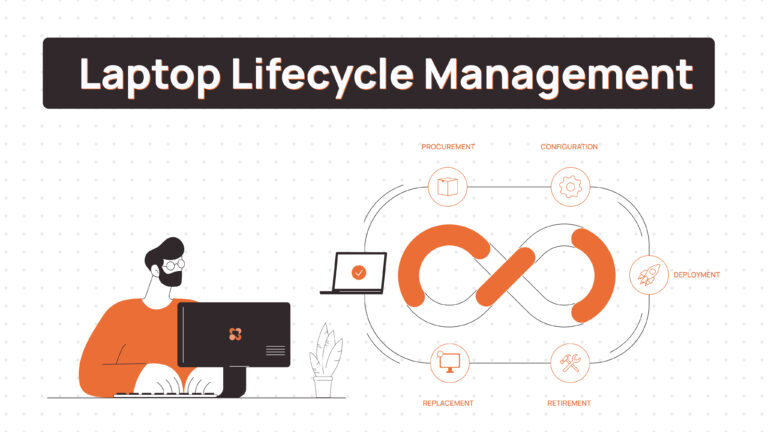
At the receiving point, the automation matches the serial number against the frozen list, logs condition and accessories, triggers the wipe, and attaches the certificate to the asset record. Then it asks for a decision: redeploy, store, or retire. The laptop lifecycle management framework covers how that decision fits into the broader device lifecycle.
For the wipe, NIST SP 800-88 Rev. 2 is the current reference. It superseded Rev. 1 and shifts the emphasis toward running a documented media sanitisation programme, so name the revision in your policy and your vendor contracts.
How to Automate Laptop Retrieval in Bulk for Layoffs, Reorgs, and Office Closures
A batch event changes the shape of the problem. Hundreds of returns open on the same day, and an exception queue sized for steady state collapses. Plan capacity before the announcement, not after it.
Sequence matters. In a layoff, access usually ends on announcement day while the device stays with the employee, so kits and instructions have to be ready to go that same day. Security and retrieval run as separate tracks: access ends on schedule whether or not a device has come back.
A few rules hold up well:
- Run returns in parallel by country, not as one batch from headquarters.
- Give local capacity advance notice, since pickups and kits cannot be arranged in an afternoon.
- Send one message with everything in it, to a personal email, in the employee’s language.
- Start with high-risk roles: privileged access, regulated data, shared credentials.
- Name the exception queue owner before day one. Employees abroad, on leave, or with a device that may be under legal hold will show up on day one.
Automating Laptop Retrieval Across Countries
Automating across countries mostly means writing the rules once and letting the country decide the branch. Return-method rules vary by country, because pickup coverage and carrier options do. Collect tax IDs and confirmed addresses at onboarding. In several countries a tax ID has to appear on the courier paperwork, and nobody can collect it from someone who has already left. Send messages in the employee’s language and schedule follow-ups in their time zone.
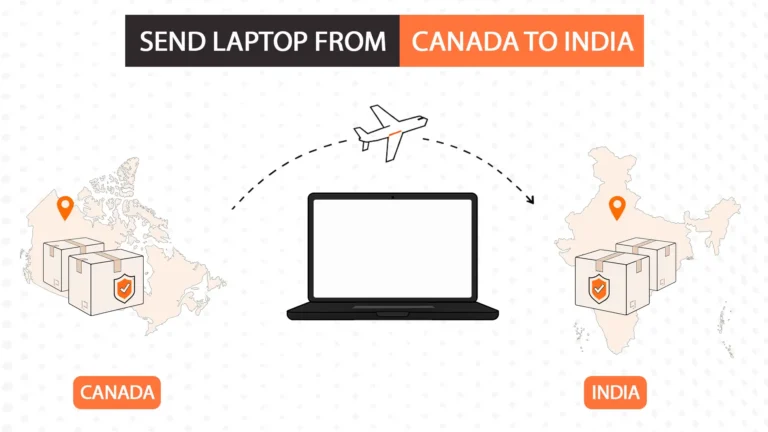
Set a default destination per country. Keep the device in-country for storage or redeployment unless there is a reason to ship it home, because every border crossing adds paperwork, duty questions, and time.
Common Failures in Retrieval Automation and How to Fix Them
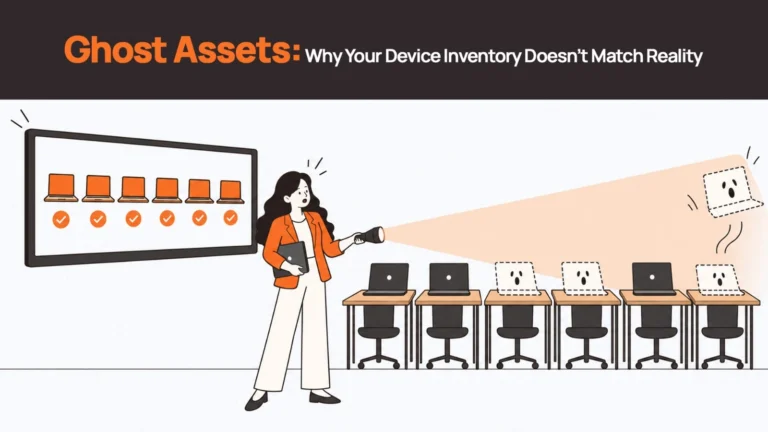
Most failures sit at the seams between layers. Record drift in particular gets its own treatment in our post on ghost assets.
| Failure | Why it happens | Fix |
|---|---|---|
| Exit logged late | HR enters the departure after the last day | Make the exit date a required field and start retrieval at the notice date where one exists |
| Stale address | The record was never updated after a move | Confirm the address in the first message and write the reply back to the HRIS |
| Message sent to a deactivated work email | The account was disabled before the message went out | Capture a personal email earlier and send instructions before access ends |
| Kit arrives after the last day | Booking waited for the exit date | Dispatch at notice and choose delivery dates against the last working day |
| Nobody owns the exception queue | HR and IT each assume the other has it | Name one owner per case and one for the queue |
| A lock command treated as a completed lock | The workflow records “sent” as “done” | Store sent, acknowledged, and confirmed as separate states |
| Asset record not updated | Status changes happen outside the system | Update the record automatically from each status event |
| Automation applied to legal steps | Escalation rules run into pay or police decisions | Stop the workflow at the handoff to HR and legal |
Where to Start This Week
Automate the trigger, the tracking, and the record, and keep legal, pay, and sensitive judgment calls with people. The physical leg across countries is the hardest part to automate in-house, because it depends on carriers, local pickup, and rules that differ by country. This week, map your retrieval from exit event to wiped device, mark every step that depends on someone remembering, and automate the first one.
Remoasset runs that physical leg. An exit logged in the HRIS (Workday and BambooHR are both supported) starts the workflow, and the employee gets a return kit with a prepaid label or a pickup arranged through local logistics partners in their own country. IT gets live tracking from shipment, and the device is received, checked, and routed for certified data wiping. Reminders continue while a device is outstanding, with local coordinators following up in the employee’s language and time zone, and bulk exits run in parallel across countries. See how Remoasset handles laptop retrieval.
FAQs
How do you automate the laptop retrieval process?
Connect the exit event in your HRIS to a workflow that freezes the asset list, revokes access, sends a return kit or books a pickup, tracks each handoff, and verifies and wipes the device on receipt. Use rules for reminders and routing, and send only exceptions to a person.
Can laptop retrieval be fully automated?
No. Triggers, messages, booking, tracking, and record updates can run without a person. Legal escalation, final-pay questions, damage judgments, and sensitive disputes should stay with HR, IT, and legal, because they depend on jurisdiction, contracts, and context.
What should trigger laptop retrieval?
The exit event logged in the HRIS, ideally before the last working day. A ticket or a manager’s email depends on someone remembering, which is the failure automation is meant to remove. Make country, personal email, home address, and assigned assets required fields on the exit form.
How do you retrieve laptops from many employees at once?
Prepare kits and instructions before the announcement, run returns in parallel by country, give local capacity advance notice, name an exception queue owner before day one, and track every case on one view. Start with roles that have privileged access or regulated data.
How do you automate laptop returns for employees in different countries?
Set return-method rules by country, collect tax IDs and confirmed addresses at onboarding, send messages in the employee’s language, and keep the device in-country where possible so no export or import paperwork is needed. Decide the default destination for each country in advance.
What metrics show laptop retrieval automation is working?
Retrieval rate, share of retrievals started before the last day, exit-to-first-scan time, exception rate, outstanding devices by age, wipe certificate coverage, and cost per retrieval. Track them by country too, since an average can hide one country where nothing moves.