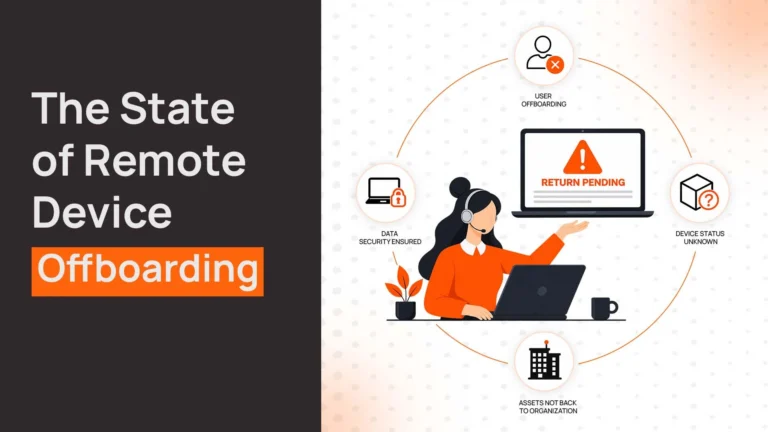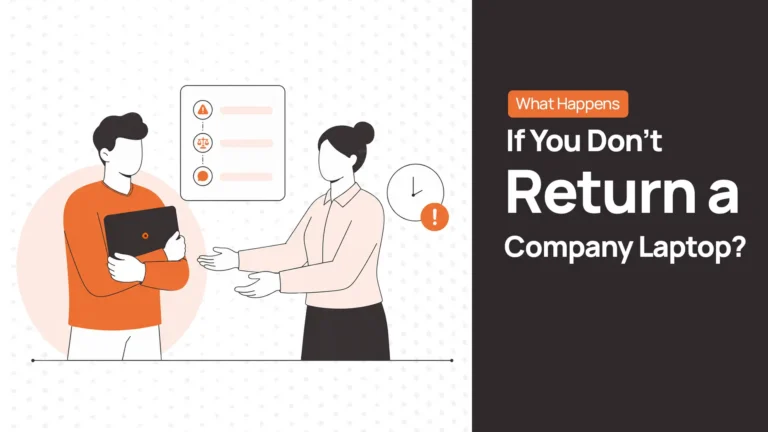
An employee leaves. Access gets revoked, the exit paperwork is done, and IT sends the return instructions. Two weeks later, the laptop is still sitting on a desk in another city, and nobody’s sure if that’s a missed courier pickup or something closer to a refusal.
These are two different problems, and they need different responses. Recovering the physical device is one task. Securing company data while it’s outside your custody is another. Locking an account doesn’t mean the laptop is back. Closing the ticket doesn’t mean either one actually happened.
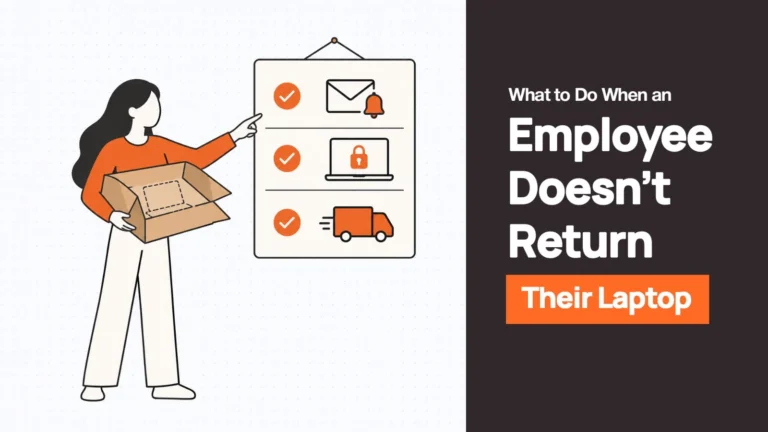
What to Do When an Ex-Employee Won’t Return a Company Laptop
Step 1: Confirm the Laptop Is Actually Outstanding
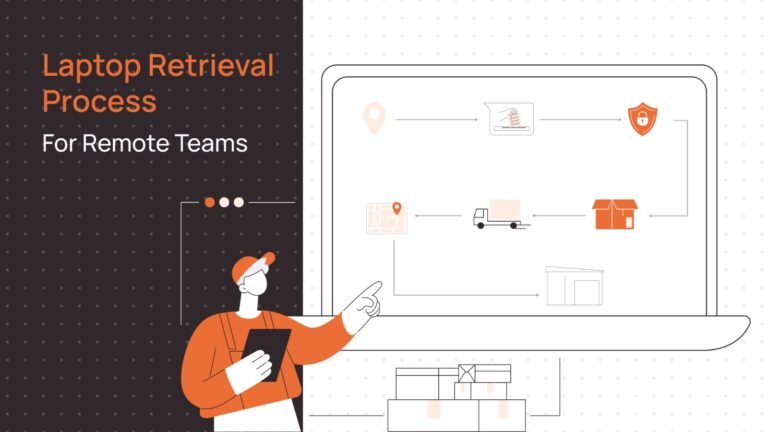
Before escalating anything, check the last known shipping or pickup status. Confirm whether a return label was issued or a pickup was ever scheduled, and whether the former employee has already attempted to send it back.
A courier that never picked up the package, a return label that bounced, and someone deliberately ignoring the request are three different situations. Pulling this up first, ideally from a centralised asset record rather than a spreadsheet someone half-updated.
Step 2: Contact the Former Employee With Clear Instructions
Send one documented message through a channel they can still access. Their personal email is usually the safest bet, since company accounts are often disabled by this point. Put everything in it: the device and accessories expected back, a specific deadline, a prepaid label or pickup arrangement if one’s available, packaging instructions, and a contact for questions.
Skip the legal tone at this stage. The goal is a clear, professional request that also creates a paper trail, not a demand letter.
Step 3: Secure Company Data and Accounts
Don’t wait on the physical device to address the security side. Revoke sessions and credentials, disable relevant accounts, and use whatever MDM capability you have to lock or wipe the device.
A device that’s offline won’t receive a remote command immediately — a pending wipe isn’t a completed one. Not every configuration supports a full remote wipe, and some situations call for a partial wipe that preserves personal data the employee hasn’t retrieved yet, rather than a blanket erase. Secure data wiping still needs to happen once the device is physically in hand, regardless of what commands were sent earlier.
| Related Reads |
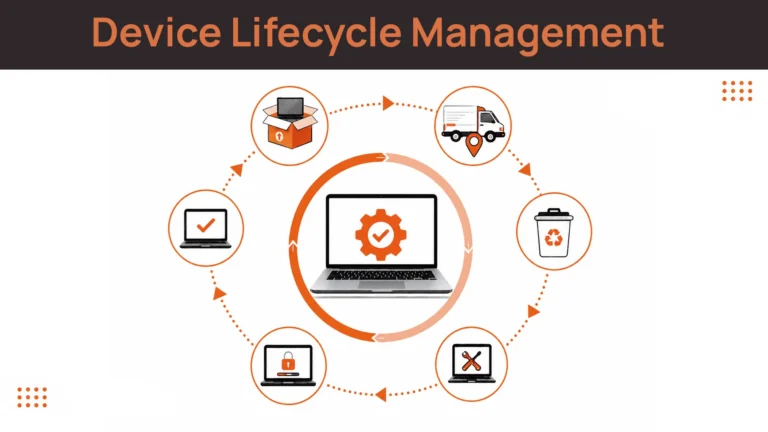
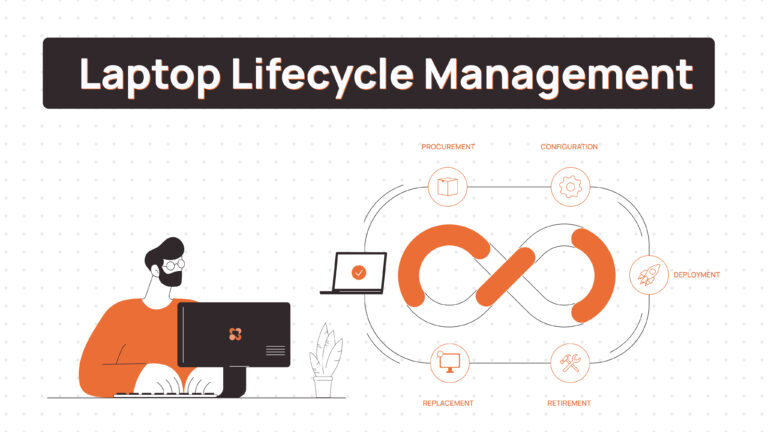
| → Laptop Lifecycle Management The full picture of how devices move from procurement through to recovery and disposal. |
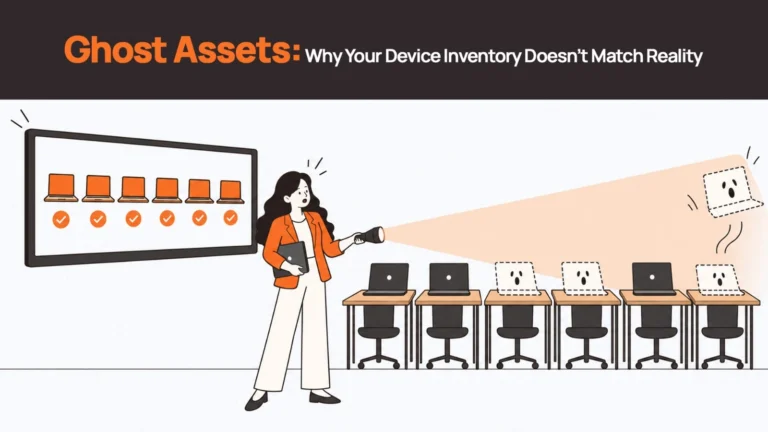
| → Ghost Assets: What They Are and How to Eliminate Them What happens when untracked devices quietly disappear from your asset register. |
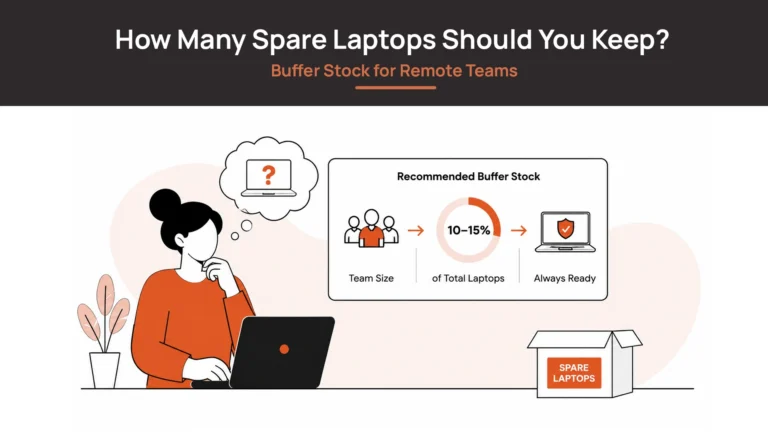
| → Spare Laptops and Buffer Stock How to cover operational gaps when a device fails to return on schedule. |
| → Zero-Touch Deployment Redeploying a recovered device without manual IT setup on the ground. |
| → Corporate Laptop Disposal End-of-life options for devices that cannot be recovered or redeployed. |
Step 4: Involve HR and the Former Employee’s Manager
If the deadline passes with no movement, loop in HR and the former manager rather than letting IT, HR, and the manager all send separate, uncoordinated messages. Assign one owner for the outstanding retrieval, pull up the signed equipment agreement and return policy, and log what’s been sent and what response, if any, came back. Confirm the next deadline and who’s responsible for the next step.
This is also the point to involve secure asset retrieval protocols if the device holds sensitive data and the timeline is dragging — keeping security controls active while the ownership question is sorted out.
Step 5: Escalate Persistent Non-Compliance
Silence and an explicit refusal call for different levels of response. Continued non-response after documented, reasonable attempts, or a direct refusal to return the device, is when HR and legal should get involved. What happens next depends heavily on jurisdiction, the signed equipment agreement, and company policy, so this isn’t the place for a universal answer.
Don’t assume you can automatically deduct the device’s cost from a final paycheck. In California, for example, IWC Wage Order 4 restricts equipment-loss deductions for covered occupations unless the loss involved dishonesty, willful conduct, or gross negligence, and other jurisdictions have their own versions of this.
Preserve every message, deadline, and response, and let legal counsel decide what’s actually enforceable from there.
| Key Insight: Document Before You Escalate Every escalation step becomes harder without a paper trail. Before involving HR or legal, have documented evidence of: the initial return request and deadline, any follow-up messages sent, the channel used (personal email, not company accounts), and any response or non-response from the former employee. A well-documented timeline is what legal counsel and HR actually need to advise on next steps — without it, the options narrow significantly. |
How Long Should IT Wait Before Escalating a Missing Laptop?
| Timing or situation | Recommended action |
|---|---|
| Return deadline reached | Check shipping status and send a reminder |
| First missed deadline | Investigate pickup, packaging, courier, or address issues |
| Continued non-response | Escalate to HR or the former manager, document every attempt |
| Explicit refusal or ongoing non-compliance | Hand off to HR/legal for next steps |
| Still unresolved | Keep security controls active, keep the asset flagged, assess its financial and operational treatment |
Device value, jurisdiction, security risk, and your own return policy should all shape how quickly you move from one row to the next.
What If the Laptop Is Never Returned?
Not the greatest situation to be in. But some devices don’t come back regardless of what IT does. At that point, keep the asset record marked outstanding rather than quietly closing it out, and hold onto the full timeline of attempts, messages, and responses.
Loop in IT security to assess what the ongoing exposure actually looks like, and check whether replacement costs are covered by insurance or recoverable under the equipment agreement, without assuming either applies automatically.
Marking a case administratively closed is a records decision. It isn’t the same as the device being back in company hands, and treating the two as equivalent is how security gaps go unnoticed. What actually happens if someone keeps a company laptop after leaving varies by situation, but the company’s own records should reflect reality either way.
How to Prevent Laptop Retrieval Problems During Future Offboarding
A few things reliably cut down on this happening again.
Set return expectations when issuing equipment
Record the device, accessories, and return obligations in a signed agreement at the time of issue, not something referenced for the first time during exit.
Make returns easy
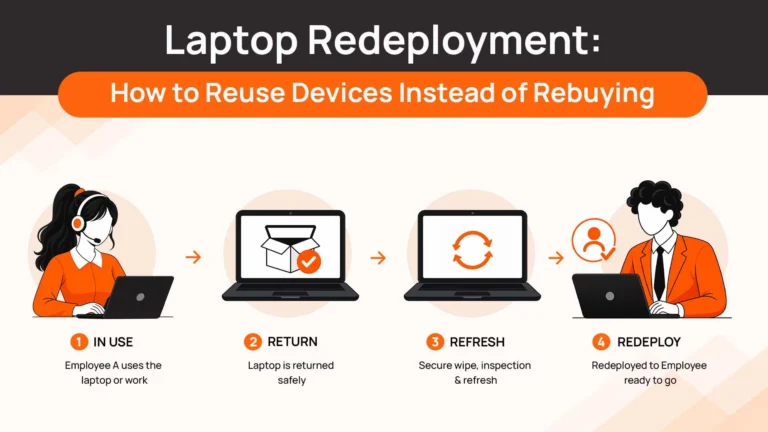
Prepaid packaging, clear instructions, tracking, and a pickup or drop-off option that doesn’t require the employee to improvise removes most of the friction that turns a slow return into a non-return.
Start retrieval the moment offboarding is triggered
A retrieval process tied directly to the offboarding event catches far more devices than one that depends on manual initiation. Use the remote device offboarding checklist to make sure no step gets skipped when someone leaves.
None of this guarantees a device comes back. It does mean fewer cases ever reach the escalation stage in the first place.
Make Laptop Retrieval Part of Your Offboarding Process
Chasing down one unreturned laptop is manageable. Doing it repeatedly, across different time zones and countries, each with its own shipping and documentation quirks, is where most offboarding processes actually break down.
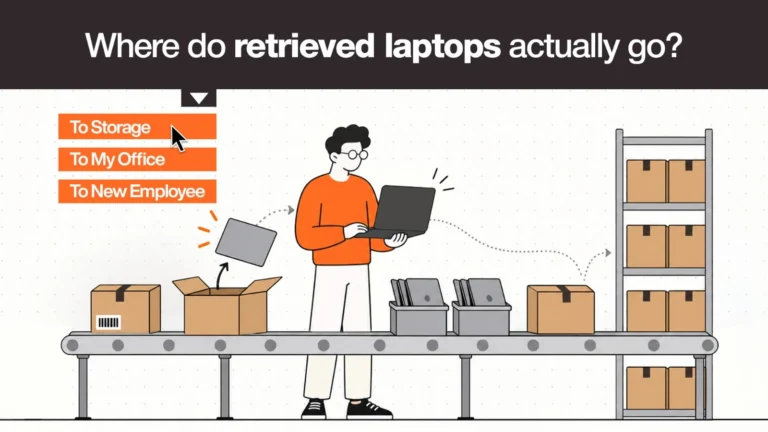
Remoasset handles laptop retrieval as part of the full device lifecycle, coordinating pickup across distributed locations, returning recovered devices to storage or redeployment, and managing secure wiping once a device is back in hand. It won’t make a former employee respond faster or resolve a legal dispute, but it does mean retrieval runs as a structured process instead of a one-off scramble every time someone leaves.
FAQs
What should I do if a former employee refuses to return a company laptop?
Document every contact attempt and the explicit refusal, then hand the case to HR and legal. Your equipment agreement and local jurisdiction will determine what’s actually enforceable from there.
Can an employer remotely lock or wipe an unreturned laptop?
Often, yes, through MDM, but only if the device is online and your configuration supports it. A command sent to an offline device isn’t the same as one that’s executed, and a wipe never replaces physical recovery.
Can a company deduct the cost of an unreturned laptop from an employee’s final paycheck?
Not automatically. Many jurisdictions restrict this kind of deduction unless specific conditions like willful misconduct are met. Check local law and the signed equipment agreement before assuming it’s an option.
How long should a former employee have to return a company laptop?
There’s no universal number. Most companies build in an initial deadline, a short reminder window, and an escalation point if there’s still no movement, calibrated to device value and company policy rather than a fixed industry standard.
What happens if a former employee never returns company equipment?
The company typically keeps the asset flagged as outstanding, maintains its documentation, and evaluates replacement cost and any contractual or insurance recovery options — none of which happen automatically just because the case gets closed internally.