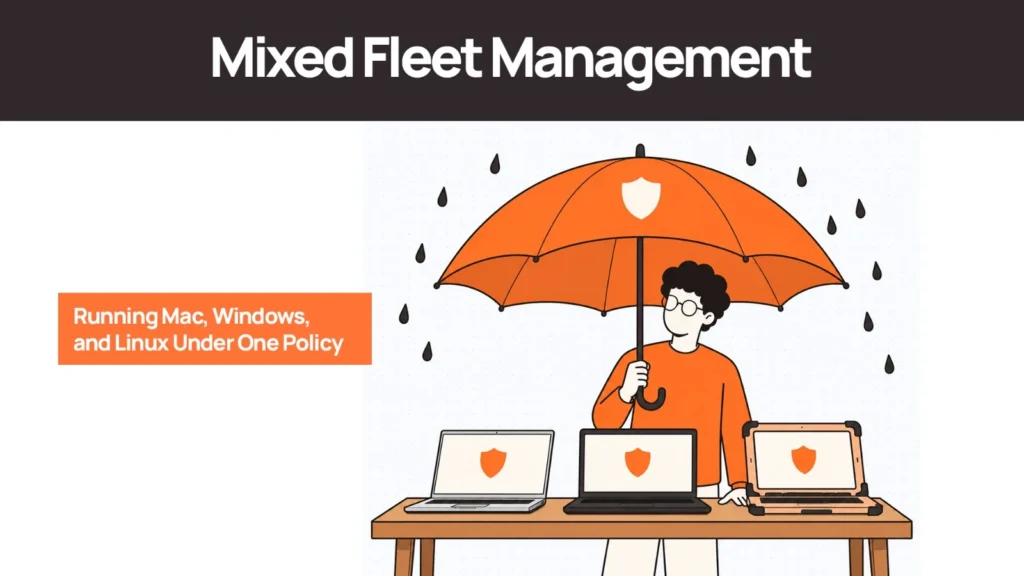
A product designer needs a MacBook. A developer wants Linux. The sales and operations teams work on Windows. Your company accommodates all three, and now IT has to make sure every device meets the same security requirements, appears in the inventory, and follows the same onboarding and offboarding process.
This is the reality of mixed fleet management. Each operating system brings its own management tools, security controls, update mechanisms, and deployment requirements. A policy that looks straightforward in a document can require three different implementation approaches in practice.
The solution is rarely to force every employee onto one operating system. That can create unnecessary friction for specialist teams and limit the tools they can use effectively.
A more practical approach is to standardise the outcomes that matter: device visibility, security compliance, user assignment, lifecycle tracking, and accountability. The underlying tools can vary by platform, provided the organisation can demonstrate that its requirements are being met.
What Is Mixed Fleet Management?
Mixed fleet management is the process of managing computers that run different operating systems, such as macOS, Windows, and Linux, within one organisation.
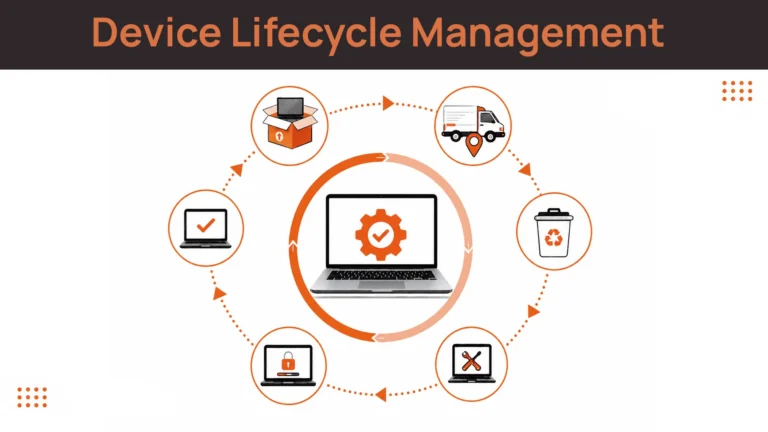
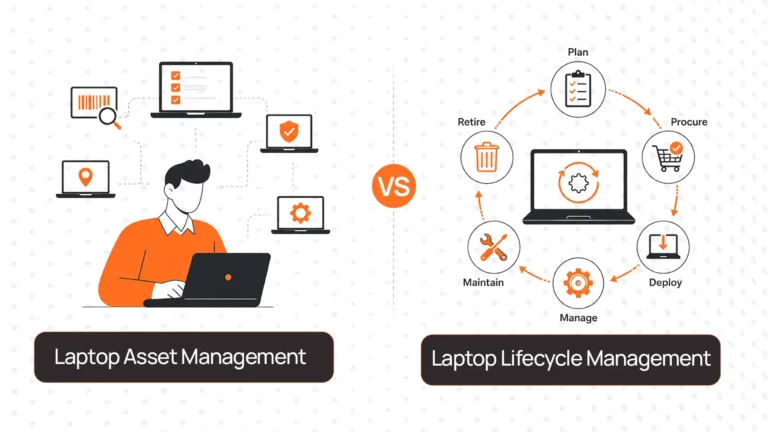
It involves coordinating device configuration, security policies, software updates, inventory records, procurement, deployment, support, and retrieval across multiple platforms, as part of a broader device lifecycle management approach.
The objective is to maintain consistent operational and security standards without assuming that every operating system can be managed in exactly the same way.
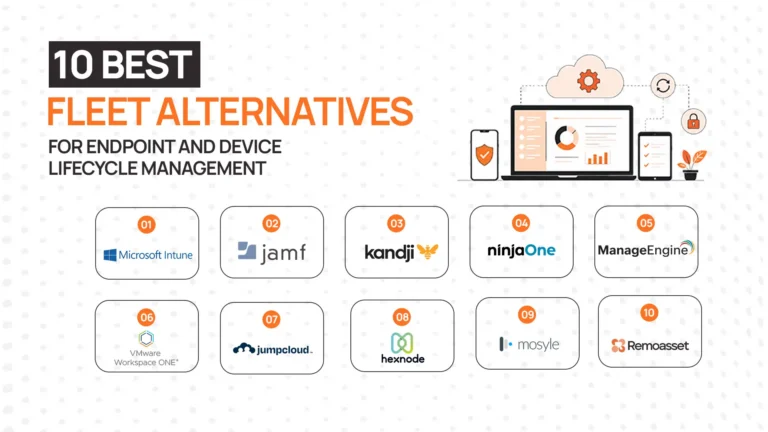
For example, a company might use Jamf to manage its Mac fleet, Microsoft Intune for Windows devices, and a cross-platform tool or Linux-specific configuration process for developer machines. A separate inventory and lifecycle layer can bring those devices together into one view.
One policy framework does not require one management tool. It requires a clearly defined standard, platform-specific implementation, and evidence that every device meets the standard.
Why Mixed Device Fleets Are Common
Mixed fleets often develop naturally as companies hire people with different responsibilities.
Design and creative teams may depend on applications and workflows built around macOS. Developers may prefer Linux because of their development environments, command-line tools, or compatibility requirements. Sales, finance, operations, and administrative teams may work most comfortably within a Windows-based environment.
Software compatibility can also determine the choice. Some applications have platform-specific features, while certain enterprise systems require a particular operating system or configuration.
A single-platform policy can make sense for organisations with highly standardised roles. Forcing the same choice across a diverse engineering, design, and product organisation may introduce more problems than it solves.
The better question is: how can IT support different platforms without creating three separate operating procedures?
The answer starts with identifying where the complexity actually sits.
The Four Challenges of Mixed Fleet Management
1. MDM Capabilities Differ Across Platforms
Mobile device management (MDM) and unified endpoint management (UEM) platforms help IT teams enrol devices, configure settings, distribute applications, and enforce supported security policies.
However, platform support is not uniform. A tool may offer deep macOS controls, extensive Windows configuration options, or useful Linux enrollment capabilities without providing identical functionality across all three.
This creates a practical choice. Organisations can use platform-specific tools for greater depth or select a cross-platform solution to consolidate more management into one environment.
Neither approach eliminates the need to verify exactly which controls are available for each operating system and device configuration.
2. The Same Security Requirement Needs Different Implementations
Consider a company policy that requires full-disk encryption on every employee laptop.
The intended outcome is consistent, but the implementation differs:
- Mac: FileVault is the native full-disk encryption technology.
- Windows: BitLocker provides full-disk encryption on supported configurations.
- Linux: LUKS is commonly used for disk encryption, with implementation depending on the distribution and storage setup.
The same applies to operating system updates, endpoint protection, certificates, VPN configurations, and screen-lock requirements.
Writing “encryption must be enabled” in a policy is only the first step. IT must also specify how encryption is configured, how compliance is verified, who handles exceptions, and what happens when a device falls out of compliance.
3. Linux Requires Particular Attention
Linux endpoints can introduce additional variation because organisations may use different distributions, versions, desktop environments, package managers, and configuration tools.
Some enterprise management platforms support specific Linux distributions and enrollment methods, while other environments require configuration management tools, scripts, endpoint security agents, or a documented developer-specific process.
The important point is to avoid treating Linux as an automatic exception to the standard.
If a developer’s laptop requires a different management method, document that method. Specify the controls that apply, how they are checked, and who owns remediation when a requirement is not met.
4. Inventory Data Becomes Fragmented
When each platform has its own management console, device records can become scattered across multiple systems.
The Mac management platform may show one set of devices. The Windows console may show another. Linux machines might be recorded through a separate tool or maintained in a less formal register.
Without consolidation, simple questions become difficult to answer:
- How many active company devices do we have?
- Which devices are assigned to employees who have left?
- Which laptops are missing an assigned user or location?
- Which endpoints are enrolled in a management platform?
- Which devices are in storage, under repair, or awaiting retrieval?
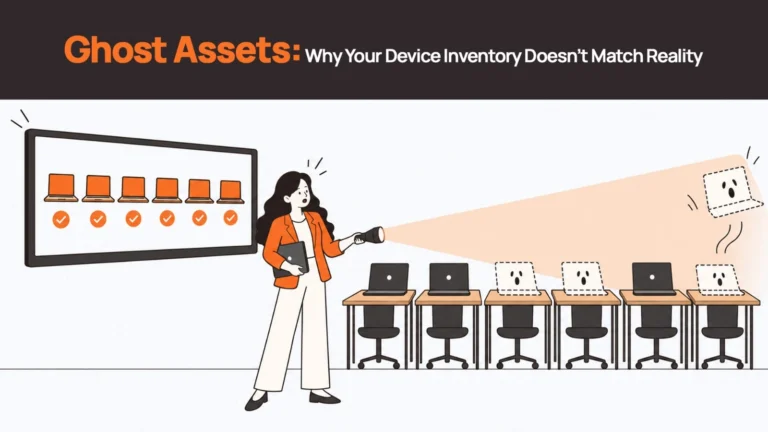
This is where a mixed fleet becomes an operational challenge. Fragmented records across three MDM consoles is one of the main causes of ghost assets — devices that exist in reality but have dropped out of the managed inventory. IT needs one reliable view of the physical devices, even when their technical management is distributed.
What Does a Unified Device Policy Look Like?
A unified policy defines the required outcomes for the entire fleet and documents how each platform achieves them.
Start with a core set of requirements that applies to all company-managed laptops:
| Policy area | Required outcome | What IT needs to verify |
|---|---|---|
| Device inventory | Every company device has a record | Identifier, assigned user, location, and status |
| Encryption | Required storage encryption is enabled | Platform-specific encryption status |
| Security updates | Devices meet defined patch requirements | OS version, patch status, and exceptions |
| Endpoint protection | Required security tooling is installed and active | Agent status and coverage |
| Access control | Users access company resources under approved conditions | Identity, authentication, and device compliance |
| Device assignment | Every device has an accountable owner or designated status | User assignment and assignment history |
| Offboarding | Devices are returned or accounted for, and data is handled appropriately | Retrieval status, access revocation, and sanitisation records |
The table defines the common outcomes. The implementation document should explain how each requirement works on macOS, Windows, and Linux.
For example, the encryption policy can require FileVault on supported Macs, BitLocker on eligible Windows devices, and an approved Linux encryption configuration. Each platform needs a corresponding verification method and an owner responsible for exceptions.
This structure also helps during security reviews. A written policy shows what the organisation intends to enforce. Platform-specific procedures and records demonstrate how the requirements are implemented.
For broader security guidance, NIST Special Publication 800-124 Revision 2 provides recommendations for managing device security across deployment, use, and disposal. Although its focus is mobile devices, its lifecycle-oriented approach is useful context for endpoint governance. Organisations should also apply relevant enterprise endpoint and information security standards to their laptop fleets.
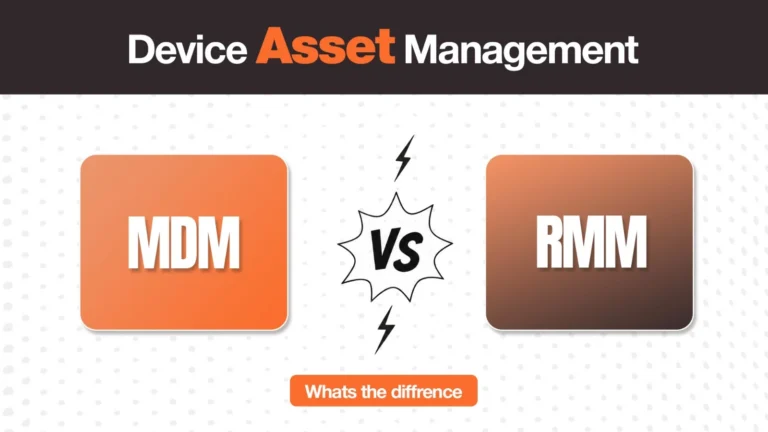
Choosing an MDM Approach for Mac, Windows, and Linux
There are two broad approaches to the management layer: use platform-specific tools or consolidate more functions into a cross-platform product.
The right choice depends on the level of control required, the operating systems in use, the team’s technical capabilities, and the importance of having a single management console.
How the main platforms compare
The following is a high-level landscape comparison, not a product ranking. Actual capabilities depend on the product edition, operating system version, licensing, and configuration.
| Platform | macOS management | Windows management | Linux management | Practical consideration |
|---|---|---|---|---|
| Jamf Pro | Apple-focused management with extensive Mac-specific controls | Not a full replacement for a dedicated Windows management platform | Not a primary Linux management option | Consider when Mac management depth is a priority |
| Microsoft Intune | Supports managed Mac devices and platform-specific policies | Broad Windows management capabilities | Supports specified Linux distributions and enrollment scenarios | Check Linux distribution support and feature requirements carefully |
| JumpCloud | Supports Mac device management and policies | Supports Windows device management and policies | Supports Linux devices through its agent and management capabilities | A cross-platform approach can consolidate device and identity-related administration |
| Hexnode UEM | Supports macOS management | Supports Windows management | Offers Linux enrollment and management capabilities | Verify the exact policies and Linux configurations required |
| Mosyle Business | Apple-focused device management | Not a like-for-like Windows fleet management option | Not a primary Linux fleet management option | More relevant when the managed environment is predominantly Apple |
Jamf and Microsoft Intune serve different strengths. Organisations with substantial Mac and Windows fleets may choose to use both rather than force one platform to handle every requirement.
Cross-platform management can reduce console sprawl. Products such as JumpCloud and Hexnode offer capabilities across multiple operating systems, but the specific policies available on each platform still need to be checked.
Linux support needs a closer review. Confirm supported distributions, enrollment requirements, encryption controls, patch workflows, remote actions, and compliance reporting before selecting a tool.
Before purchasing or changing platforms, test the controls your policy actually requires. A feature list that mentions all three operating systems does not establish that every required configuration can be enforced across all three.
| Linux MDM: Be Realistic Linux MDM support is genuinely weaker than Mac and Windows across every platform. Most security vendors built for Mac and Windows first; Linux support was added later and varies by distribution. Developers — often the Linux users — frequently hold the most sensitive credentials and repository access. If your Linux fleet is unenrolled in any MDM, those devices function as shadow IT from a governance standpoint. Document Linux controls explicitly, even when different from Mac/Windows — an undocumented exception is a finding waiting to happen. |
| Related Reads |
| → Remote Device Offboarding Checklist Step-by-step process for recovering devices from departing employees across all platforms. |
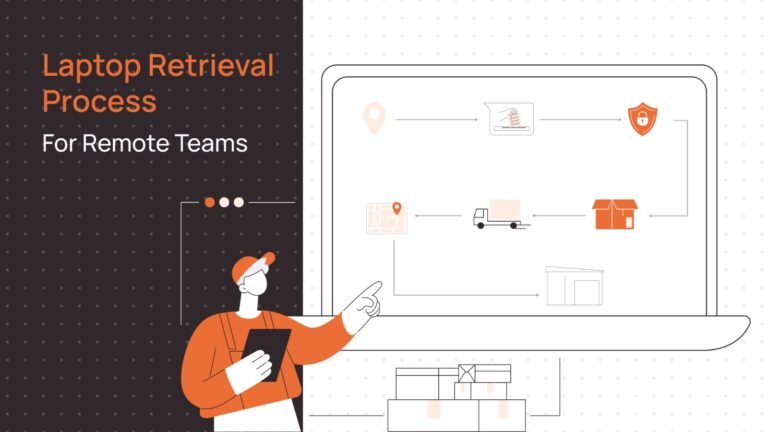
| → Secure Asset Retrieval for Remote Teams How to coordinate device collection from employees in multiple countries at offboarding. |
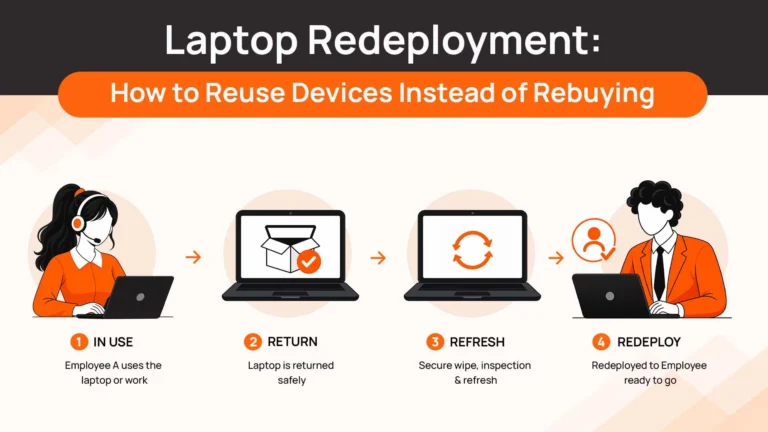
| → Laptop Redeployment Guide What happens to retrieved devices after they leave one user — redeployment versus disposal. |
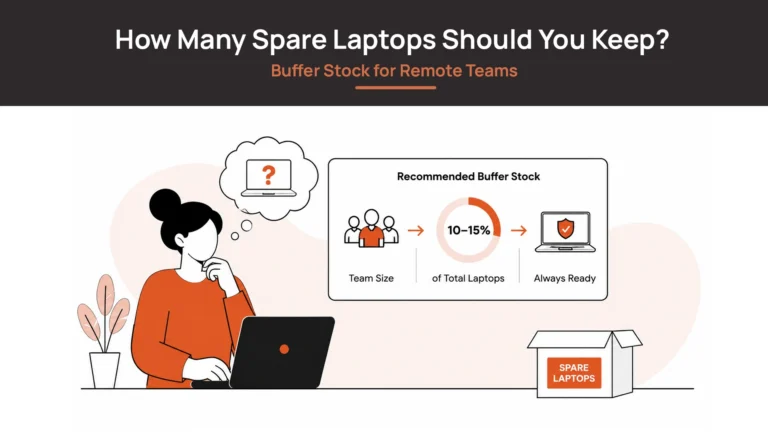
| → Spare Laptop Buffer Stock How a managed spare pool reduces procurement delays when new hires need a device quickly. |
| → Corporate Laptop Disposal Responsible disposal and the audit trail for devices that cannot be redeployed. |
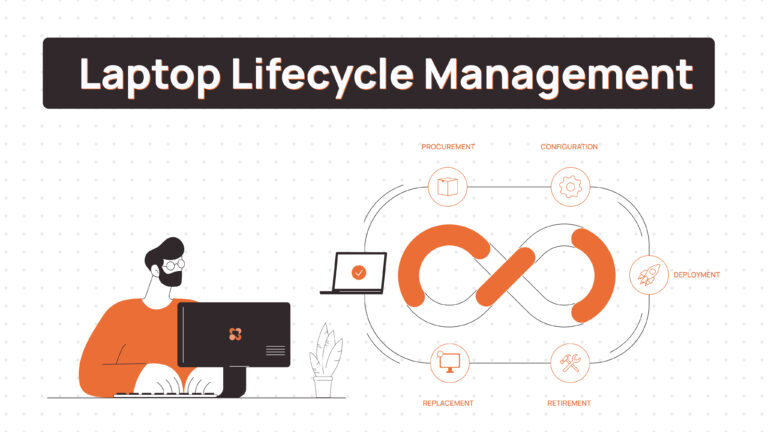
One Lifecycle Process, Three Operating Systems
MDM addresses device configuration and management. It does not, by itself, solve every physical lifecycle task.
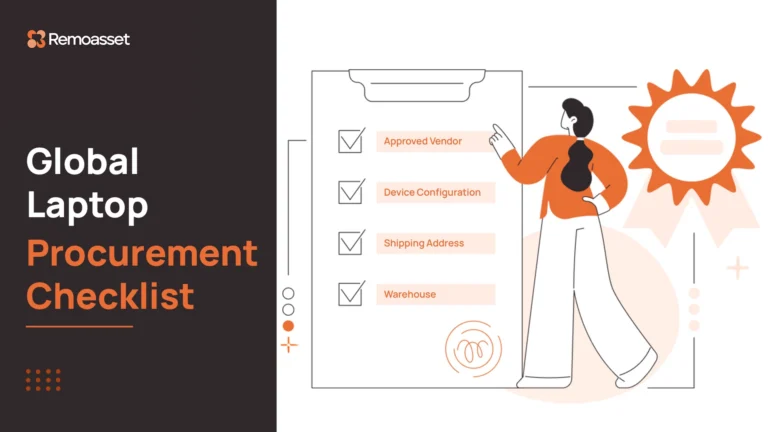
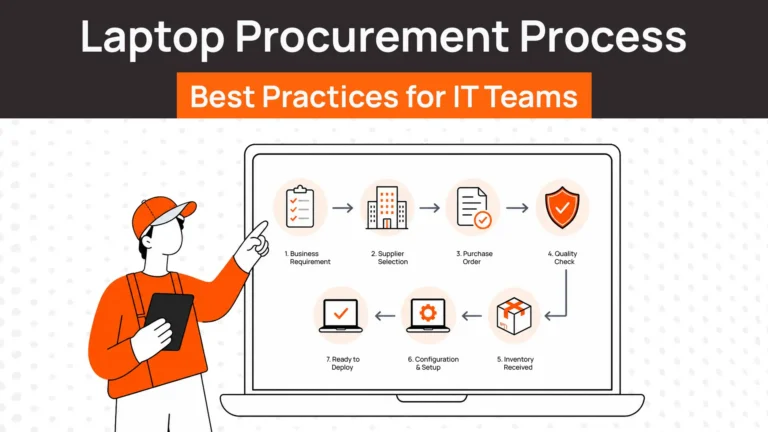
A MacBook, Windows laptop, and Linux workstation still need to be sourced, delivered, assigned, tracked, retrieved, and processed at the end of use.
Those activities can follow a consistent process even when the devices use different operating systems.
Onboarding and procurement
The onboarding process should begin with the employee’s role, location, start date, and approved hardware requirements.
A designer may need a MacBook, a developer may require a Linux-compatible ThinkPad or Dell, and another employee may receive a Windows laptop. The hardware differs, but the procurement request, approval process, user assignment, and delivery tracking can remain consistent.
Connecting HR information system (HRIS) events to device workflows can help initiate procurement before the employee’s first day.
Provisioning and configuration
Each platform needs its own preparation method. The underlying principle — zero-touch provisioning — means a device arrives ready for work, with minimal manual IT configuration.
Apple Business Manager and an appropriate device management service can support automated Mac deployment. Windows Autopilot supports Windows device provisioning through its own enrollment and configuration process. Linux deployment commonly relies on distribution-specific imaging, configuration management, automation scripts, or preconfigured builds.
These methods are not interchangeable, and the exact capabilities depend on the environment. The objective is to make each device ready for work through a documented process before it reaches the employee.
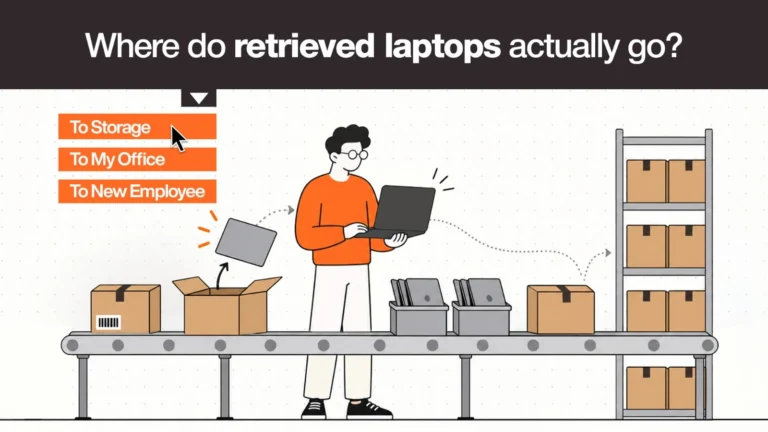
Offboarding and retrieval
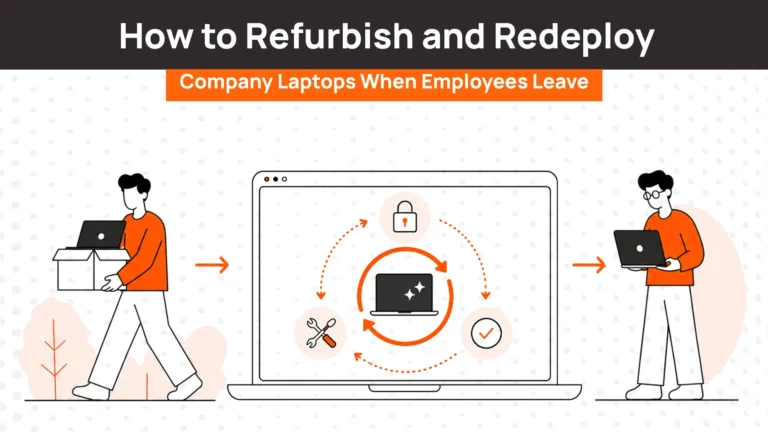
Offboarding should begin with the employee’s exit event, regardless of the operating system assigned to them.
The process should cover account and access revocation, device retrieval, inventory updates, and appropriate data handling. The technical steps will vary by platform and management setup, but the accountability should not.
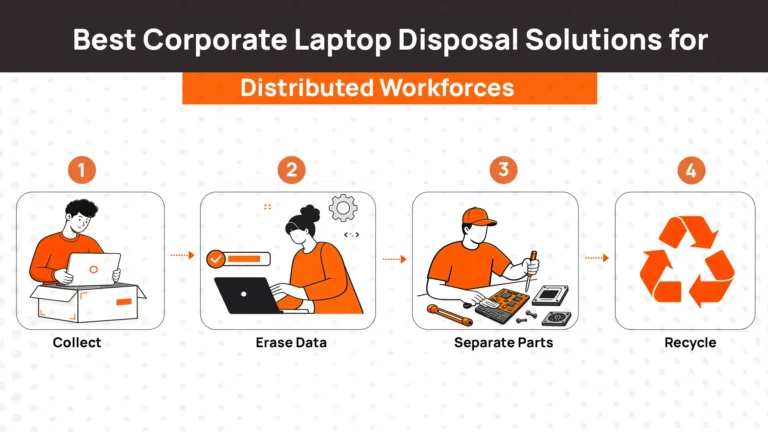
For example, a Mac may require an organisation-approved erase and recovery process, a Windows device may use its supported reset or sanitisation workflow, and a Linux device may require an approved disk sanitisation procedure to NIST 800-88 standard.
The company should record what happened to the physical device and what evidence exists that company data was handled appropriately.
Building One Reliable Asset Record
A unified asset record gives IT one place to understand the physical fleet without requiring every device to be managed through the same console.
At a minimum, the record should contain:
- Device identity: Serial number or asset tag, manufacturer, model, and operating system.
- Assignment: Current user, department, and assignment history.
- Location: Country or other relevant physical location.
- Lifecycle status: Active, in transit, under repair, in storage, awaiting return, or retired.
- Management details: Enrolled management platform, enrollment status, and last reported check-in where available.
- Security evidence: Relevant compliance status, encryption state, or a reference to the system that holds this information.
- End-of-cycle records: Retrieval, data sanitisation, redeployment, resale, or disposal status.
The asset record should distinguish between information it can verify and information it receives from another system. For example, a physical inventory may confirm that a laptop is assigned to a person, while the MDM console reports whether its latest check-in meets policy requirements.
IT can consolidate these records through integrations or an asset management layer that draws information from multiple systems. The appropriate approach depends on the available integrations, data quality, and reporting requirements.
The key is to avoid maintaining three disconnected inventories and relying on periodic spreadsheet reconciliation to identify gaps.
How Remoasset Supports Mixed Fleet Management
Remoasset operates at the physical lifecycle layer, above the MDM tools used to configure and manage endpoints.
For distributed teams running macOS, Windows, and Linux, this means the procurement, delivery, assignment, retrieval, and end-of-cycle processes can follow one operational framework even when each platform requires different technical management.
Remoasset supports this through:
- Platform-agnostic inventory: Maintaining device records with identifiers, assigned users, locations, statuses, and lifecycle stages across different operating systems.
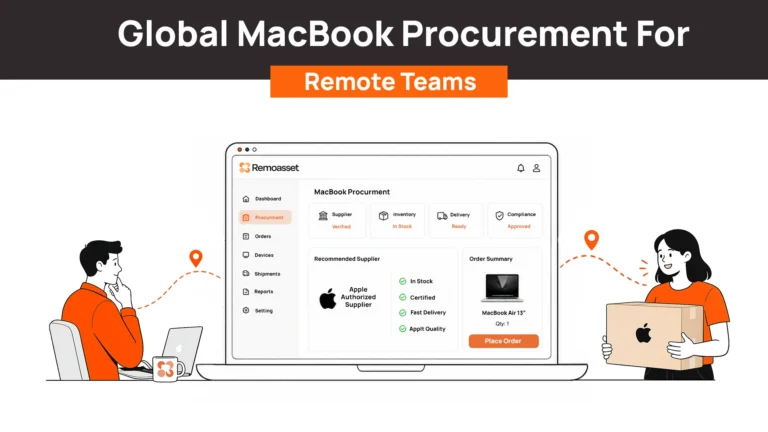
- Global procurement: Coordinating sourcing and delivery of MacBooks, Windows laptops, and suitable Linux-preferred hardware across 80+ countries.
- HRIS-triggered workflows: Using onboarding events to initiate device requests according to the employee’s approved hardware requirements.
- Consistent retrieval: Coordinating device return when an employee leaves, regardless of which operating system the device runs.
- End-of-cycle handling: Supporting data sanitisation and routing devices for redeployment, resale, or disposal under the appropriate process.
Remoasset does not replace an MDM, configure operating system security policies, or eliminate the need for platform-specific endpoint controls. Its role is to make the physical device lifecycle easier to coordinate across the fleet.
The distinction matters: MDM tools help manage what happens on a device, while lifecycle operations help organisations track and manage the physical device throughout its use — from procurement to retrieval and disposal across 80+ countries.
Final Thoughts: Standardise the Outcomes, Not Every Tool
Mixed fleet management becomes difficult when every operating system develops its own disconnected policies, inventories, and lifecycle procedures.
The answer is to decide what must remain consistent and where platform-specific implementation is necessary. Define common security outcomes, document the controls for each operating system, and establish a reliable inventory that covers all devices.
Give Linux the same deliberate attention as Mac and Windows. Review the actual capabilities of each management tool before assuming that a single console can enforce every requirement. Make sure procurement, onboarding, retrieval, and end-of-cycle handling follow a common process, even when the technical steps differ.
For distributed organisations, Remoasset helps coordinate procurement, delivery, retrieval, and lifecycle tracking across Mac, Windows, and Linux devices in 80+ countries.
The goal is one accountable device fleet, even when the technology underneath it is diverse.