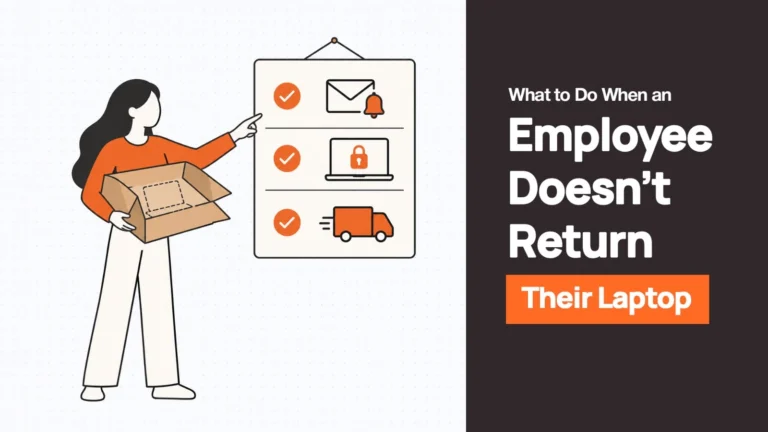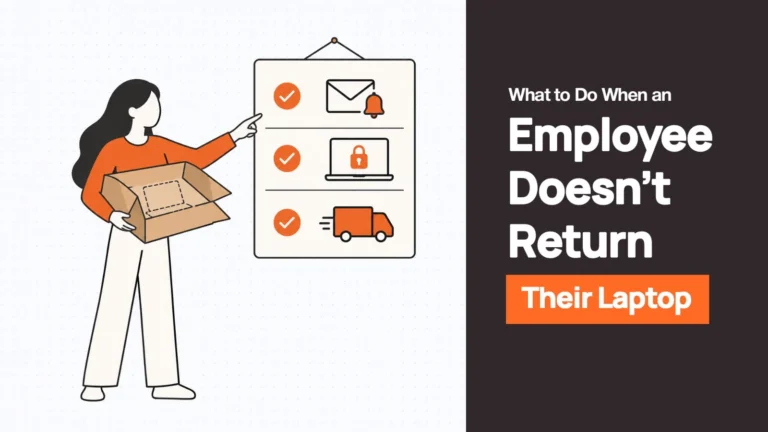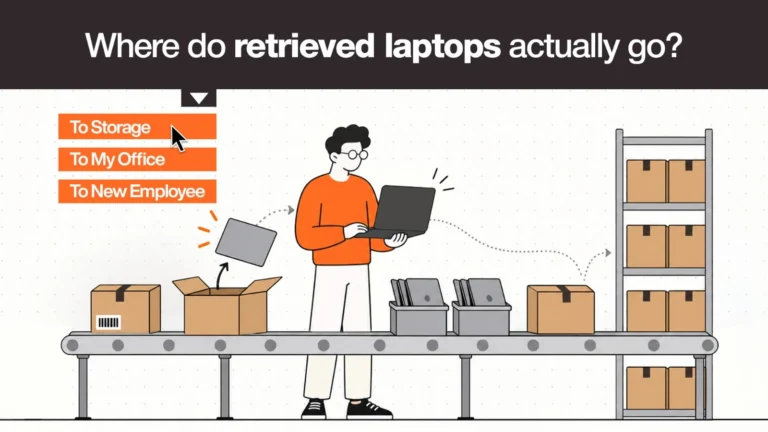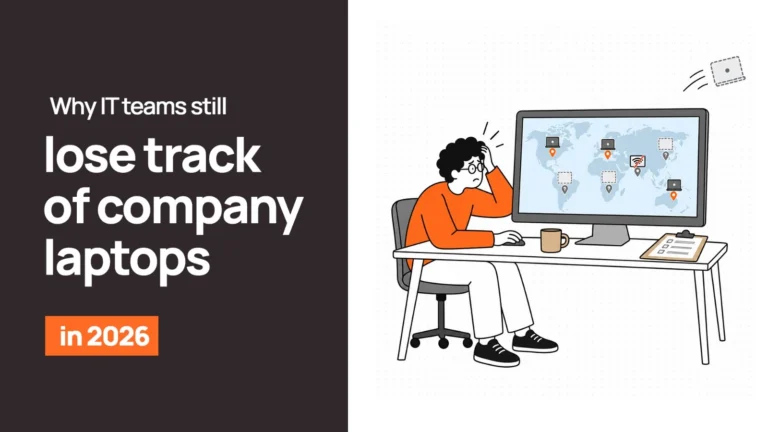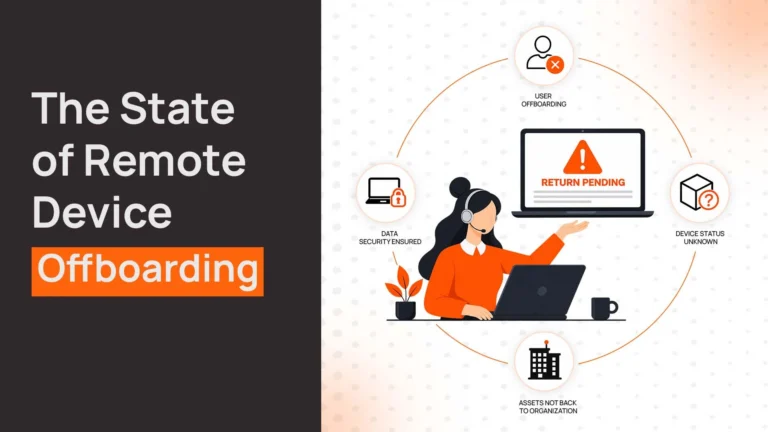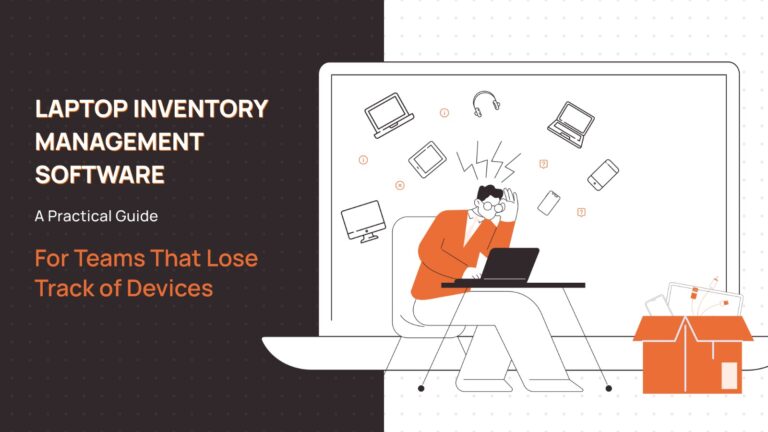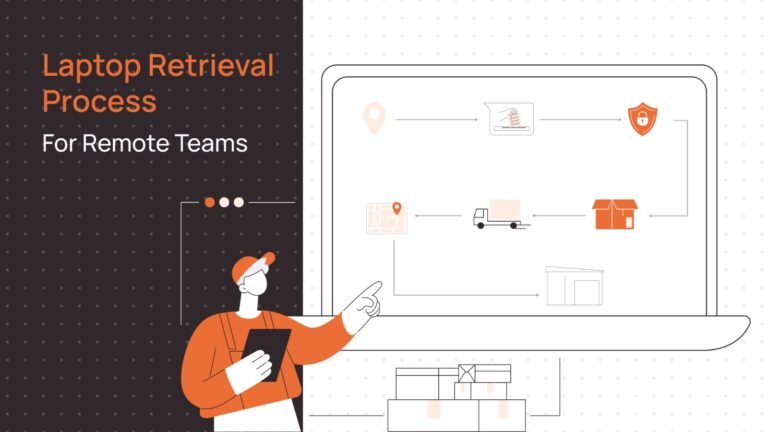
A returned company laptop is sitting in a former employee’s spare room. Another is in a manager’s desk drawer. Three more are stacked in a cupboard at headquarters, waiting for someone to decide what to do with them.
Nobody designed this as a storage strategy. It is simply what happens when a company has a process for issuing devices but no clear plan for what happens after they come back.
For distributed teams, corporate equipment storage is about more than finding a safe place for spare laptops. It is about knowing what you have, where it is, what condition it is in, and how quickly it can reach the next employee who needs it.
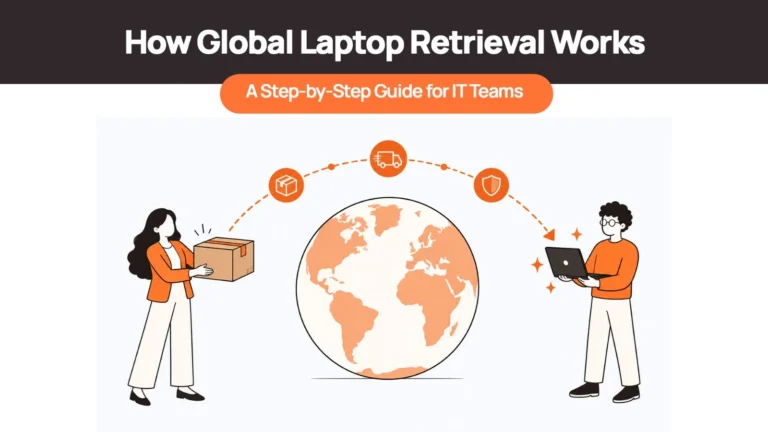
The location matters just as much. A laptop stored in the wrong country may be available on paper but still require international shipping, additional handling, and customs planning before it can be reused.
So where should a distributed company store its spare and returned devices? The answer depends on where you hire, how frequently you deploy equipment, and whether your storage process is connected to procurement and retrieval.
The Four Places Company Laptops Typically End Up
Most organisations use some combination of four storage arrangements, whether deliberately or by default.
- With the former employee. The device has been requested for return but remains at home, awaiting collection or shipping instructions. Until it comes back, the company cannot reliably inspect, prepare, or reassign it.
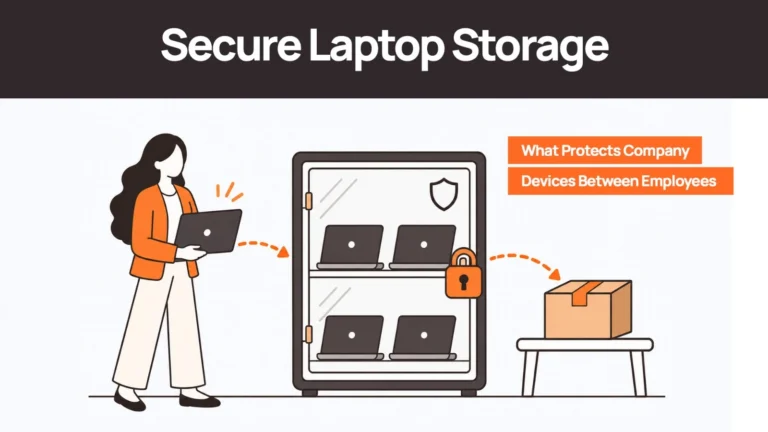
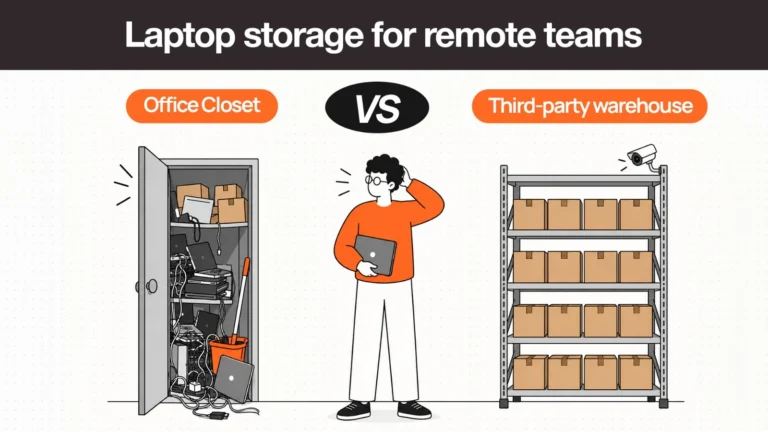
- In an office cupboard. A manager or IT team keeps spare laptops in a locked cabinet. This can work for a small local team, but visibility and accountability depend on someone maintaining accurate records.
- In one central warehouse. All returned and spare equipment goes to a single location, often near headquarters. Inventory is easier to consolidate, but getting a device to a new hire in another country may introduce another shipping leg.
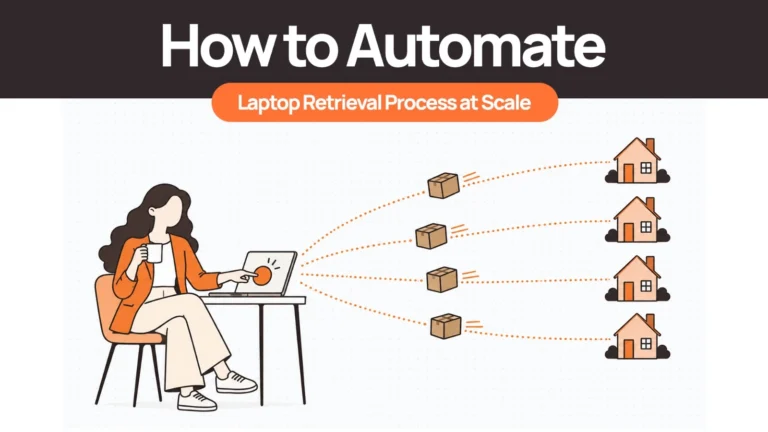
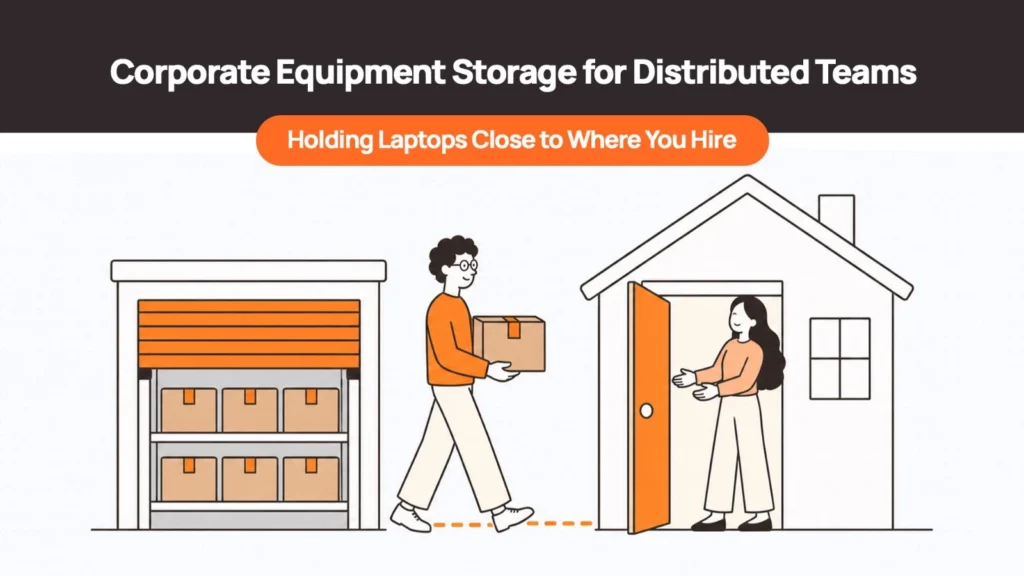
- In-country or regional storage. Devices are held near the markets where the company expects to hire. When a suitable laptop becomes available, it can be prepared and sent to a nearby employee, subject to local availability and logistics.
The fourth approach is particularly useful for companies hiring across multiple countries. It connects storage to the next likely deployment instead of treating warehousing as a separate administrative task.
What Does Informal Equipment Storage Actually Cost?
An unused laptop can look like a harmless asset sitting on a shelf. In reality, informal storage can create costs through lost visibility, unnecessary purchases, avoidable handling, and missed opportunities to reuse equipment. A structured offboarding and device recovery checklist can help close those gaps before devices go missing.
Unreturned devices can become expensive
Firstbase’s 2026 laptop inventory management guide cites figures from Capterra indicating that 71% of surveyed HR workers involved in offboarding had experienced at least one employee failing to return company equipment. The same guide reports that remote and hybrid employees were 17% more likely than on-site employees to retain equipment, with an average reported loss of $1,963 per incident.
The guide also reports that 59% of equipment retained by former employees contained confidential or sensitive data.
These figures concern unreturned equipment, rather than the cost of storage itself, and should be read in that context. They nevertheless illustrate why a company needs a defined process for retrieving, recording, and securing devices after an employee leaves.
| Key Insight: The Hidden Cost of Informal Storage • 17% more likely: remote and hybrid employees retain equipment at a higher rate than on-site staff (Firstbase/Capterra, 2026) • $1,963 average reported loss per unreturned device incident • $197–$334 per device: estimated internal cost of managing a laptop return when staff time, packaging, and shipping are included (Retriever) |
Manual handling has a cost of its own
Storage rarely begins with storage alone. Before a laptop reaches a shelf, someone may need to contact the former employee, arrange shipping, receive the package, inspect the device, update records, and decide what happens next.
Retriever estimates that managing laptop returns internally can cost approximately $197 to $334 per device when staff time, packaging, and shipping are included. That estimate relates to the return process, not a recurring warehousing fee, and will vary with internal labour costs and shipping arrangements.
For a distributed company, these handling costs can accumulate each time a device moves between an employee, a warehouse, and its next user.
Idle devices continue to lose value
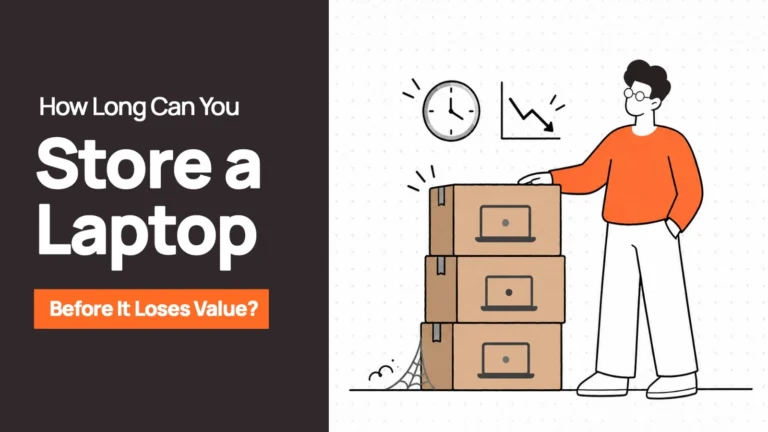
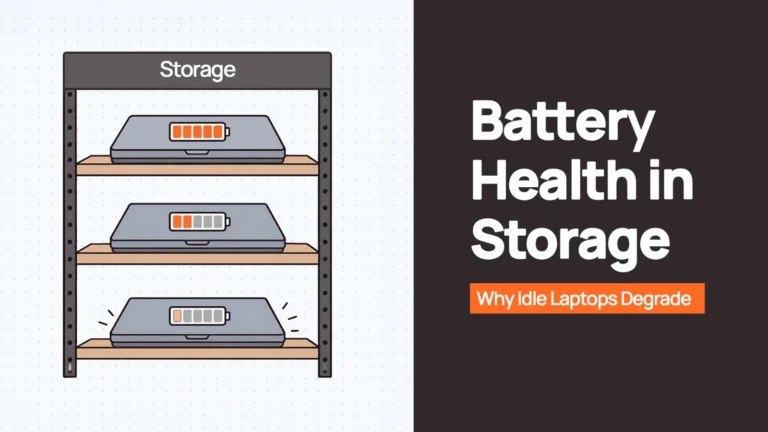
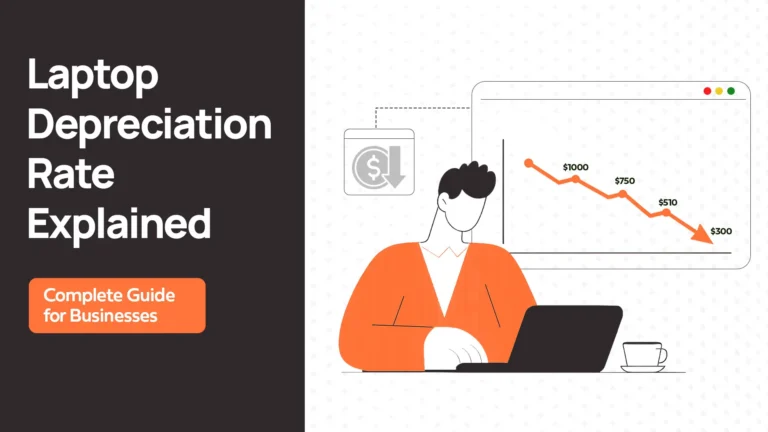
A laptop does not stop depreciating because nobody is using it. Battery condition can deteriorate, warranty coverage can expire, and specifications may become less suitable for the company’s needs.
The longer a device sits without a recorded condition, assigned status, or next step, the harder it becomes to determine whether it should be redeployed, repaired, sold, or retired. Maintaining a reliable asset tracking record for every device — from issue to return to storage — is what keeps that decision visible.
A useful storage process therefore does more than protect hardware. It keeps devices visible and gives each one a clear route back into use.
Why “Close to Where You Hire” Is the Real Variable
Imagine that a company has a suitable spare laptop in Germany, but its next employee is joining in Singapore.
The device is available. The company owns it. The inventory record is accurate. Yet the laptop may still be a poor option for that new hire if getting it there involves an international shipment, additional customs requirements, incompatible configurations, or an uneconomical transfer.
The problem is the distance between available stock and the next point of demand.
Holding devices in-country or within an appropriate customs region can make redeployment more straightforward. It may reduce the need for cross-border shipping, help avoid unnecessary customs processes, and make it easier to reuse hardware within the same market.
Deel IT’s published storage guidance distinguishes between local storage and transfers across customs regions, highlighting that cross-border movements can create additional costs or operational limitations depending on the arrangement.
This does not mean every company needs a separate warehouse in every country. The right network depends on hiring patterns, expected device demand, local availability, and the cost of holding stock.
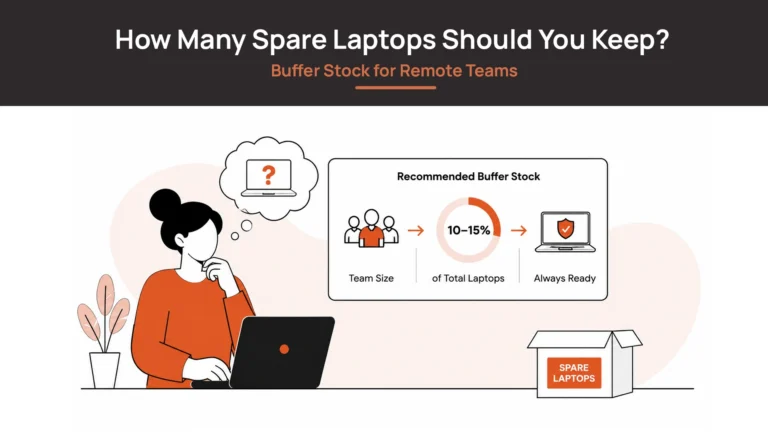
It also helps to separate storage strategy from buffer-stock planning. Deciding where to hold devices is one question; deciding how many spare laptops to keep is another. The latter should be based on hiring forecasts, replacement demand, and the time required to source and deliver new equipment.
Comparing Corporate Equipment Storage Options
| Factor | With former employee | Head-office cupboard | Central warehouse | In-country / regional storage |
|---|---|---|---|---|
| Security and accountability | Depends on return progress and controls | Depends on local access and recordkeeping | Can provide structured intake and handling | Structured intake and handling close to demand |
| Inventory visibility | Often incomplete until returned | Usually depends on manual updates | Easier to consolidate if records are maintained | Requires a reliable view across storage locations |
| Cost | Risk of loss and delayed reuse | Low direct storage cost, but staff time still matters | Storage and outbound shipping costs | Storage costs plus local handling and distribution |
| Time to reissue | Uncertain until device is recovered | Fast for nearby employees | Depends on shipping distance | Potentially faster for hires in the same market |
| Cross-border exposure | Depends on device location and return route | May be high for international hires | May involve cross-border shipping | Can reduce cross-border movement when reuse stays local |
| Best suited for | Short, actively managed return windows | Small, local teams with few devices | Centralised operations or concentrated demand | Distributed teams with recurring hiring across multiple markets |
There is no universally cheapest option. A central warehouse may be appropriate when most employees work in one region. In-country storage may be more useful when hiring is geographically dispersed and devices can be reused close to where they are held.
The comparison should include the complete cost of moving a device into storage, keeping it there, preparing it, and sending it to the next employee.
| Related Reads |
| → Secure Asset Retrieval: How Remoasset Handles Device Recovery How retrieval connects to storage — the moment a device is recovered is when storage planning starts. |
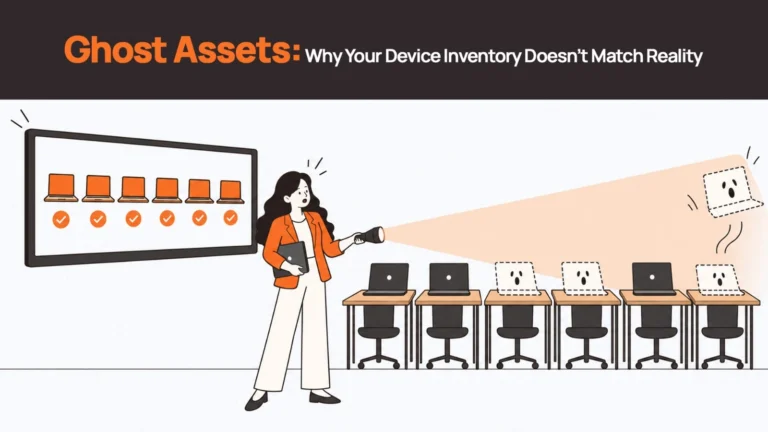
| → Ghost Assets: When Devices Disappear from Your Records What happens when storage is informal long enough — devices fall off the inventory and can’t be redeployed. |
| → Where Do Retrieved Laptops Go? The decision tree after a device comes back: storage, redeployment, repair, or retirement. |
| → Zero-Touch Deployment for Distributed Teams How stored devices get from the shelf to a new hire without manual IT intervention. |
| → Data Wiping and Sanitisation Before Redeployment The data sanitisation step that must happen before any stored device is reissued. |
What Should a Proper Device Storage Process Include?
A warehouse alone does not create an effective storage programme. The process surrounding the device determines whether it is secure, visible, and ready to be reused.
1. Intake, inspection, and condition grading
When a laptop arrives, record its identity and inspect its condition. Check the device itself, its accessories, any visible damage, and whether repairs are required.
Assign a clear status, such as awaiting assessment, ready for redeployment, under repair, or pending retirement. This helps prevent a laptop from being marked as available before it has actually been prepared.
2. Secure data sanitisation
Returned laptops may contain locally stored company information. Before a device is redeployed, resold, or disposed of, it should go through an appropriate data sanitisation process.
The method and documentation should match the device, the sensitivity of the information, and the organisation’s security requirements. Where applicable, align the process with recognised guidance such as NIST SP 800-88 and retain appropriate evidence of completion.
3. One record for every stored device
The company should be able to see which devices are in storage, where they are located, their condition, and whether they are available for assignment.
Ideally, storage records connect with procurement, retrieval, and device assignment workflows. That reduces the need to reconcile separate spreadsheets whenever a laptop moves between an employee, a warehouse, and another employee.
4. Clear routes back into use
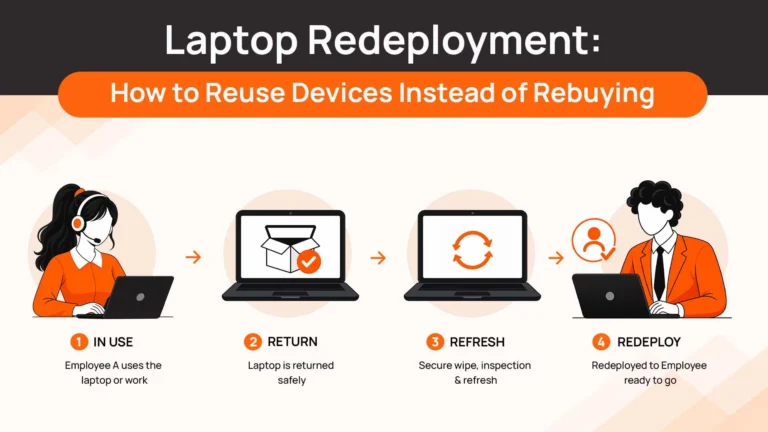
Every stored device should have a next step. Suitable laptops can be prepared for a new hire. Devices that need work can go for repair. Equipment that no longer makes sense to retain can be routed for responsible disposal.
Storage without an exit process can become a collection of increasingly old hardware. A defined redeployment and retirement process helps the organisation make decisions while the device still has useful value.
5. Transparent pricing
Corporate equipment storage is commonly priced per device per month, although providers may also charge for collection, intake, inspection, sanitisation, handling, repairs, and outbound shipping.
For a current pricing reference, Tequipy publishes a storage rate of $12 per device per month, while Deel IT lists a $25 monthly storage fee for its Store and Reuse service after the third month, subject to its terms.
These are examples of published provider pricing, not a universal market rate. Before comparing quotes, check which services are included, when monthly billing starts, and whether the quoted rate covers your countries and device types.
A lower storage fee may not produce a lower total cost if collection, handling, preparation, and redelivery are charged separately.
When Is Informal Storage Still Fine?
Not every organisation needs a managed warehouse network.
If you have a small team in one country, only a handful of spare laptops, and one person who consistently tracks assignments and returns, a locked cabinet may be entirely reasonable.
The arrangement becomes harder to sustain when the company hires across multiple countries, receives returned equipment regularly, or holds more devices than one person can reliably track.
It is also worth reviewing your process when employees wait for equipment despite having suitable returned laptops sitting unused elsewhere.
These are signs that storage is no longer an occasional administrative task. It has become part of the company’s device provisioning operation.
How Remoasset Fits Into the Storage Process
Remoasset helps distributed teams coordinate device procurement, retrieval, and storage as connected parts of the same device lifecycle.
For companies operating across 80+ countries, this approach can help bring returned and spare laptops into a more structured process. Devices can be recorded, assessed, and held for future deployment rather than passing between disconnected vendors and informal storage arrangements.
The strategic benefit is the connection between where devices are held and where the next hire needs them. Where suitable local or regional storage is available, organisations can plan to reuse devices closer to the next point of demand instead of automatically shipping everything back to headquarters.
Storage should also remain connected to the next action. A returned laptop may be prepared for redeployment, routed for repair, or moved towards retirement, with its status recorded along the way.
The exact storage locations and operational options depend on the available service footprint, so companies should confirm the relevant locations and handling arrangements before planning a rollout.
Final Thoughts: Store Devices Where They Can Be Used Again
A spare laptop has value when a company can locate it, verify its condition, and get it to the next employee who needs it.
For a small, local team, a well-managed cupboard may be enough. For a distributed organisation hiring across multiple countries, storage location becomes a strategic decision. Centralised stock can simplify oversight, while in-country or regional storage can make redeployment more practical when demand is spread across markets.
The important thing is to treat storage as a planned step between retrieval and reissue, with clear records, appropriate data handling, and a defined route for every device.
Remoasset helps companies coordinate device procurement, retrieval, and storage across 80+ countries, bringing the physical device lifecycle into one more consistent process.
Book a demo to explore how Remoasset can help your team manage returned and spare devices alongside procurement and retrieval.
Frequently Asked Questions
Where should a company store spare laptops?
The best location depends on where the company hires. For a small, local team, a locked cabinet near IT is often sufficient. For distributed teams hiring across multiple countries, holding devices in-country or in the same customs region as the next hire can make redeployment faster and avoid unnecessary cross-border shipments.
How much does it cost to store company laptops?
Managed storage services are commonly priced per device per month. Published benchmarks range from approximately $12 to $25 per device per month, depending on the provider and what is included. Additional charges for collection, intake, sanitisation, and outbound shipping may apply separately. The total cost of storage should account for the full device journey, not just the monthly fee.
Is it safe to leave company laptops with former employees?
Leaving company equipment with a former employee carries meaningful risk. Firstbase’s 2026 guide reports that 59% of equipment retained by former employees contained confidential or sensitive data. Devices held outside company control cannot be reliably inspected, wiped, or reassigned until they are physically recovered. A defined retrieval and intake process is the more reliable approach.
Do you need a warehouse to store devices for remote teams?
Not necessarily. A small team with a handful of devices and one person tracking them can operate from a locked cabinet without a dedicated warehouse. The case for managed or in-country storage becomes stronger when the team hires regularly across multiple countries, holds more devices than one person can track, or experiences delays caused by equipment sitting unused in the wrong location.