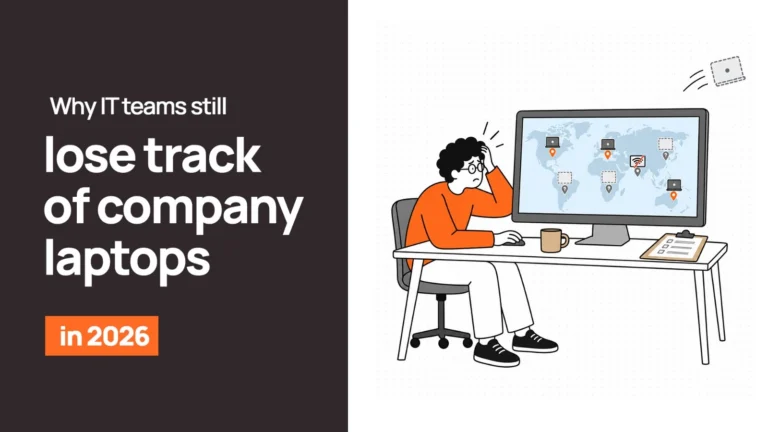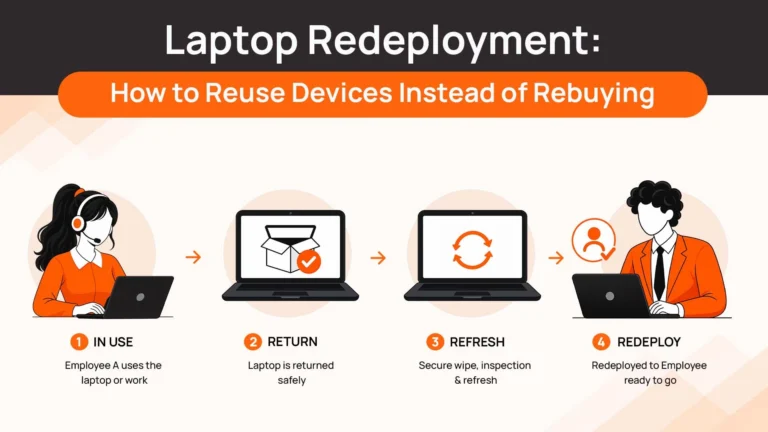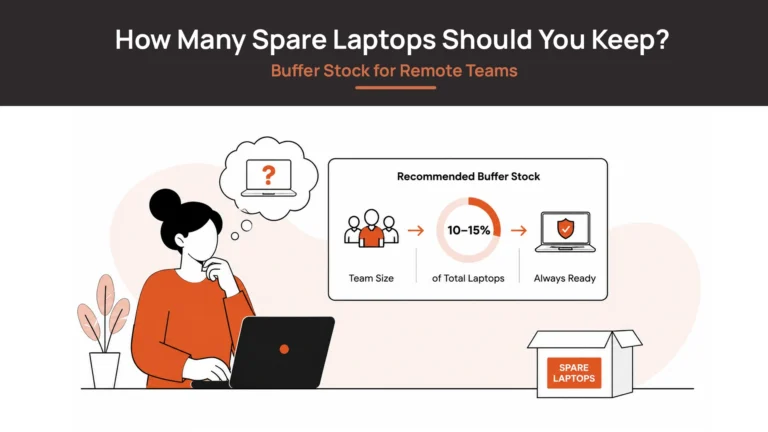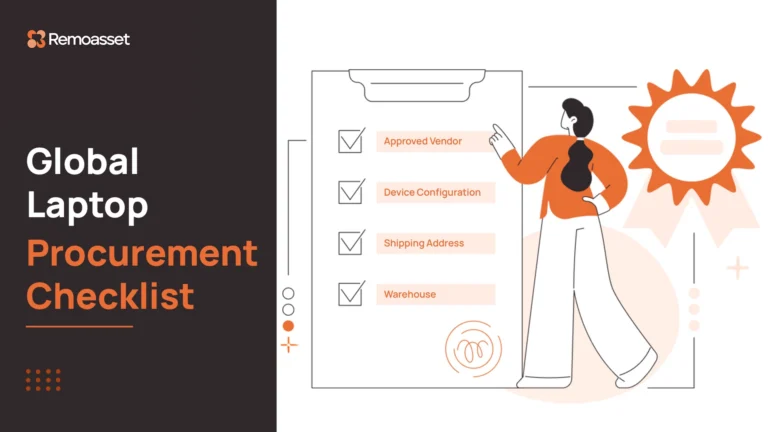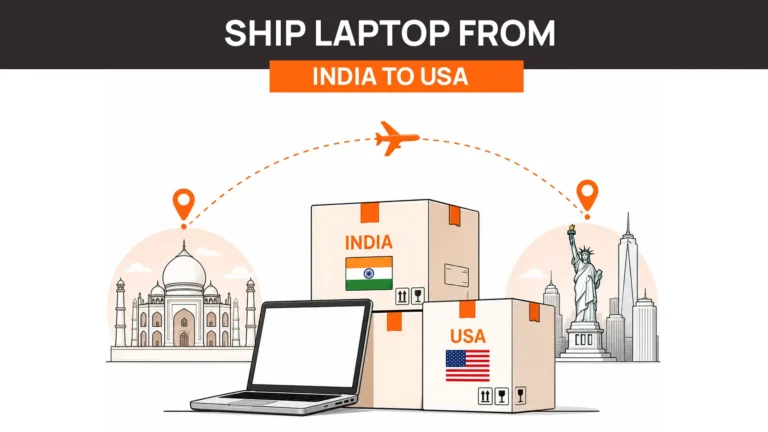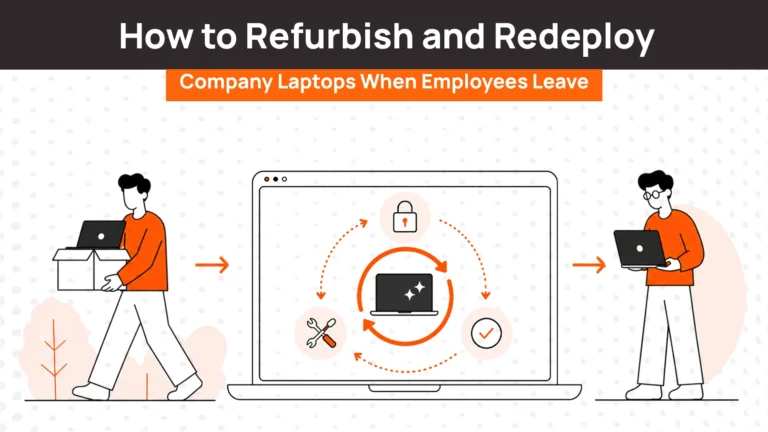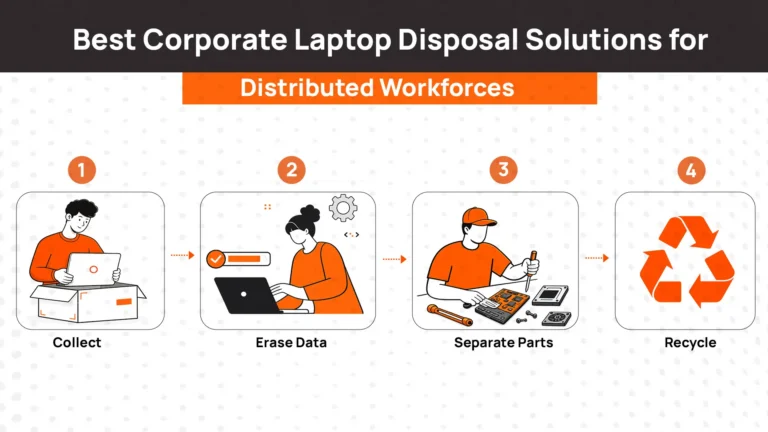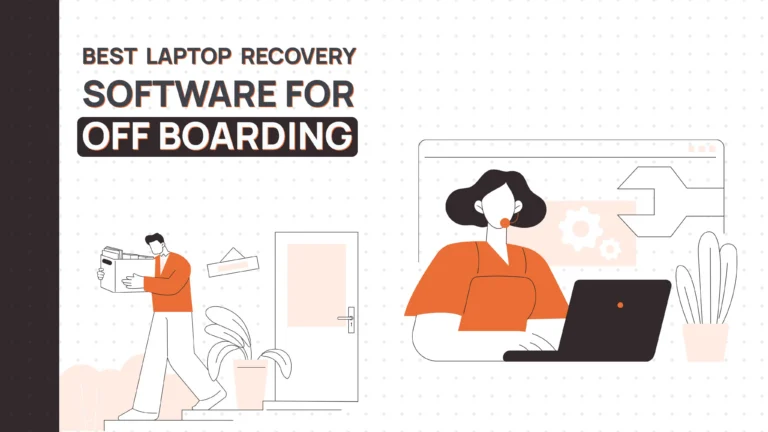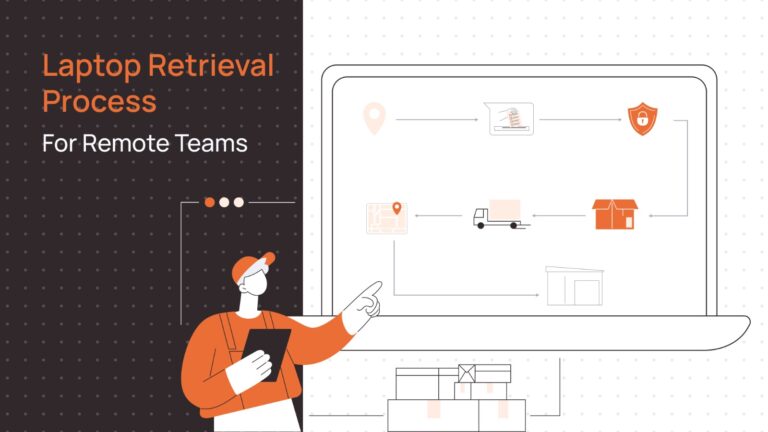
Remote employee laptop return has become a critical process for IT departments. When employees leave or transition roles, recovering company laptops quickly protects data and controls costs. This guide covers the complete laptop return process for distributed teams.
Why Remote Employee Laptop Return Matters
Remote work has changed how organizations manage IT assets. Laptops remain with employees across cities, states, and countries. Physical distance complicates what was once a simple desk-to-IT handoff.
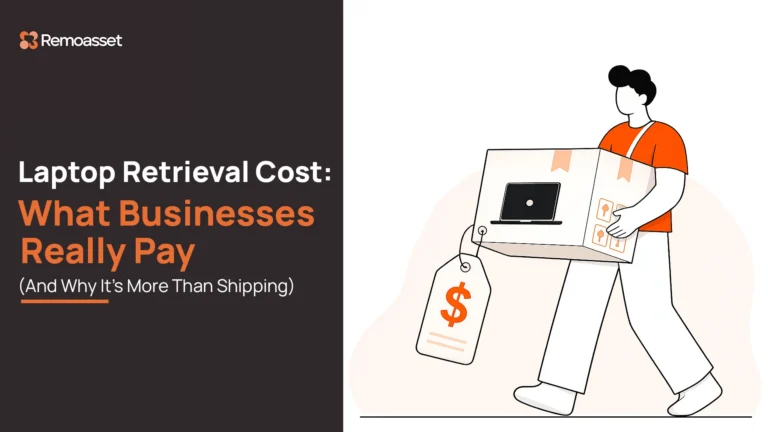
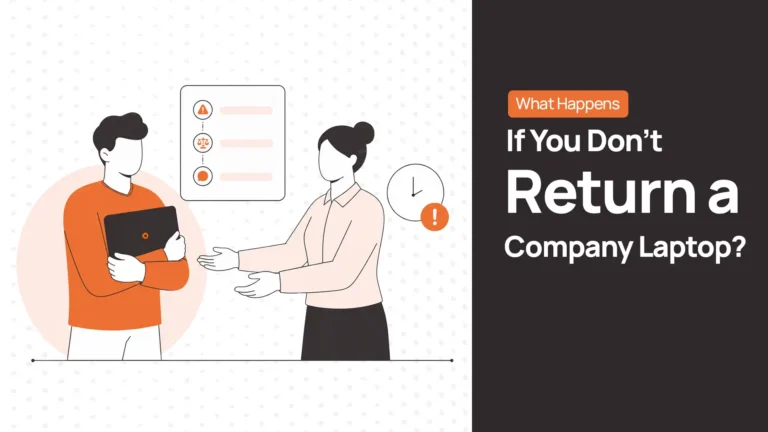
Failed laptop returns by remote teams create multiple risks. Unreturned devices cost $800-2,000 each in hardware alone. They contain sensitive company data and customer information. Each unreturned laptop represents a security vulnerability and financial loss.
Organizations without structured return processes see 70-85% return rates. The remaining 15-30% of devices go missing permanently. Effective laptop return processes protect three critical areas:
- Data security and breach prevention
- Asset recovery and cost control
- Compliance with audit requirements
Preparing Remote Employees for Laptop Returns: Policy and Documentation
Clear policies establish expectations before laptops ever need returning. Employee agreements must define company property ownership. These policies specify return timelines and employee responsibilities.
Essential Policy Elements
Company laptop policies should address definition of company property, return timeline, shipping method and its cost responsibilities. It should also let the employee know consequences in cases of non-compliance.
Document laptop assignments at the point of distribution. Require signed acknowledgment of return obligations from your employees. Include serial numbers and accessory lists in onboarding paperwork.
Legal Considerations
Review local labor laws before implementing laptop return policies. Some jurisdictions require employer-paid return shipping. Others limit paycheck deductions for unreturned equipment.
Data privacy regulations affect remote wipe procedures. GDPR and similar laws require proper notification before data deletion. Document all wipe actions for compliance records.
Consult employment attorneys for jurisdiction-specific guidance. Laws vary significantly across states and countries.
The Remote Employee Laptop Return Process
Smooth laptop returns depend on employee cooperation. Departing employees face emotional transitions and multiple tasks. Complicated return processes get ignored or delayed. Design your process around employee convenience while maintaining security controls.
Step 1: Start with Clear Expectations
Employees should know return procedures before they ever need them. Include return expectations in welcome packets. When offboarding begins, employees already understand their duties. This reduces confusion and resistance.
Step 2: Send One Complete Message
Departing employees receive dozens of emails during offboarding. HR forms, benefits information, exit interviews, and equipment returns compete for attention. Simplify by consolidating laptop return instructions into one clear message. Send to personal email, not company email. Many organizations disable accounts immediately.
Example opening: “We need your laptop and accessories returned by [DATE]. We’ve made this simple – everything you need is in this email.”
Step 3: Make Shipping Effortless
Shipping complexity causes most return delays. Employees don’t know where boxes are or which carrier to use. Remove every obstacle. Don’t make employees request them. Attach labels to the initial email or provide instant download links.
Offer multiple shipping options like drop-off at nearby FedEx, or a home pickup scheduling with a link. Mail appropriately sized boxes with padding to employee addresses. Include simple illustrated packing instructions. Let employees choose their preferred method. Convenience drives compliance.
Step 4: Reduce Data Anxiety
Employees worry about personal data on company laptops. Photos, documents, and browser passwords feel personal despite policy violations. Address this anxiety directly. Execute remote wipes only after the backup window closes. Use Remoasset or similar MDM tools to schedule wipes and verify completion.
Communicate the wipe clearly: “Your laptop will be remotely reset on [DATE] at [TIME]. Please backup personal files before then.”
This transparency builds trust. Employees comply when they feel respected.
Step 5: Follow Up Without Nagging
Gentle reminders work better than aggressive escalation. Departed employees owe you nothing emotionally. Friendly persistence beats demands.
Day 3: “Just checking in – need any help with the laptop return?”
Day 7: “Reminder: laptop return due in 3 days. Need a pickup scheduled?”
Day 10: “We haven’t received your laptop yet. Is there a problem we can solve?”
Day 14: Escalate to formal notice if necessary.
Keep tone professional but human. Acknowledge that returns might be forgotten amid life transitions.
Step 6: Confirm Receipt Immediately
When laptops arrive, confirm receipt within 24 hours. Send a brief email: “We received your laptop and accessories. Thanks for returning everything – you’re all set.”
This closure matters psychologically. Employees appreciate knowing the process ended successfully. It also prevents future “did you receive it?” questions.
But communicate completion externally too. Good offboarding experiences protect employer brand and reference relationships.
Key Principle: Every process decision should ask “Does this make it easier for the employee?” Employee experience and IT efficiency aren’t opposing goals – they’re aligned.
Methods for Remote Employee’s Laptop Return
Choose return methods based on what’s easiest for employees in different situations. Convenience drives compliance more than policies or reminders.
Automated Return Platforms
DaaS platforms like Remoasset eliminate manual coordination for both employees and IT teams. Employees get what they need automatically without requesting anything.
When HR processes termination, the system instantly sends personalized return instructions. Employees receive prepaid labels for their specific location. They choose pickup or drop-off based on preference. Tracking happens automatically without employee action.
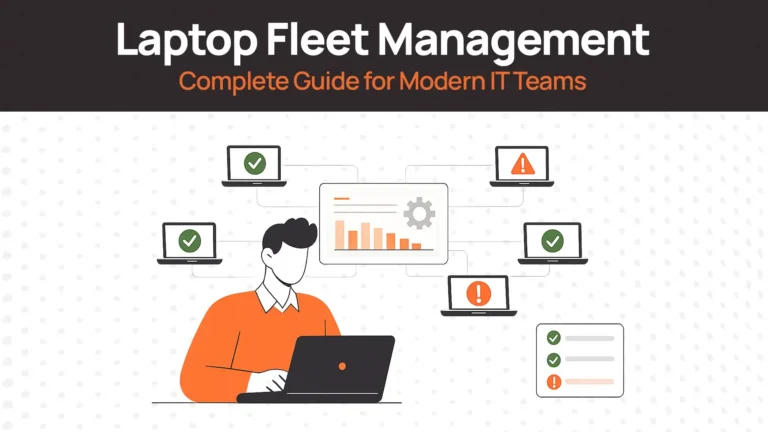
HRIS integration triggers returns without manual ticket creation. Real-time dashboards show exactly where every laptop is. Compliance documentation generates automatically.
The platform handles courier pickups, drop-off locations, and specialized recovery services. Employees experience simplicity. IT gains control and visibility. This approach works best for organizations processing 10+ returns monthly.
Standard Courier Pickup and Drop-Off
National carriers work when you don’t have dedicated return platforms. Employees appreciate flexible options matching their schedules.
Home pickup scheduling: Provide a scheduling link where employees book convenient pickup times. UPS and FedEx offer free pickup with prepaid labels. Employees avoid leaving home or finding drop-off locations.
Retail drop-off locations: Some employees prefer dropping packages during errands. Provide addresses for nearby UPS/FedEx/USPS locations. Include store hours in instructions. Map links help employees find the closest option.
Packaging made simple: Send packaging kits to employee addresses if needed. Include appropriately sized boxes, bubble wrap, and tape. Pre-printed labels eliminate printing requirements. Simple illustrated instructions prevent packing mistakes.
Enterprise carrier agreements reduce costs at scale. Volume discounts apply when shipping 50+ devices monthly. Negotiate insurance coverage matching laptop replacement values.
Office and Regional Drop-Off
Local employees often prefer in-person returns. This eliminates shipping delays and gives immediate closure.
Company office drop-off: Designate specific receiving hours and locations. Train reception staff on friendly check-in procedures. Accept returns without appointments during business hours.
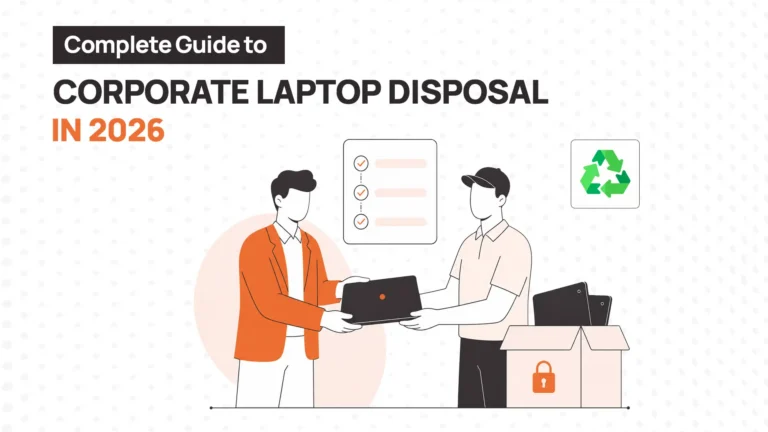
Regional collection points: Satellite offices serve as convenient local return locations. Employees avoid shipping entirely. Consolidate collected laptops before sending to central IT.
Partner locations like co-working spaces or retail technology stores can also serve as drop-off points. Provide employees with specific addresses and reference numbers.
White-Glove Recovery Services
Executive laptops or highly sensitive devices warrant specialized handling. Recovery services provide premium employee experience while ensuring security. Costs range from $75-250 per device. Premium pricing justifies itself for C-suite departures, terminated executives, or devices containing extremely sensitive data.
International Return Considerations
International employees need extra support navigating customs and shipping complexity.
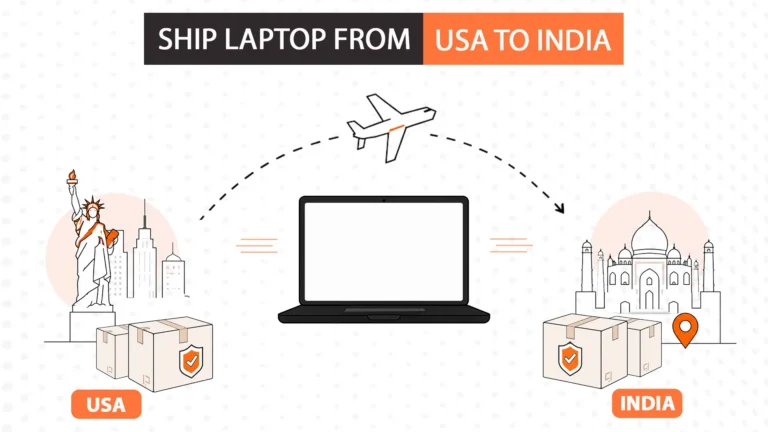
Research destination country import regulations before initiating returns. Some countries require specific documentation or restrict electronics imports. Allow 15-20 business days for international transit.
Consider regional IT hubs for international consolidation. Employees ship to nearby regional offices instead of headquarters. This reduces complexity and shipping costs.
Best Practices for Remote Employee Laptop Return
With the “how” part now being handled, let’s see what are some of the best practices for remote employees returning their systems.
Make Returns Convenient
Reduce friction for departing employees. Provide prepaid labels immediately upon termination. Send packaging materials if needed. Clear instructions prevent confusion.
Conduct Regular Audits
Quarterly laptop audits verify inventory accuracy. Confirm employees still possess assigned devices. Audits identify discrepancies before they become permanent losses.
Coordinate HR and IT
Exit interview checklists prevent forgotten laptops. Verify return completion before final paycheck processing. HR and IT coordination ensures accountability.
Address Non-Returns Quickly
Begin recovery procedures immediately for unreturned laptops. Document all communication attempts. Escalate to legal or collections if necessary.
Some jurisdictions allow final paycheck deductions. Verify legal requirements before withholding wages. Signed equipment agreements strengthen legal positions.
Insurance Coverage
Verify insurance covers laptop loss and theft. Understand deductibles and claim procedures. File claims promptly for eligible losses.
Coverage should match actual laptop replacement costs. Include high-value devices in premium calculations.
Common Challenges and Solutions
Even well-designed return processes encounter obstacles. Most challenges stem from unclear communication or insufficient employee support. Address these common issues proactively.
International Returns Take Longer
International employees face customs complexity and extended shipping times. Standard 5-7 day timelines don’t work across borders. Provide country-specific return instructions that explain local requirements clearly. Partner with carriers offering international expertise. Pre-fill customs documentation whenever possible. Employees can ship to nearby regional offices instead of crossing borders.
Employees Don’t Respond to Return Requests
Departed employees often ignore return emails entirely. Company email becomes inaccessible after account deactivation. Always send initial instructions to personal email addresses. Use SMS reminders for deadlines if phone numbers are available. Keep your tone friendly and helpful. Provide single-click scheduling links that make responding easier. Follow up at 3, 7, and 10 days with escalating urgency.
Laptops Get Lost During Shipping
Packages can disappear even with tracking numbers, creating security risks and inventory gaps. Standard carrier insurance rarely covers full replacement value. Require signature confirmation on every shipment. Use GPS tracking for executive or highly sensitive devices. Insure all shipments for full replacement value and file claims immediately when losses occur.
Employees Return Incomplete Items
Laptops arrive without power adapters, cables, or accessories regularly. Employees genuinely forget items stored in drawers or bags. Send photos of the exact items assigned to each employee. Follow up within 24 hours specifically for missing accessories. Track accessory return rates separately to identify systemic issues.
Laptops Arrive Damaged
Transit damage creates unexpected replacement costs, and responsibility is often unclear. Photograph every laptop upon receipt and document issues with timestamps. File carrier claims immediately for obvious transit damage. Pursue employee reimbursement only when negligence is clearly documented. Treat normal wear as routine lifecycle expense.
Employees Miss Backup Windows
Employees lose access to personal files when remote wipes execute too quickly. Provide explicit 48-72 hour backup windows before any remote wipe execution. Send separate backup reminder emails distinct from return instructions. Offer simple backup instructions for non-technical users. Extend backup windows if employees reasonably request more time.
How Remoasset Simplifies Laptop Returns for Remote Employees
Manual laptop return processes consume IT time while producing inconsistent results. Remoasset automates the complete workflow from offboarding trigger to device receipt. IT teams gain visibility and control while employees experience simplified returns. The platform handles multi-carrier coordination, tracking, and compliance documentation automatically. See how Remoasset makes it easier to handle device returns for yourself.
FAQs on Remote Employee Laptop Return
How long should employees have to return laptops?
Standard policies allow 5-10 business days for domestic returns. International employees need 15-20 business days. High-security roles require expedited timelines.
Who pays for laptop return shipping for remote employees?
Most organizations pay return shipping via prepaid labels. Some jurisdictions legally require employer-paid shipping. Calculate shipping as standard offboarding expense.
What if employees don’t return laptops?
Document all retrieval attempts with timestamps. Escalate through HR and legal departments. Final paycheck deductions may apply where legally permitted.
Should we wipe laptops before or after return?
Wipe remotely upon termination when possible. This protects data during transit. Perform secondary factory reset upon physical receipt.
How do we handle personal files on company laptops?
Provide reasonable time for personal file backup. Specify acceptable personal data types. Set clear deadlines before remote wipe execution.
Can we deduct laptop costs from final paychecks?
State and local laws govern paycheck deductions. Many jurisdictions prohibit equipment cost deductions. Consult employment attorneys before implementation.
Remote employee laptop return requires systematic processes and clear policies. Organizations that automate workflows achieve higher return rates and lower costs. Invest in proper tools and procedures to protect assets and data.